Task
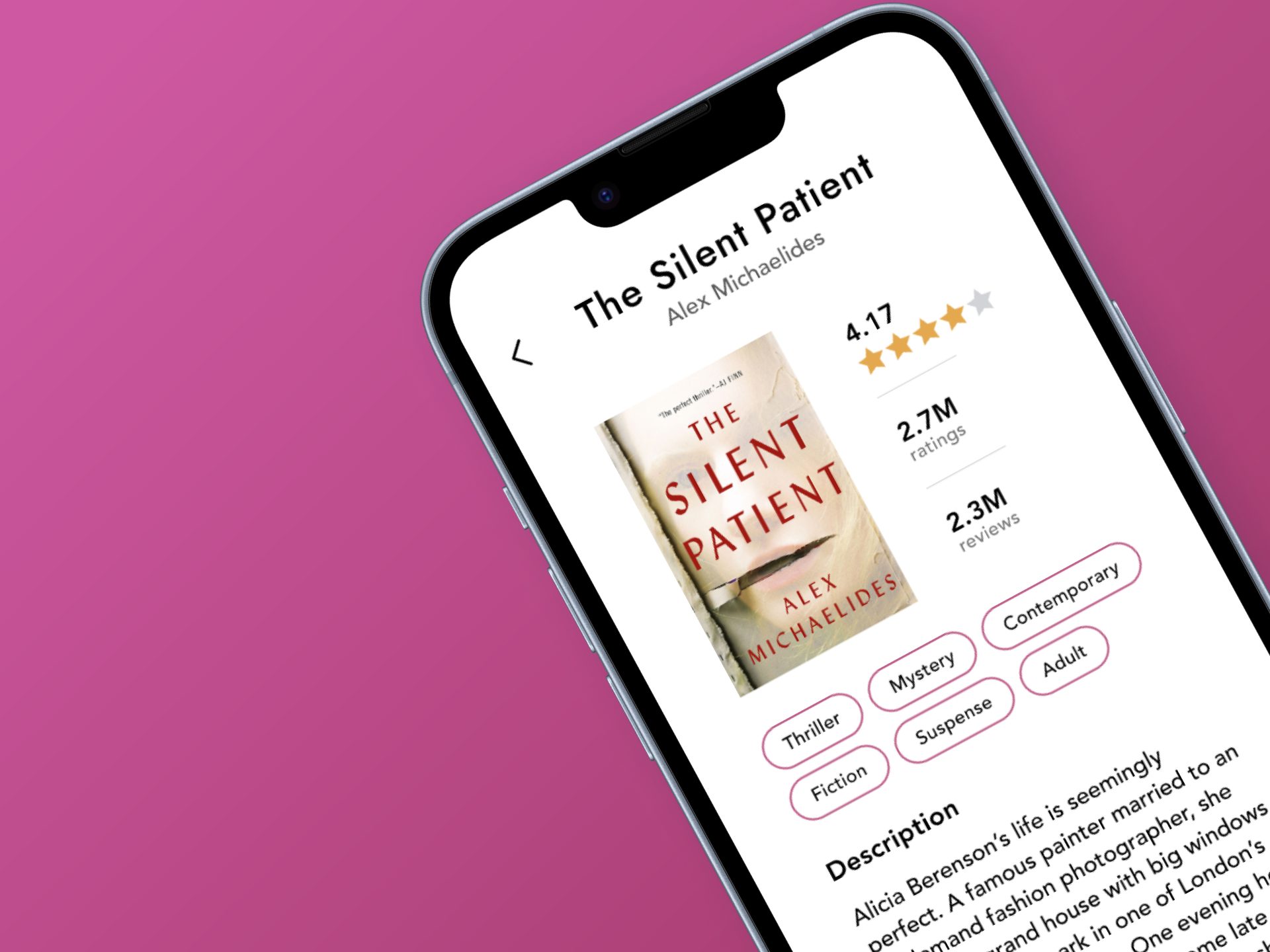
Designed an app that simplifies book discovery and enhances social reading experiences through personalized recommendations, reading goal tracking, and in-app sharing.
-
Role
Product Designer, UI Designer, UX Researcher
-
Team
3+ members
-
Tools
Figma, Miro, Abobe Illustrator
Case Study
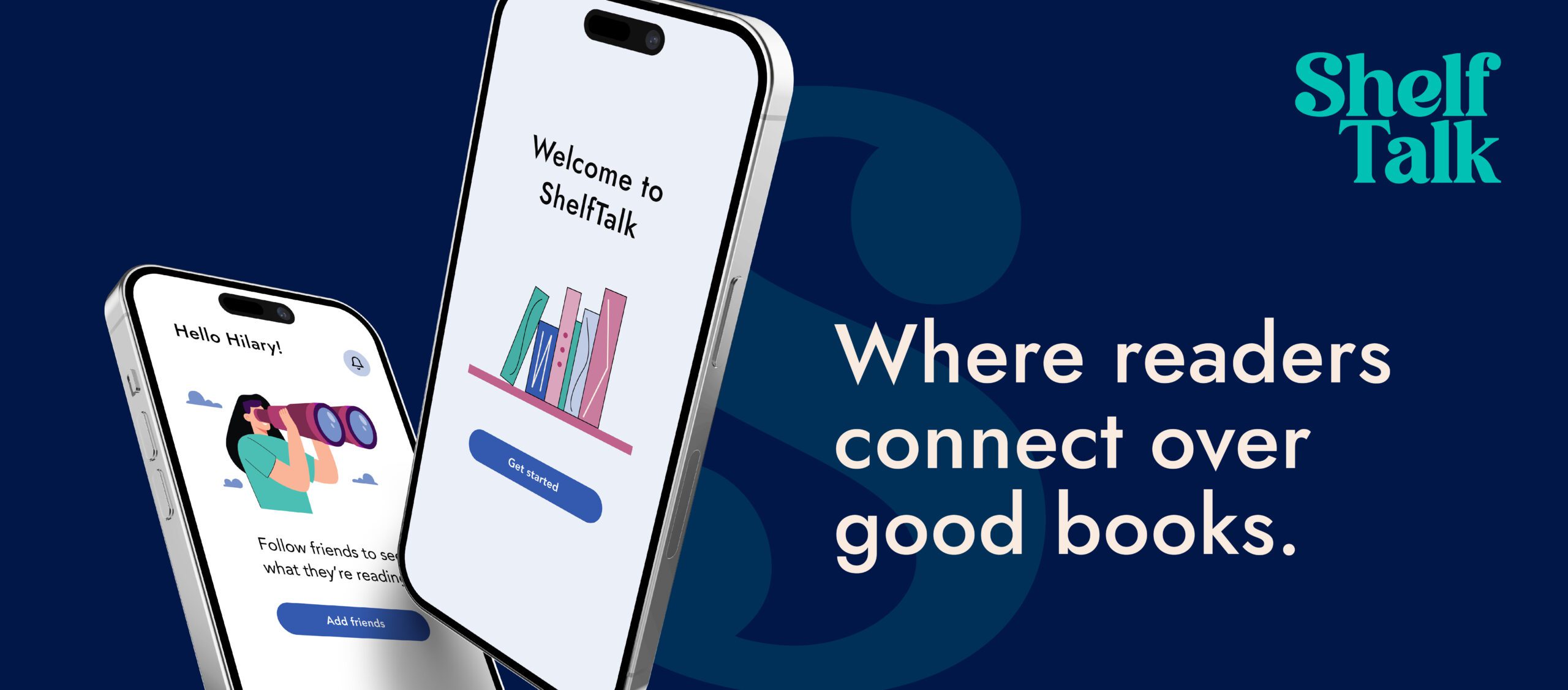
ShelfTalk is a reader-focused app that simplifies book discovery and sharing, turning a scattered experience into one of clarity and connection. Inspired by my own challenges with tracking reads and exchanging recommendations across messaging apps, ShelfTalk creates a dedicated space for book lovers to connect, share, and grow together.
Problem
Readers often rely on scattered tools and recommendations to manage their reading, making it hard to stay consistent, discover new books, or connect with others. There’s also a lack of platforms offering personalized suggestions based on reading history.
Goal
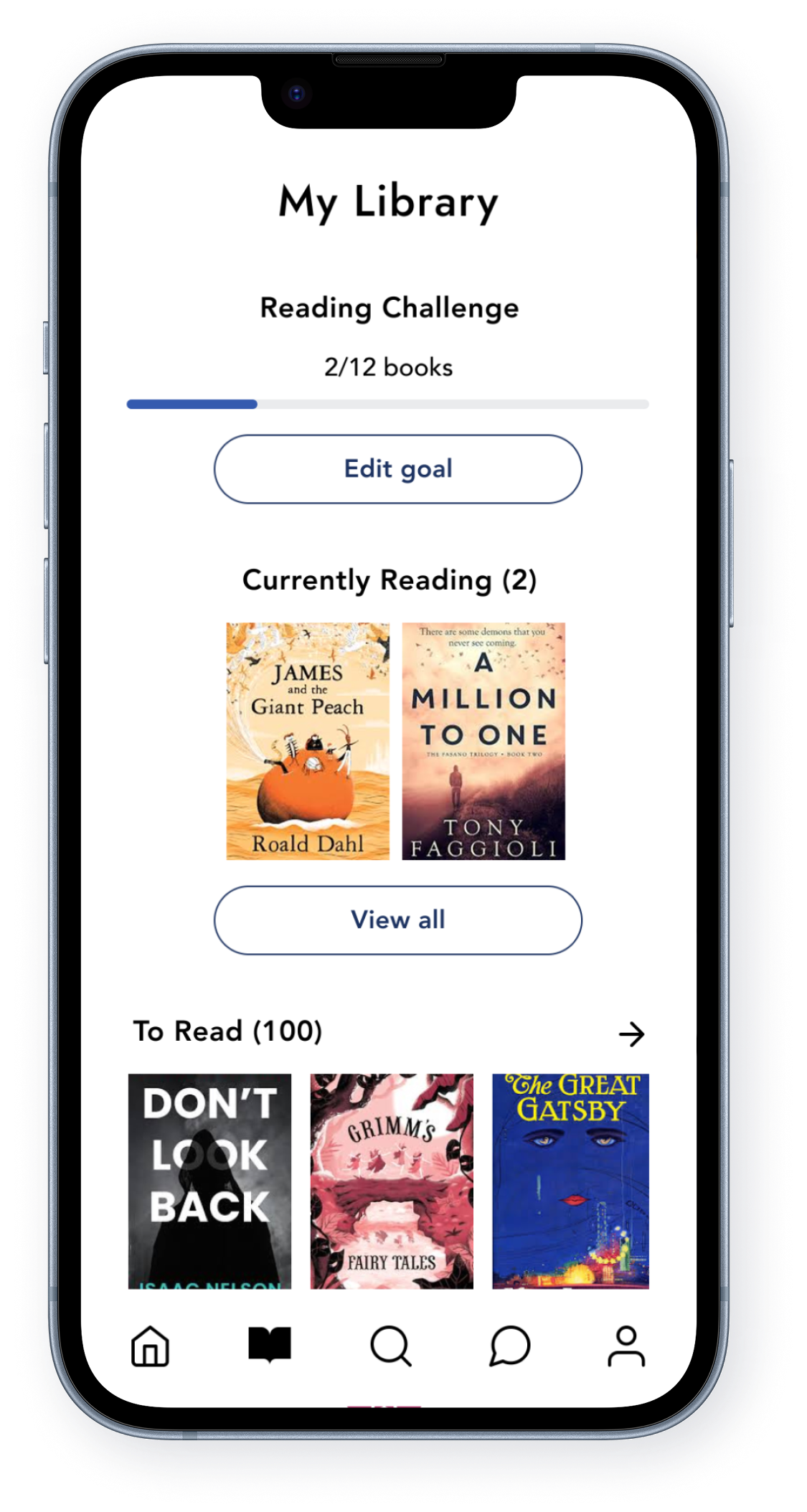
The app aims to centralize habit-building, reading lists, personalized recommendations, and community reviews—helping readers stay inspired and connected.
Target Audience
ShelfTalk is for avid and casual readers seeking consistent reading habits, personalized recommendations, and meaningful conversations with like-minded book lovers.
A Passion Project Rooted in Personal Experience
ShelfTalk began as a personal project inspired by my own reading challenges: managing scattered book lists, keeping track of recommendations, and finding a space to discuss books meaningfully. Frustrated by fragmented tools and conversations, I saw an opportunity to design a solution that brings clarity, consistency, and connection to the reading experience.
Success Metrics
80%
70%
55%
Contents
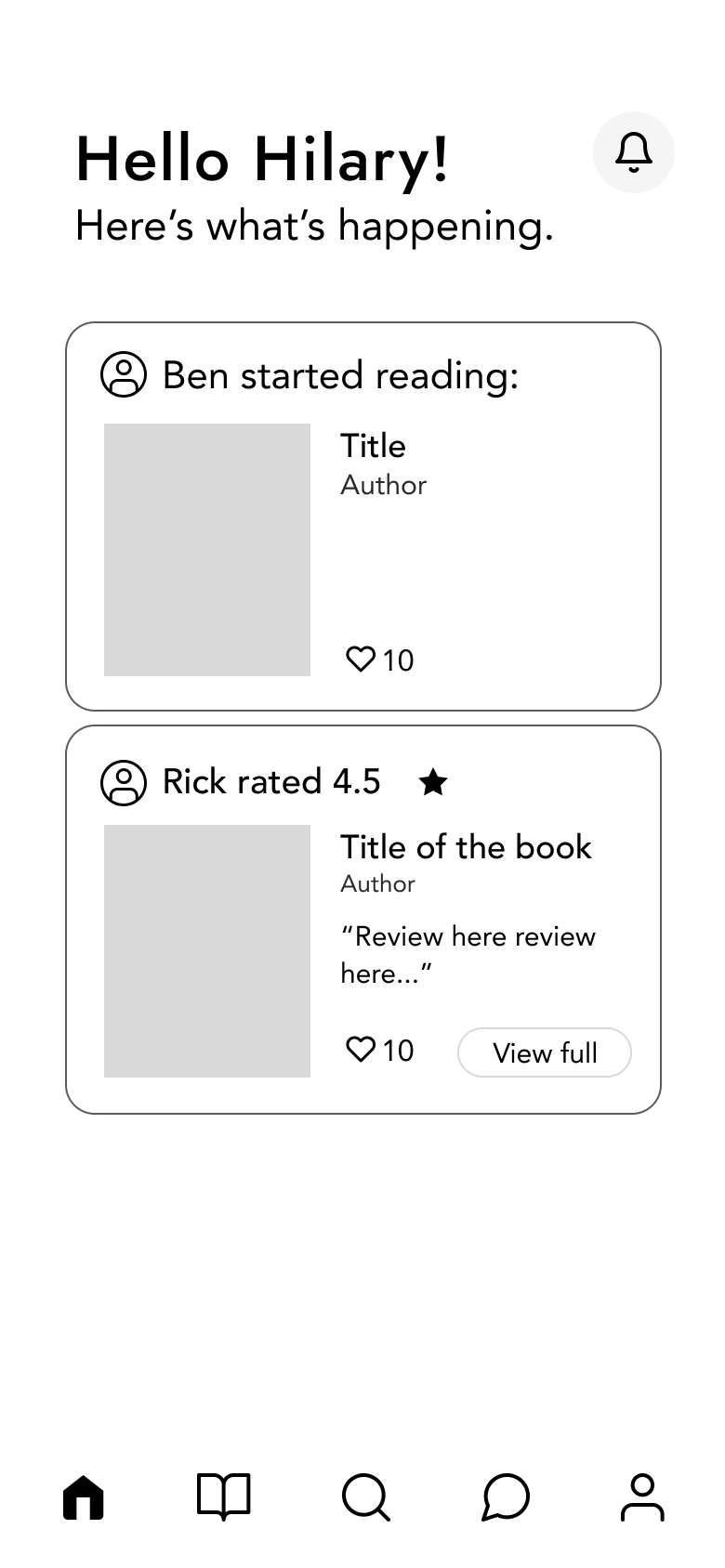
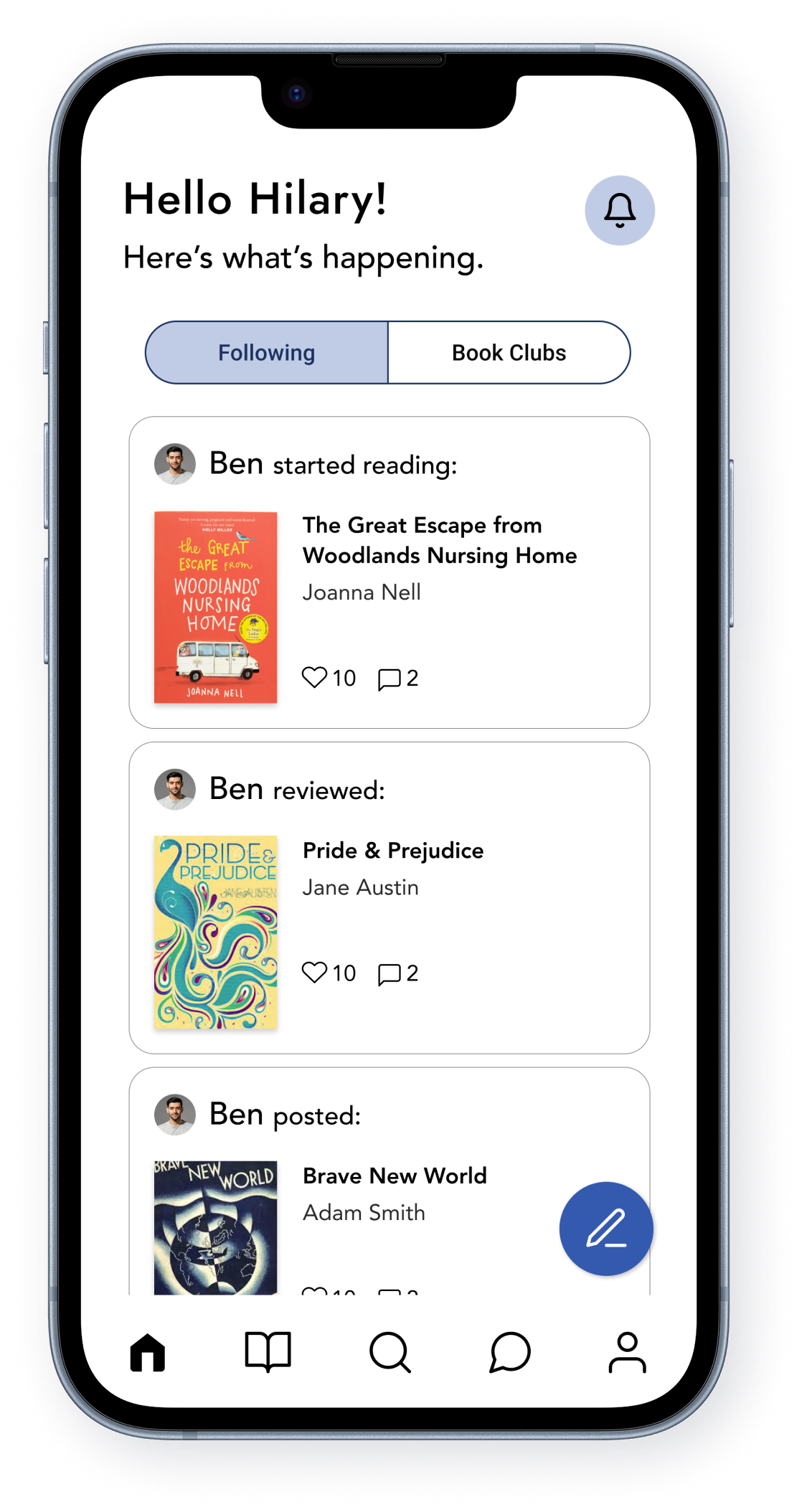
Know what your friends are reading.
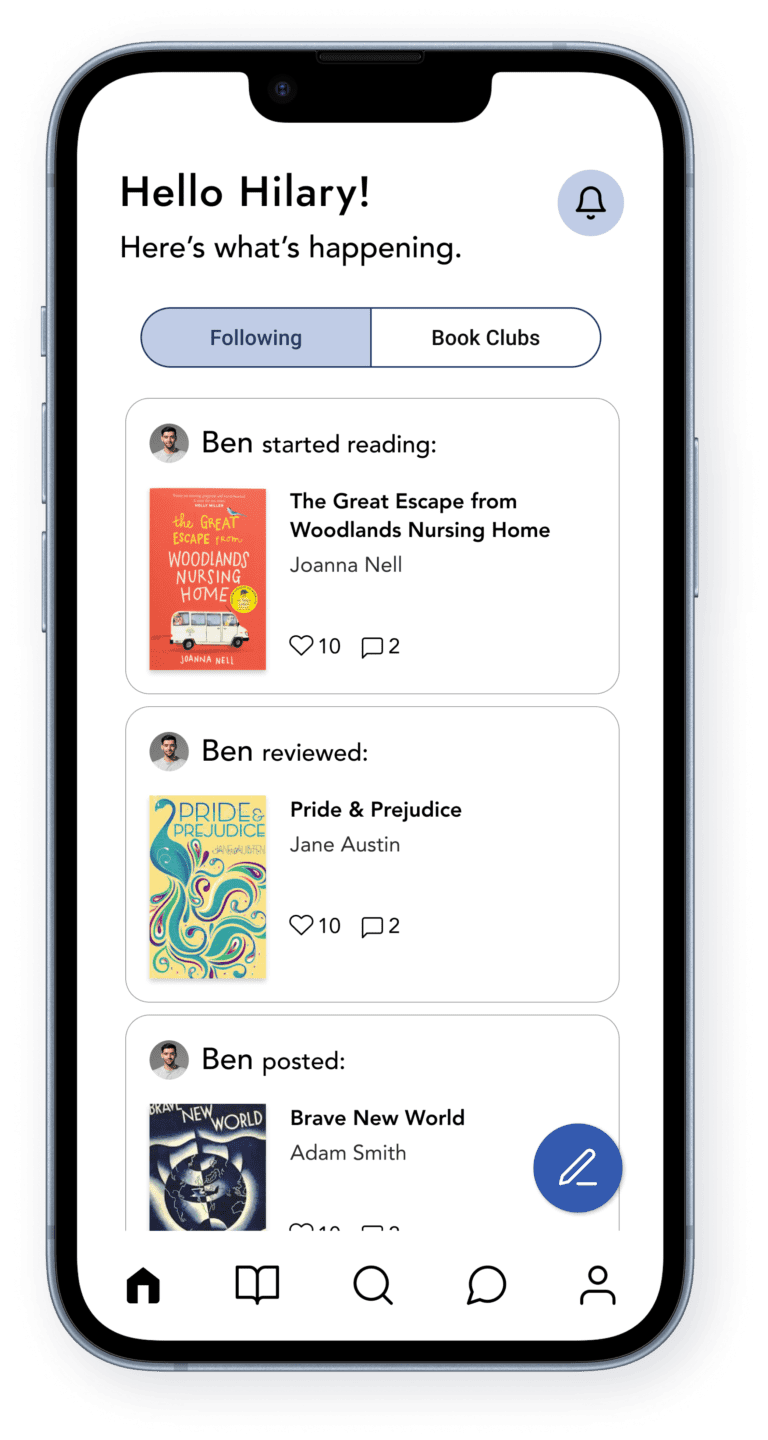
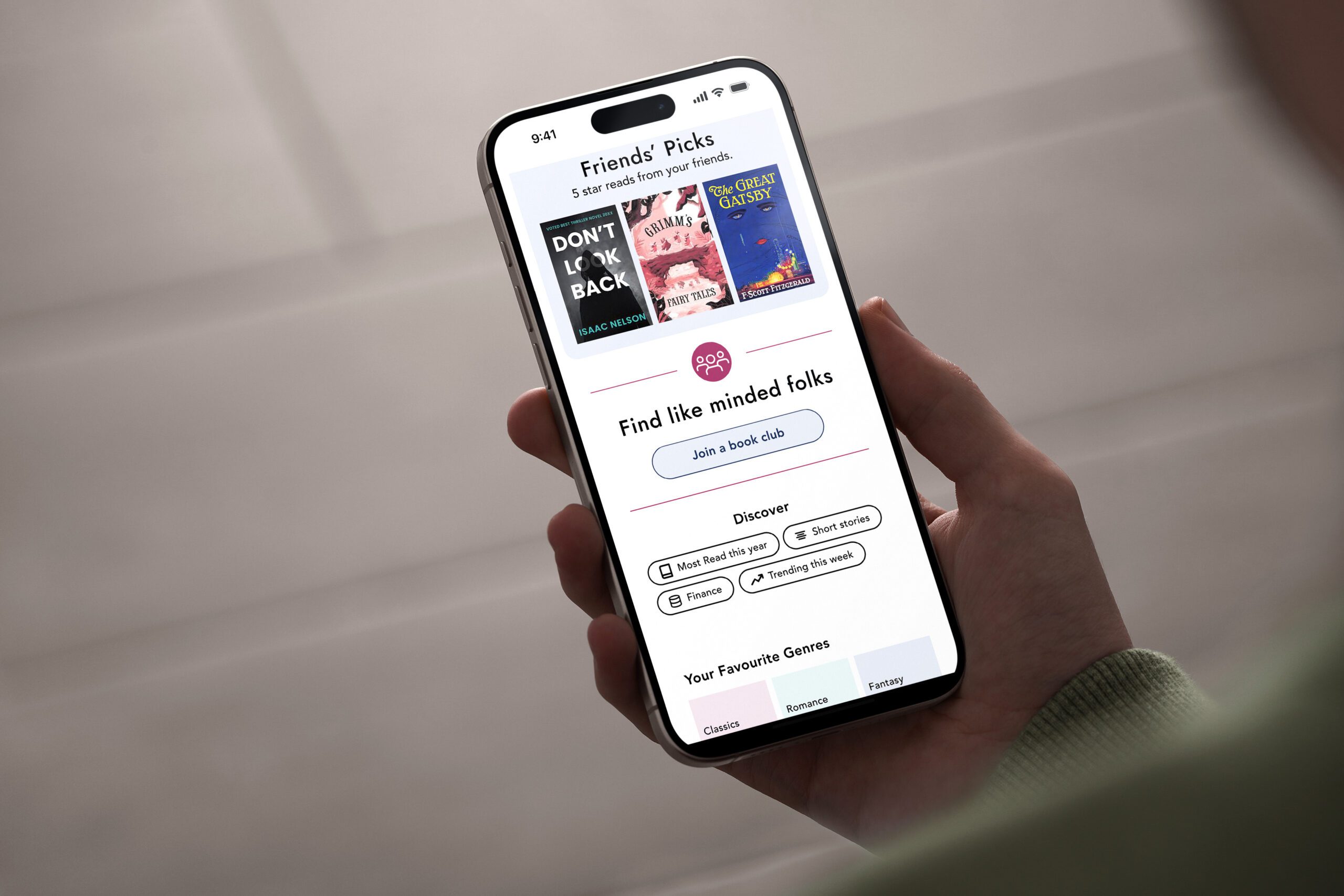
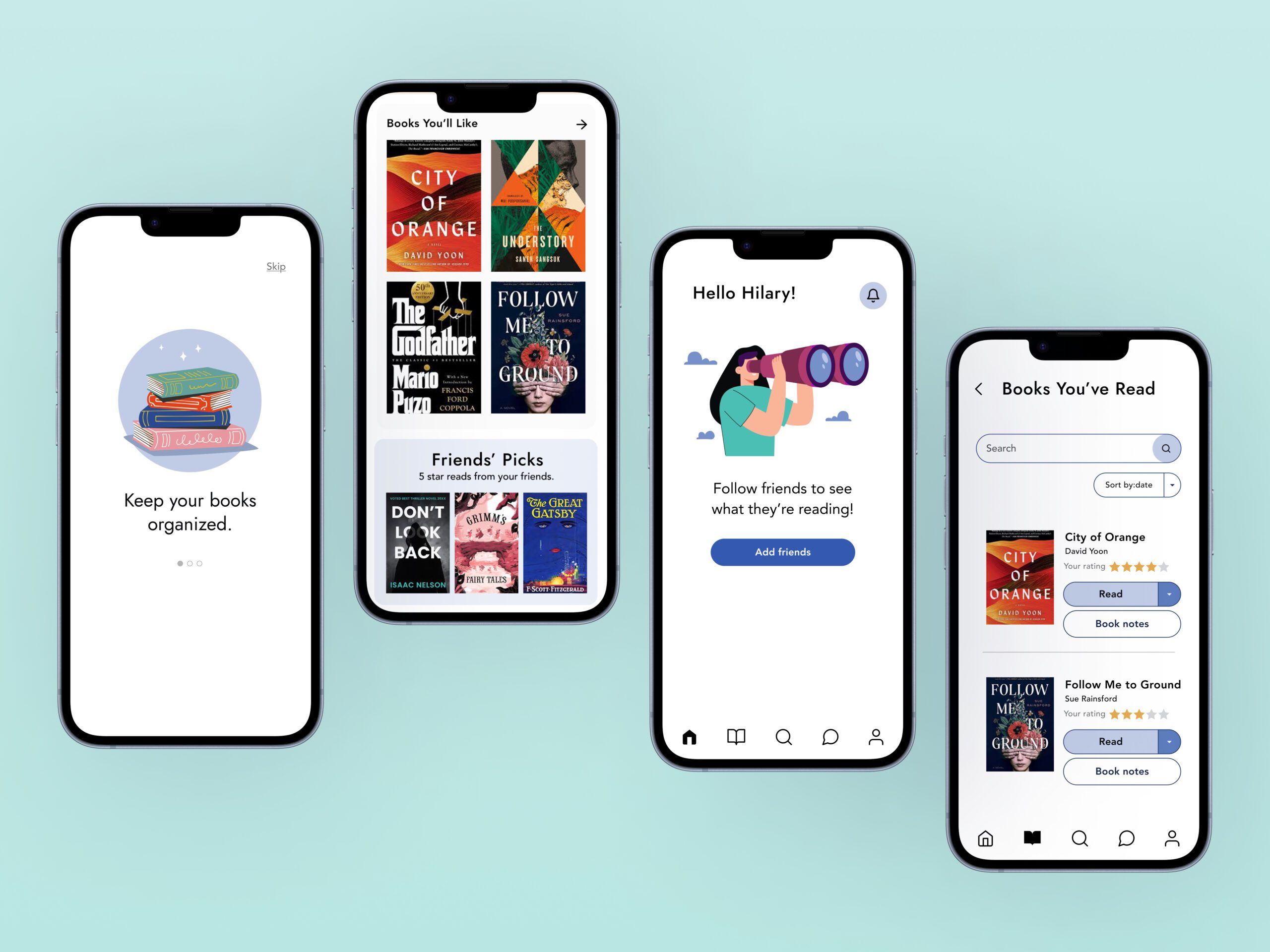
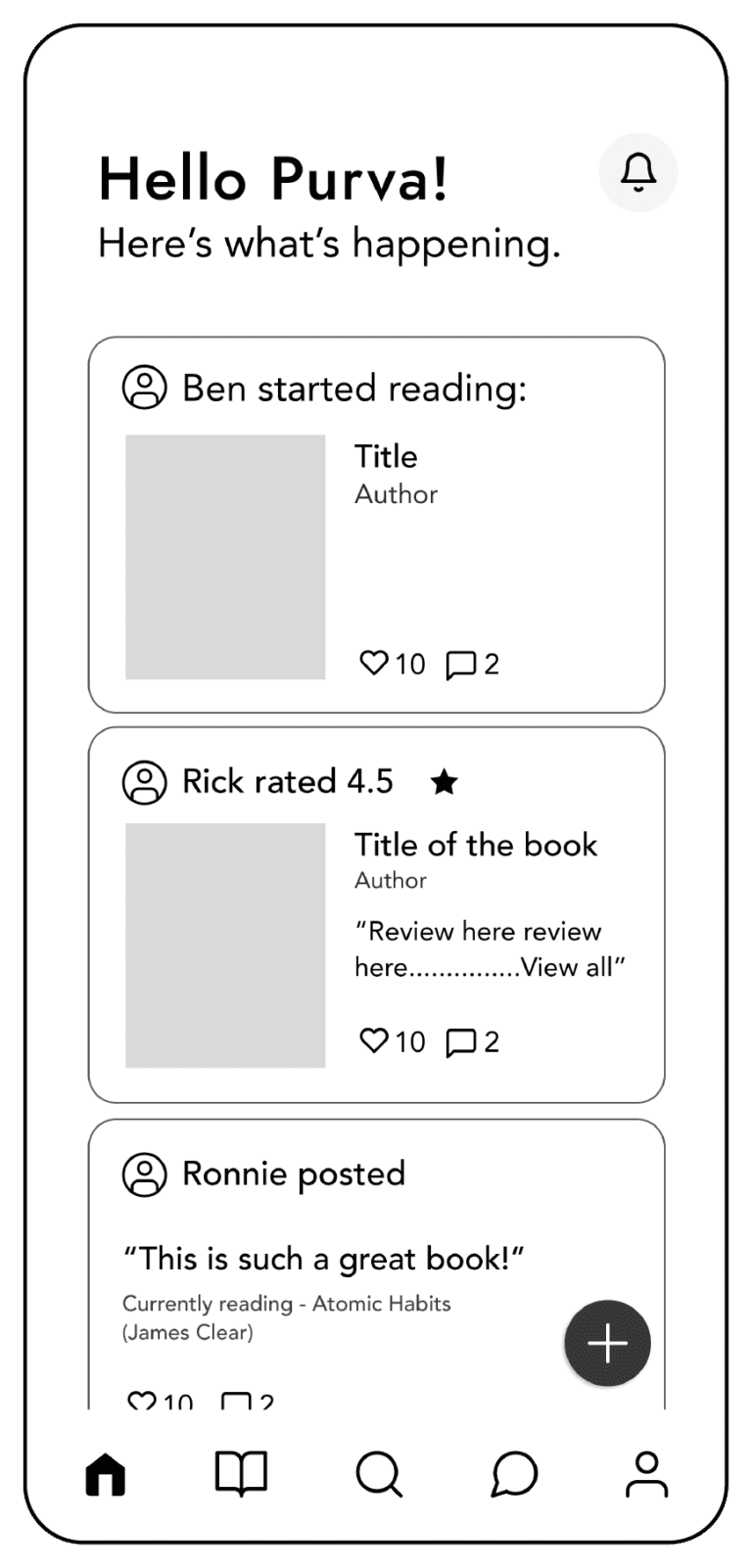
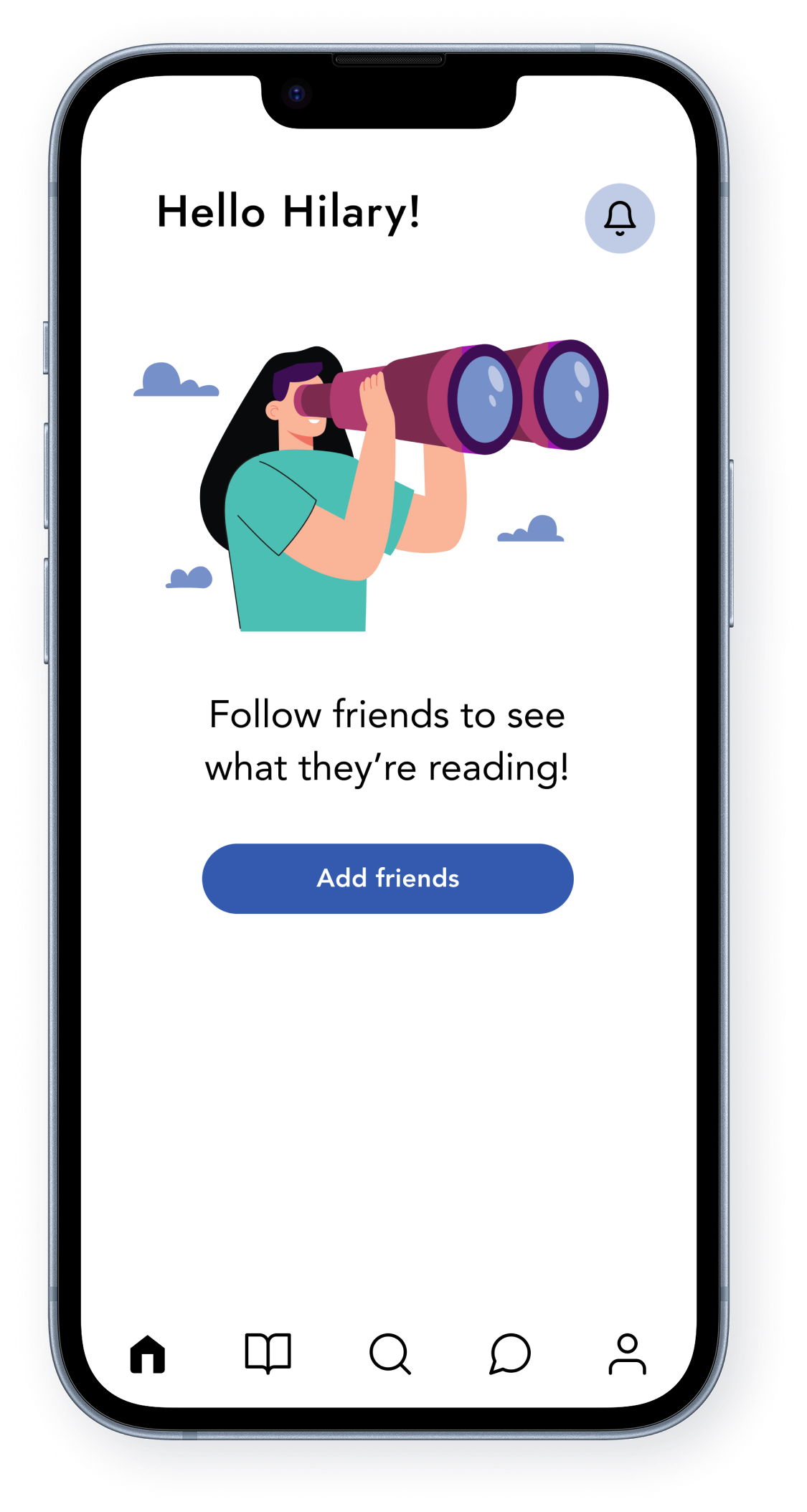
The Homepage is a personalized reading feed where users can see what their friends are reading, their reviews, and book-related posts, making discovery more social and engaging.
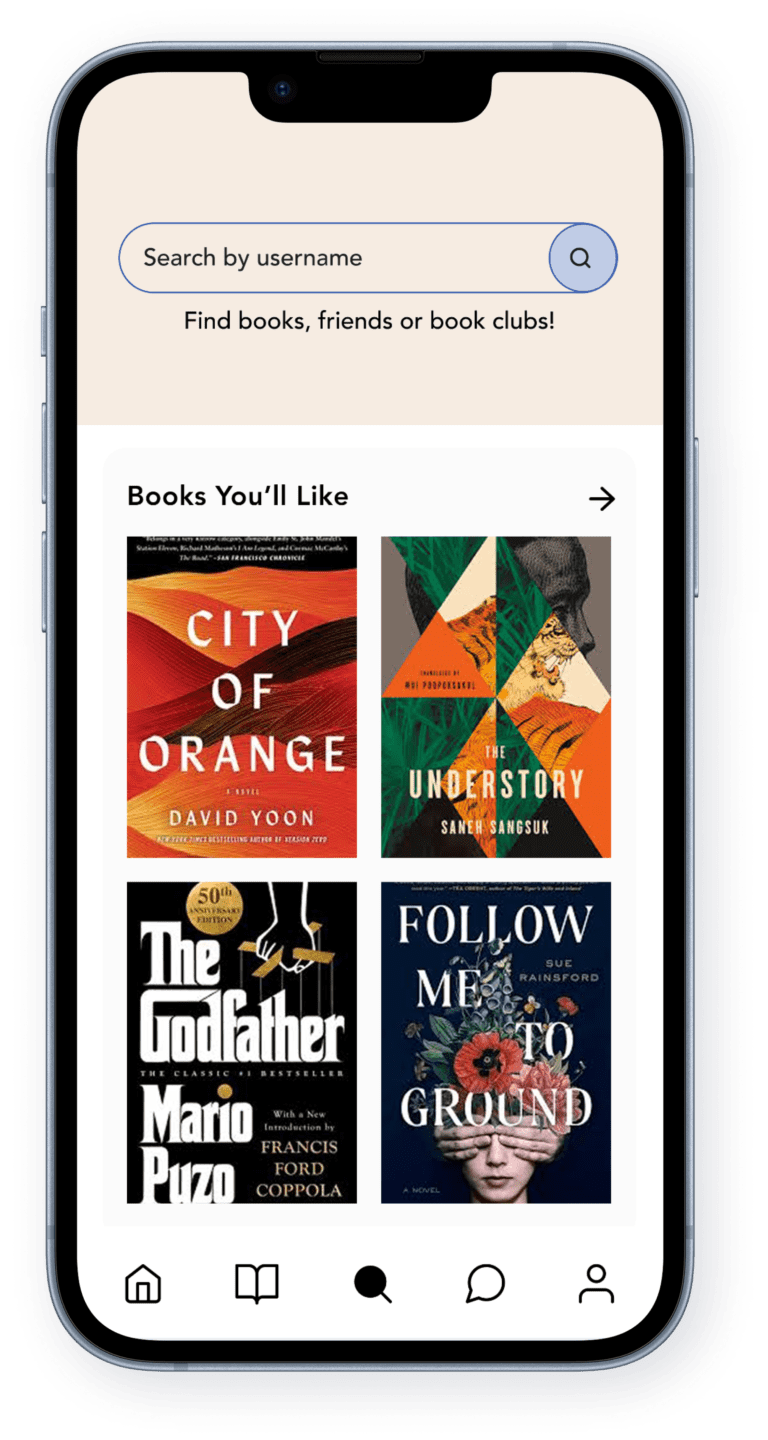
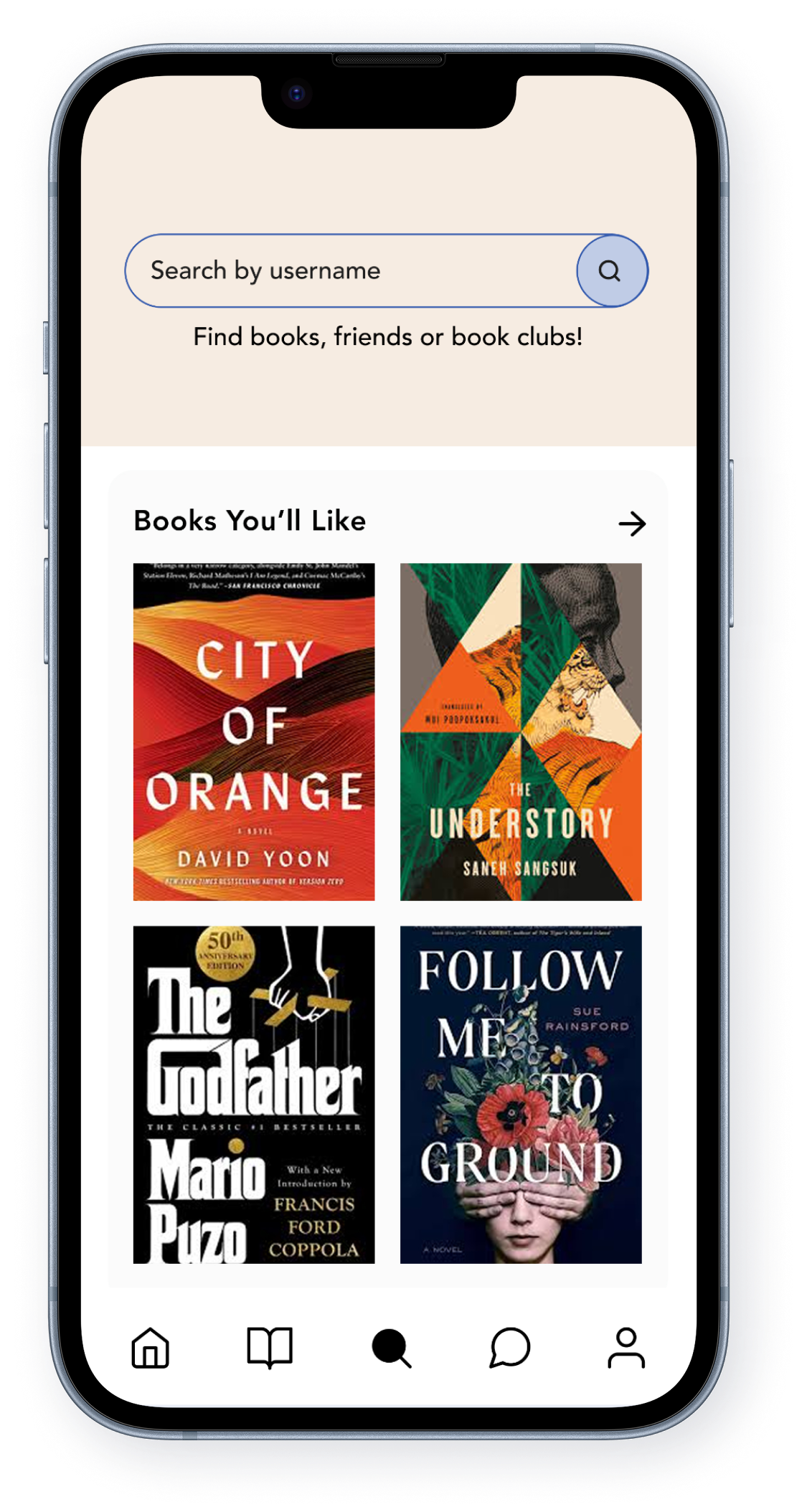
Personalised recommendations based on reading history
This feature tailors book suggestions based on user’s reading history, helping them discover new reads that match their interests and preferences.
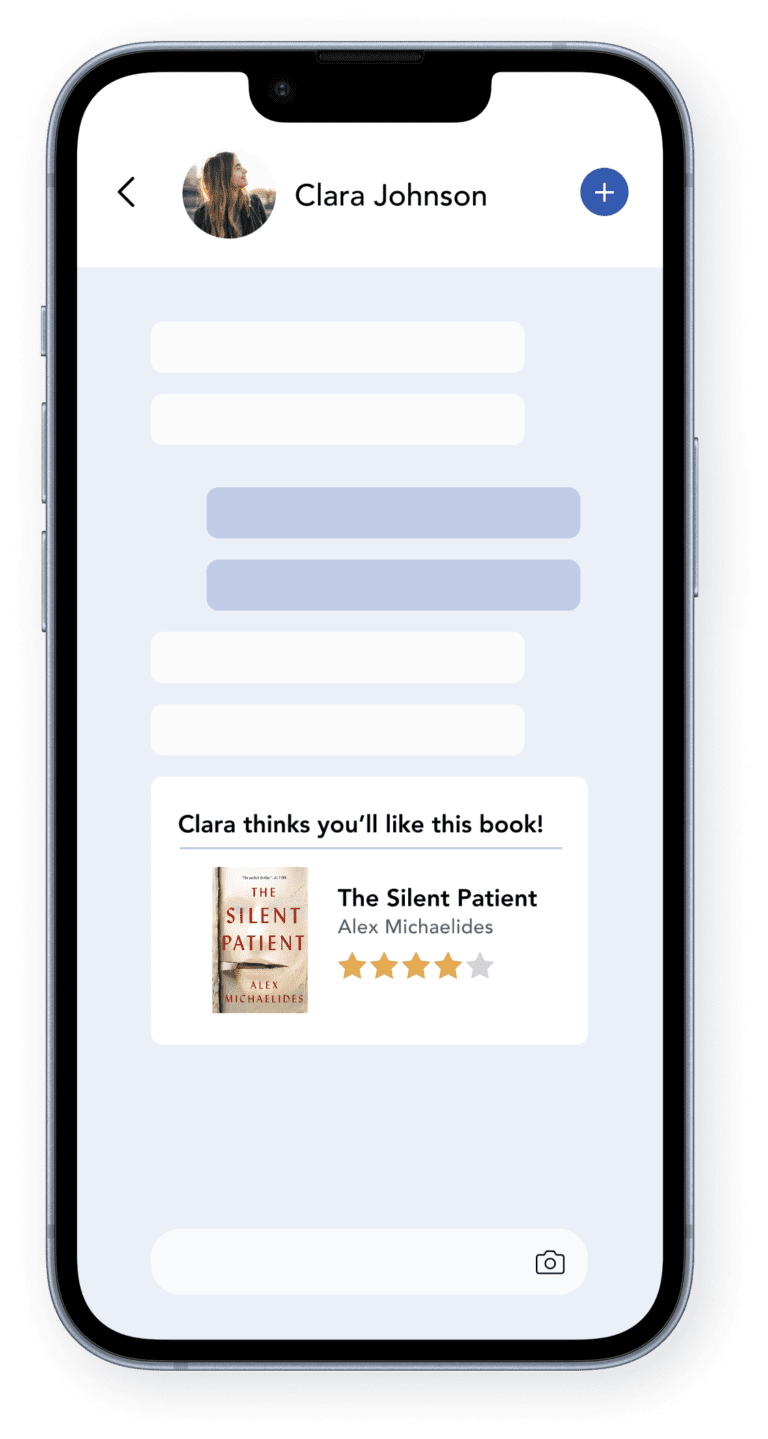
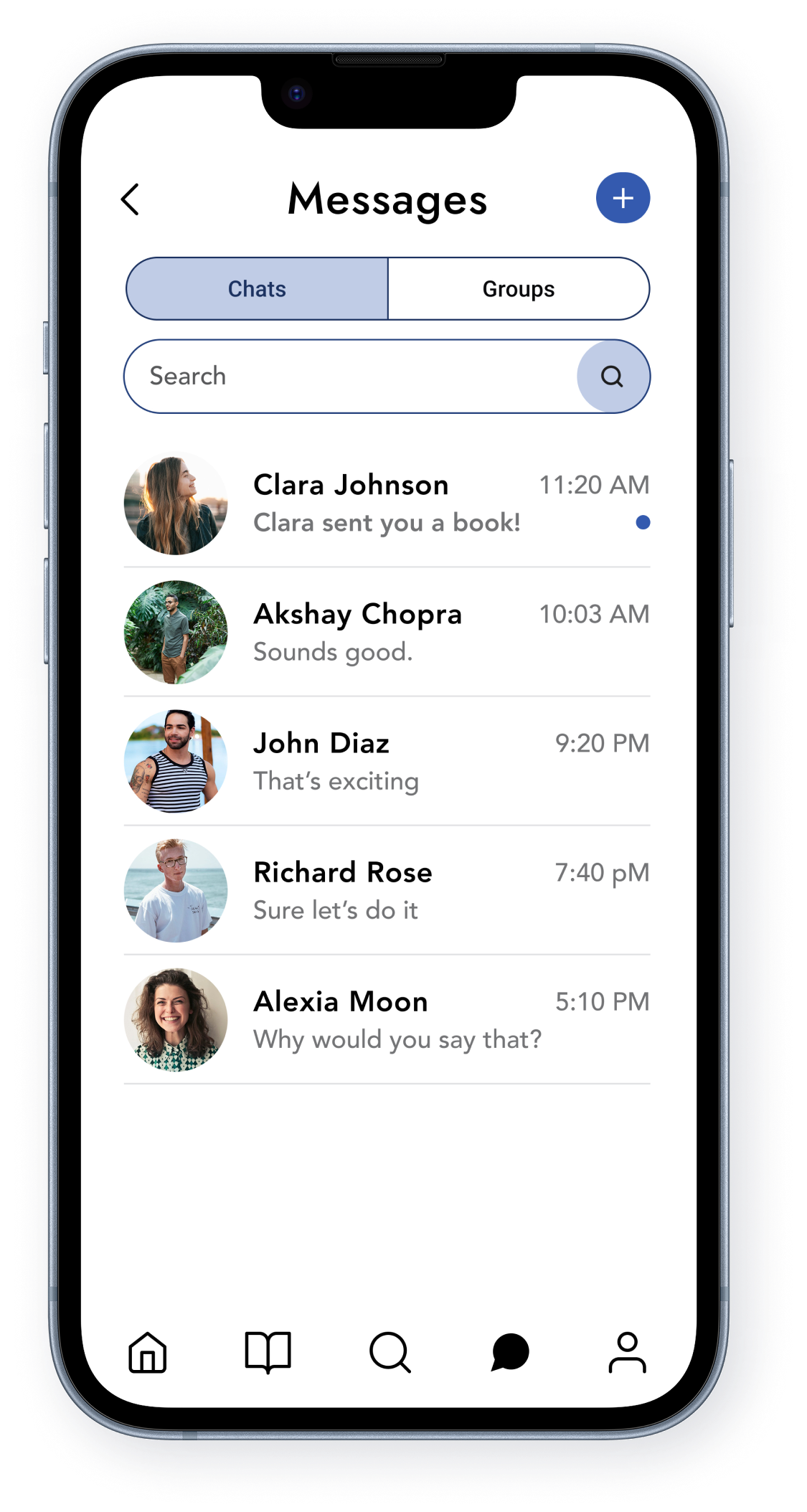
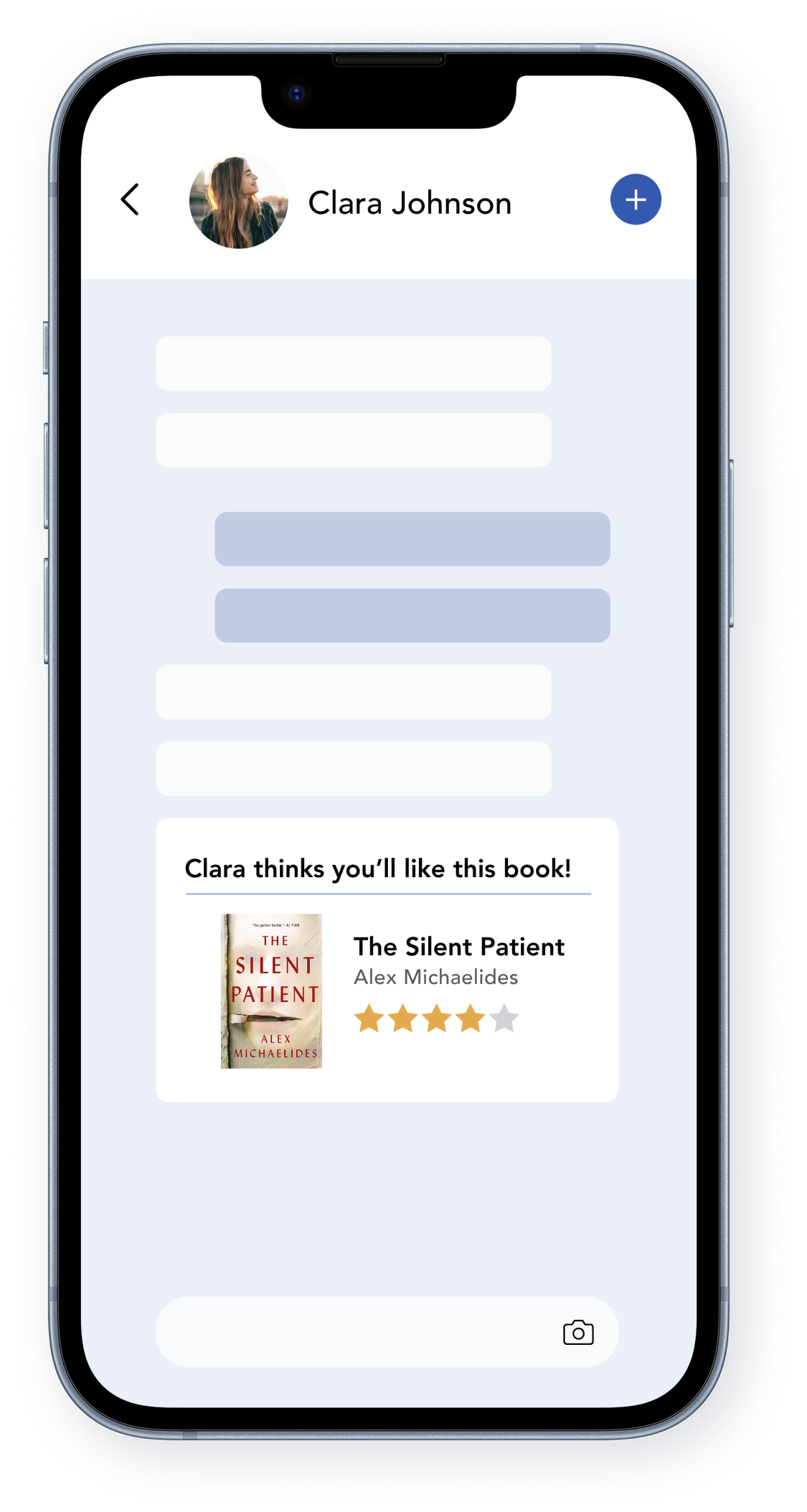
Share a book with your friend.
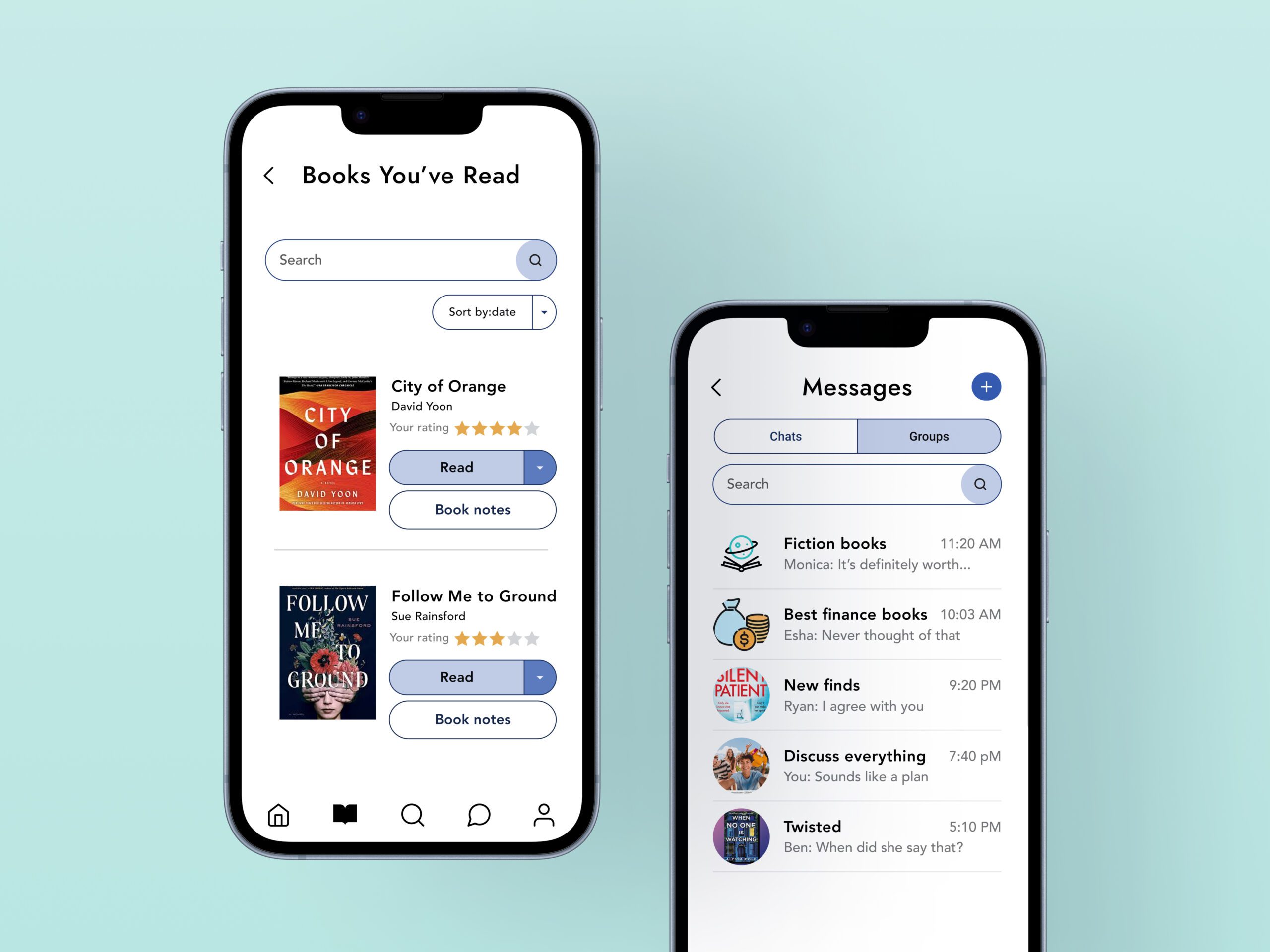
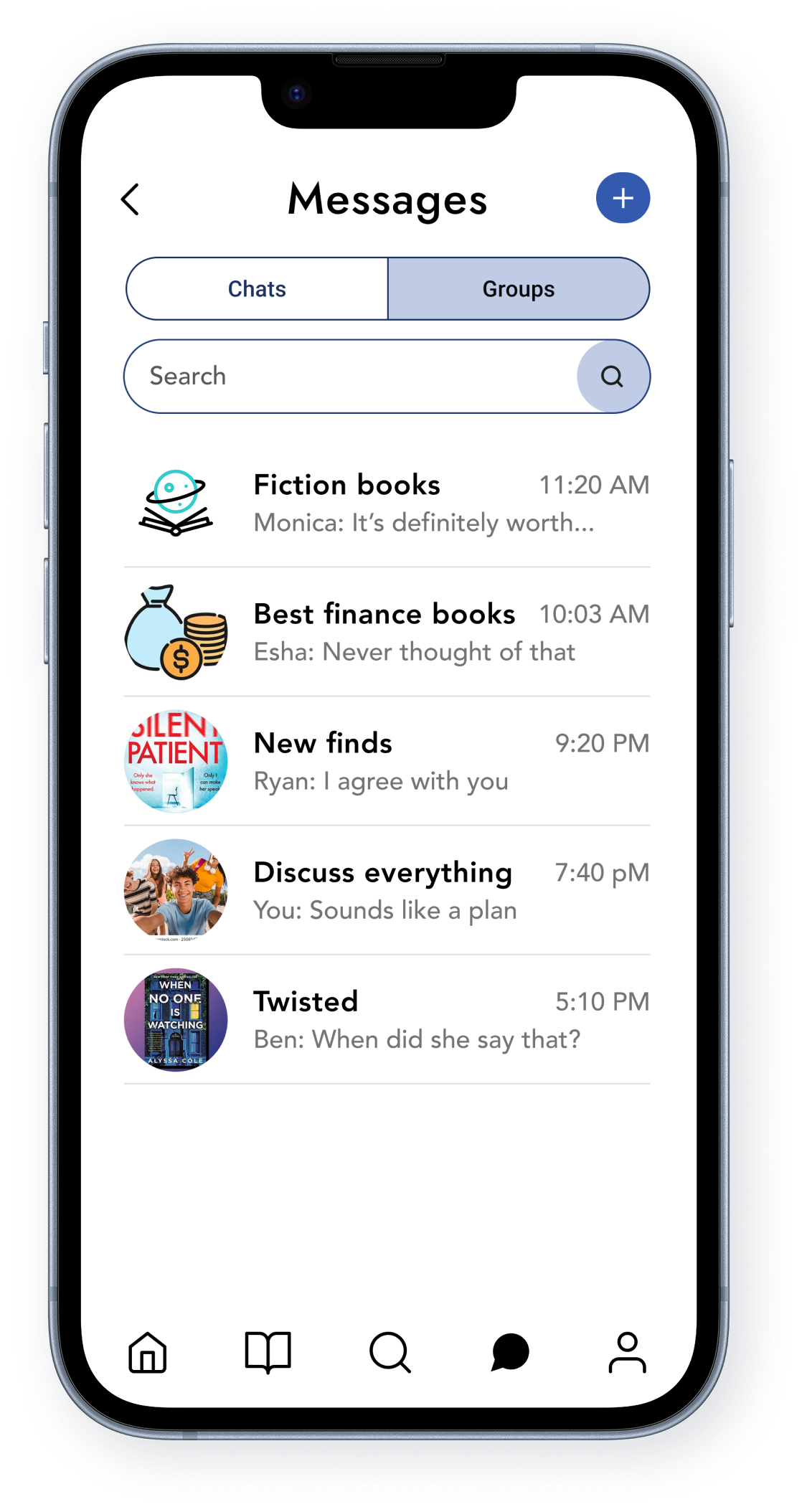
Easily send book recommendations to friends through in-app messaging. Whether it’s a must-read novel or a recent favorite, sharing books helps users discover and discuss great reads together.
Research Approach
My research combined competitive analysis and user research, allowing me to gather insights that guided the design decisions for the ShelfTalk app.
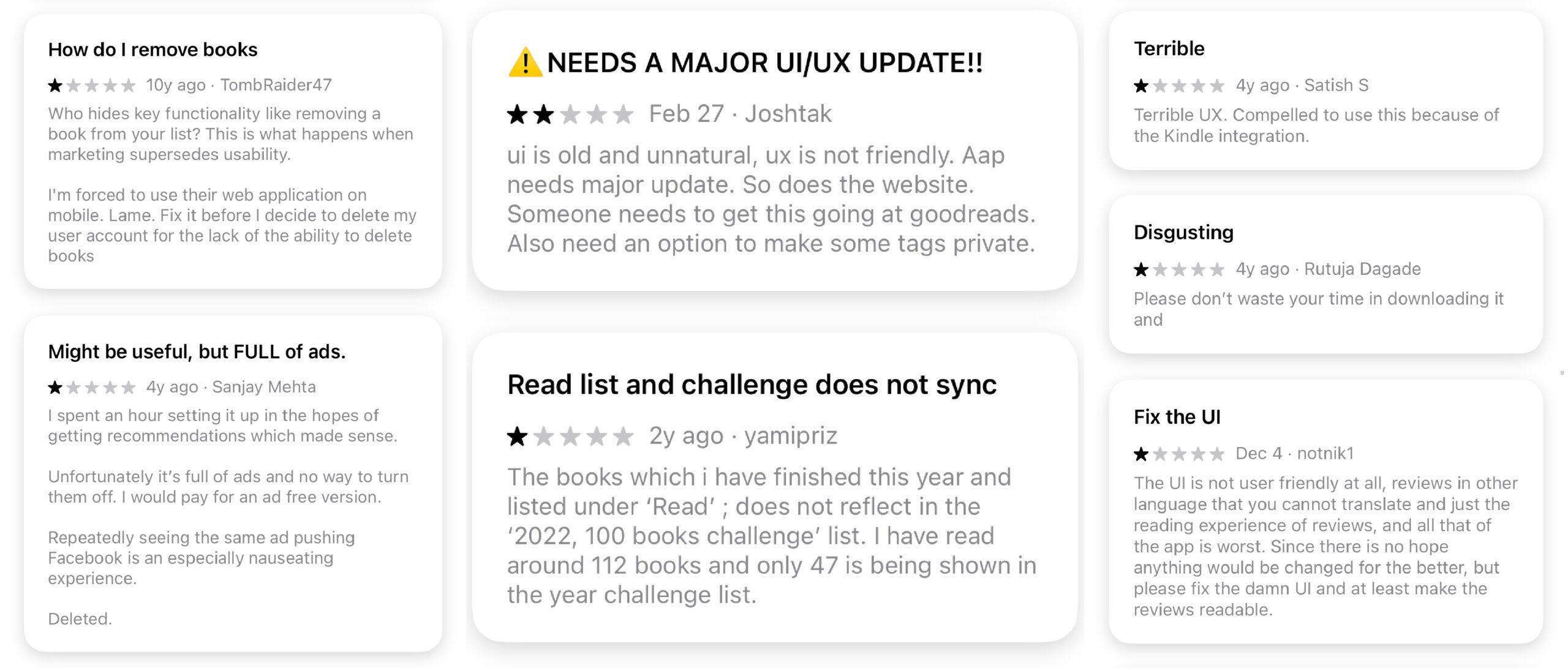
To understand user pain points and opportunities for improvement, I analyzed competitor platforms and gathered direct user feedback. This helped identify key usability issues, engagement barriers, and areas where the user experience could be enhanced.
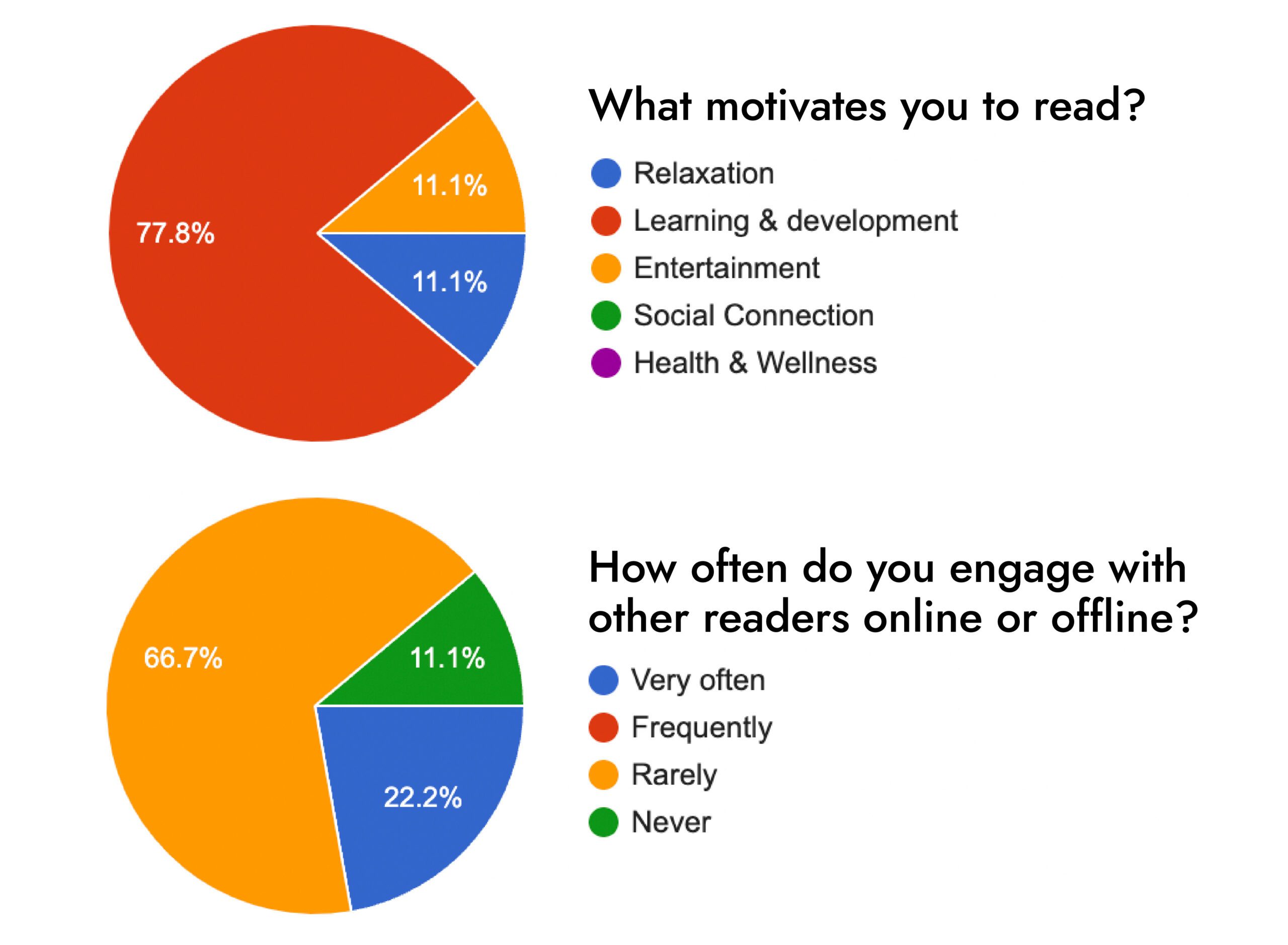
This is a glimpse into the research I conducted with users who fit the target audience. These insights helped me better understand their motivations, reading habits, and engagement preferences, allowing me to design a more tailored experience.
Research Goals
To guide the design of ShelfTalk, I defined research goals focused on understanding user behavior and needs. These included identifying challenges in book discovery, tracking reading goals, and engaging with communities. I also explored what users value in similar apps, the gaps they experience, and features that could encourage consistent participation, such as reminders or gamification.
Research Findings
78%
67%
of the participants rarely engage with other readers online while 22% do it frequently.
88%
of the participants preferred casual discussions as opposed to structured book clubs.
67%
of the participants reported that online book ratings, reviews and community discussions influence their book choices.
67%
of the participants do not use any apps to track their reading habits or lists, whereas 33% use Goodreads.
88%
reported that their tools (Goodreads, reminders, spreadsheets) were of little or no help to track their reading goals.
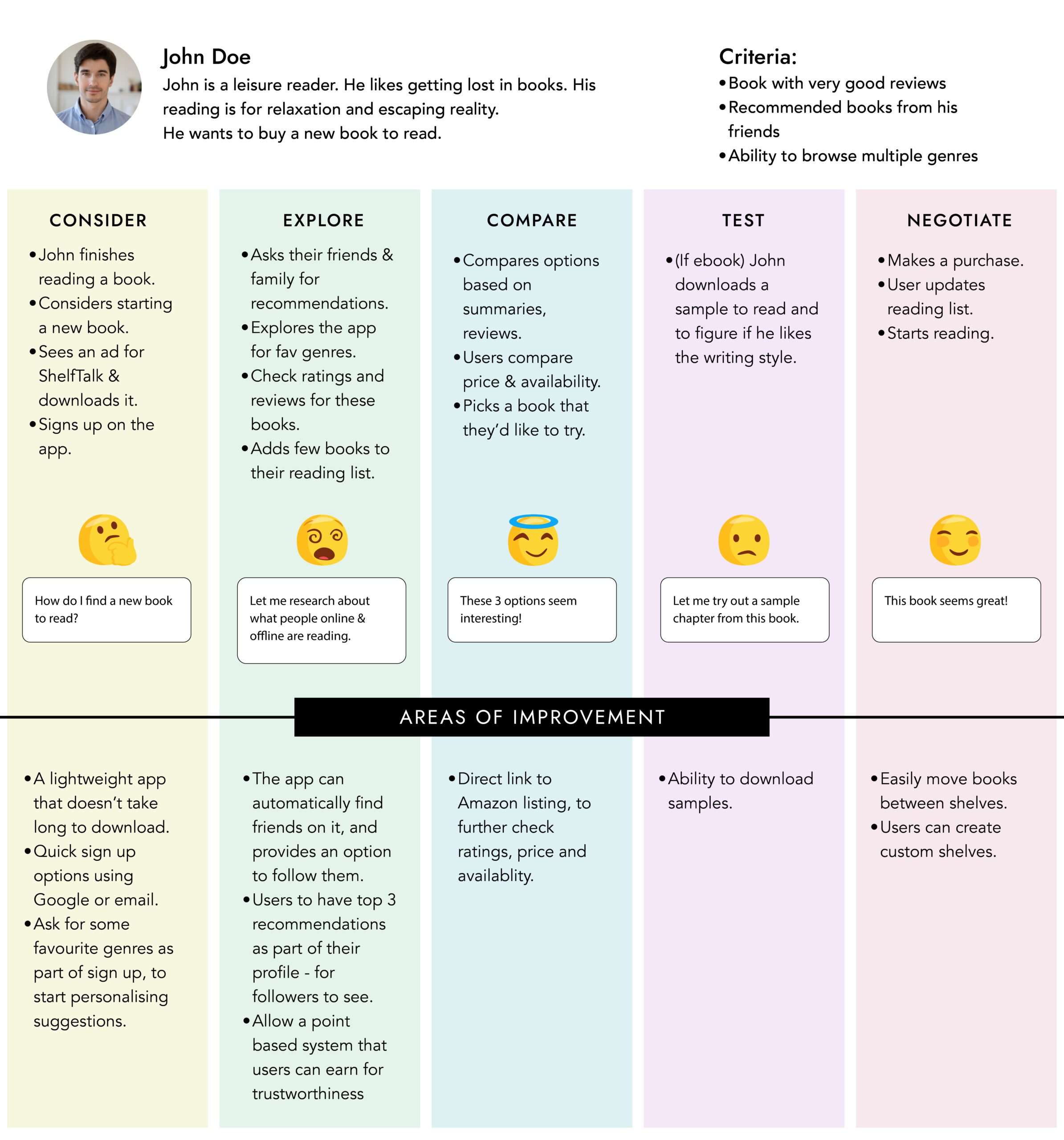
User Journey Map
I created a user journey map to understand user pain points and areas of improvement.
Affinity Diagram
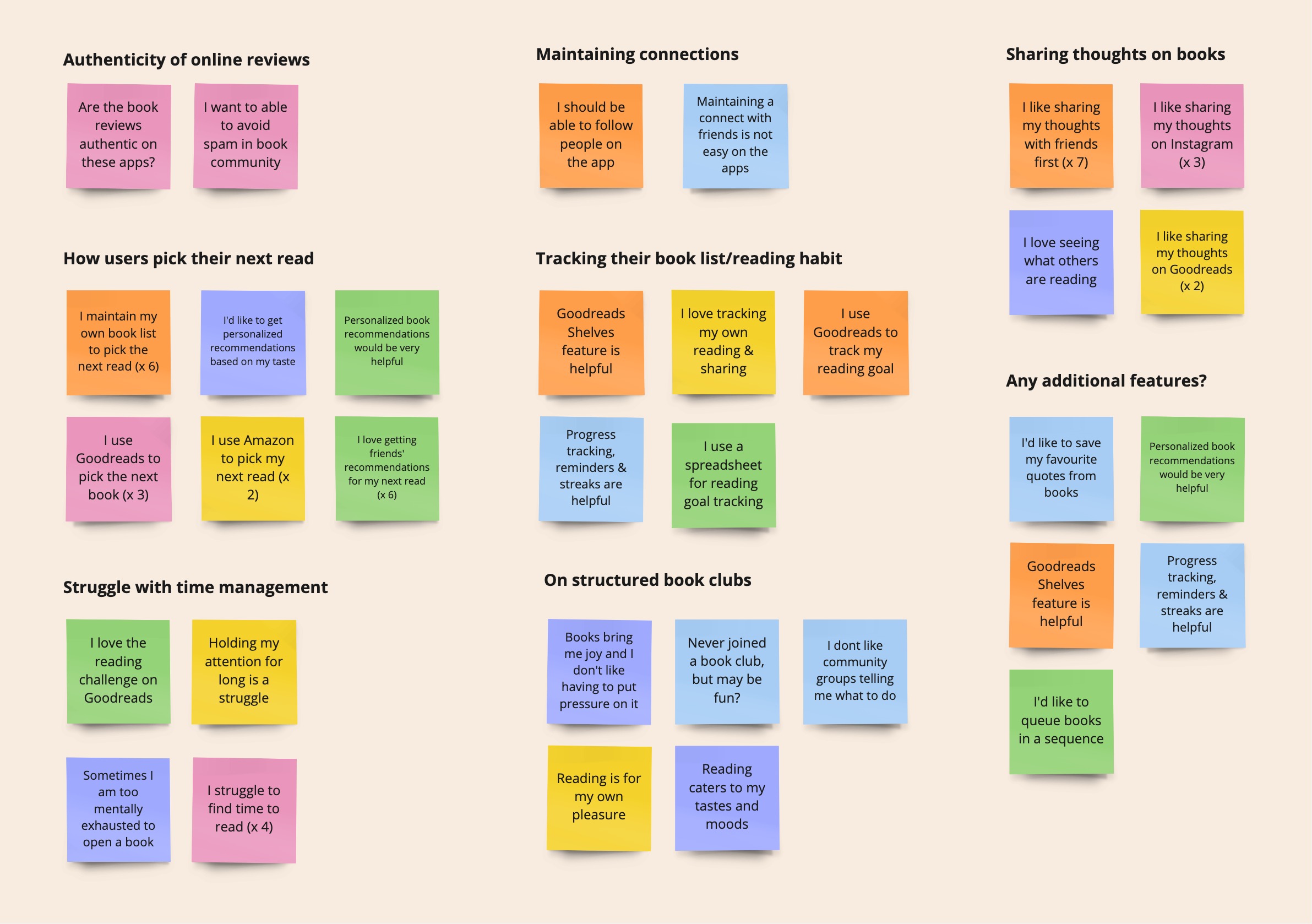
From answers gathered from participants, I found common themes that gave me insights for the design process.
User Flow
I created this user flow for ShelfTalk to map user navigation and key actions like book discovery, tracking progress, and social engagement. It helped identify friction points and streamline the experience, ensuring a seamless and intuitive journey.
Site Map
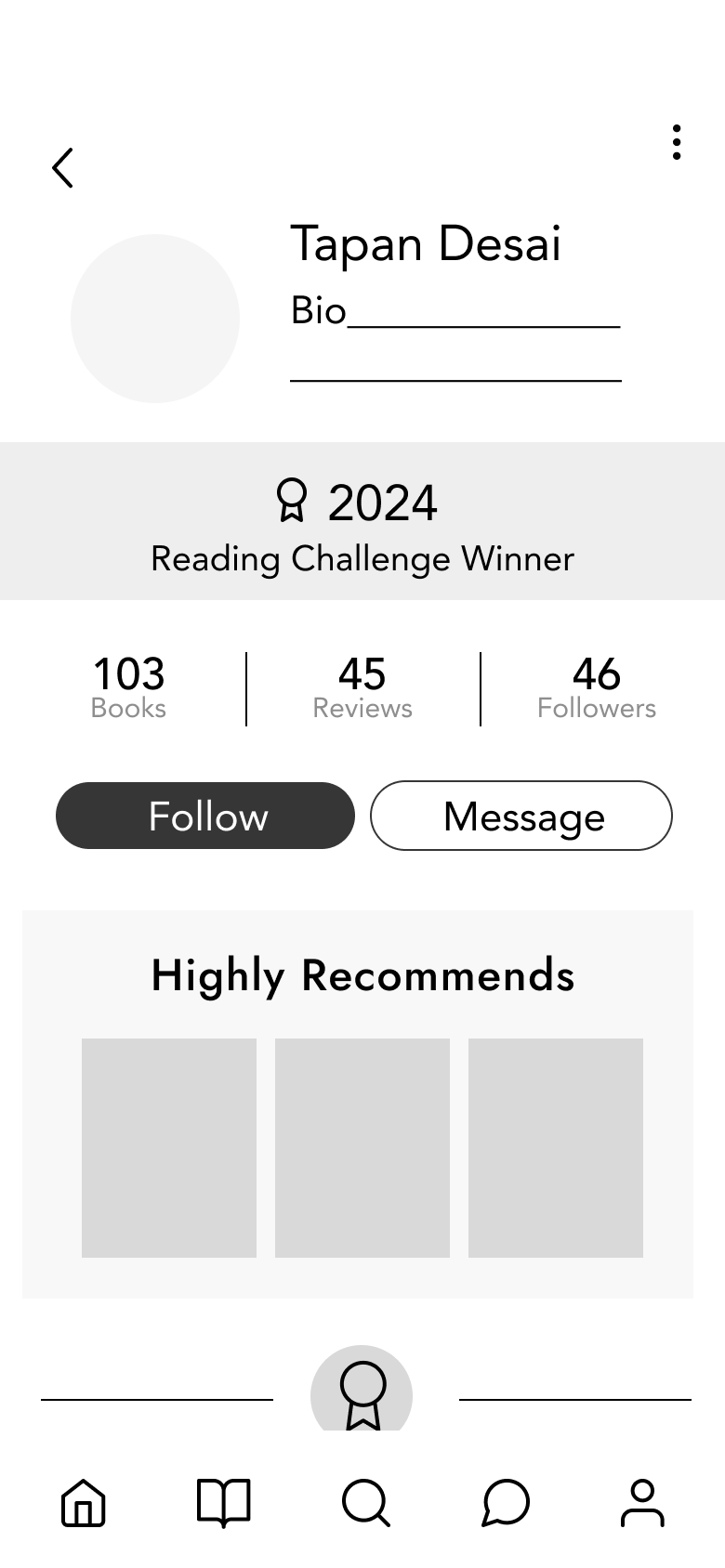
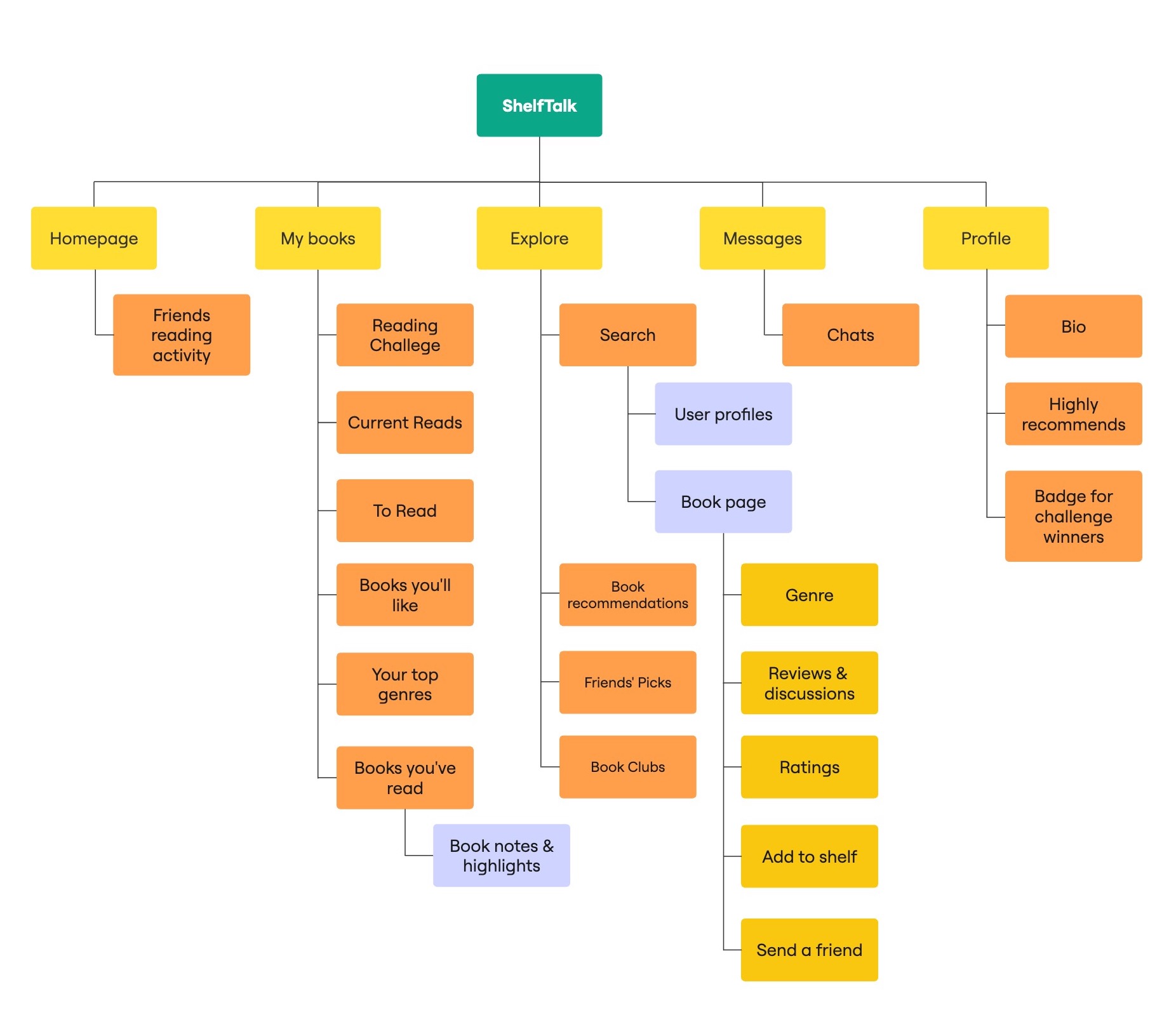
I created a site map to establish a clear information hierarchy and ensure seamless navigation. It helped me organize key features like book discovery, reading challenges, social interactions, and user profiles, making it easier for users to find what they need. This structure allowed me to streamline user experience and optimize content accessibility.
Wireframes
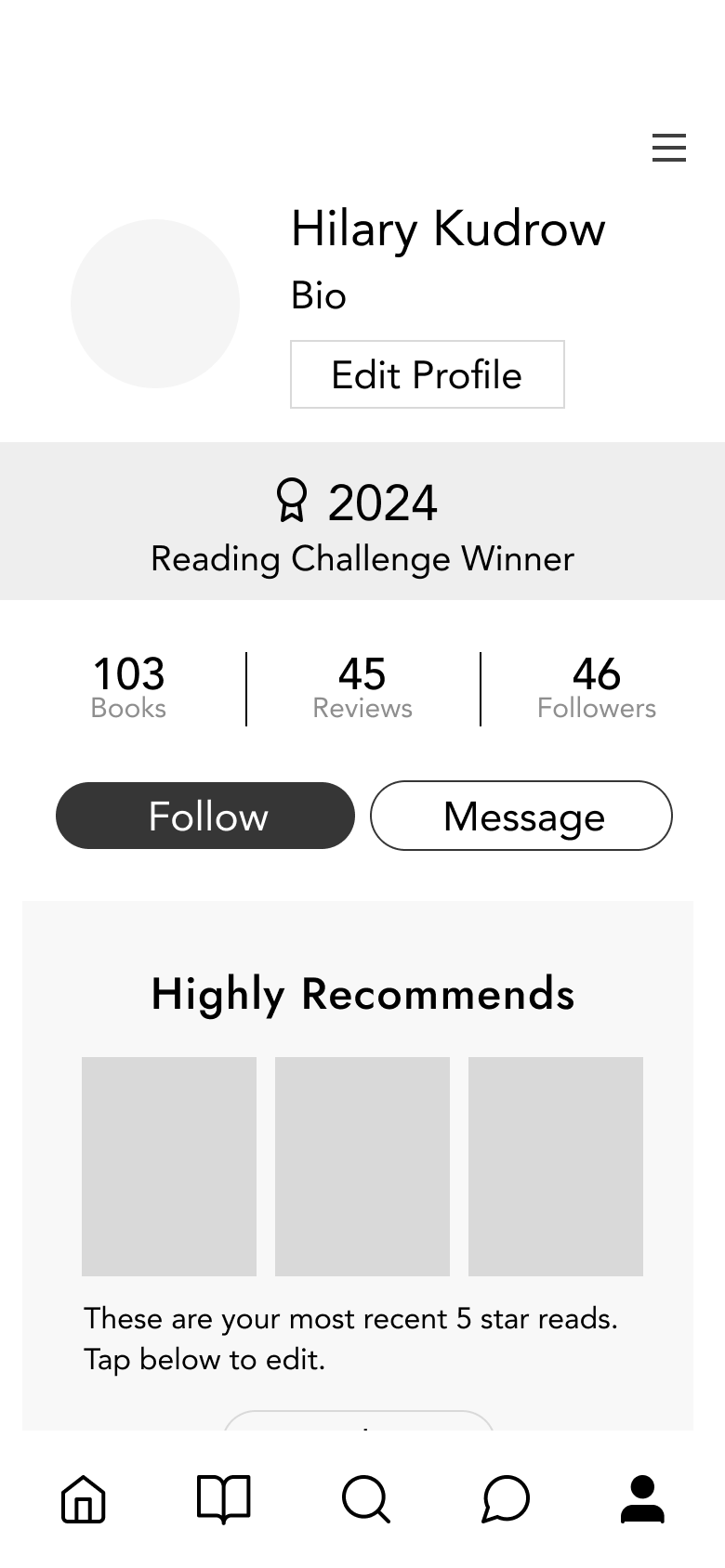
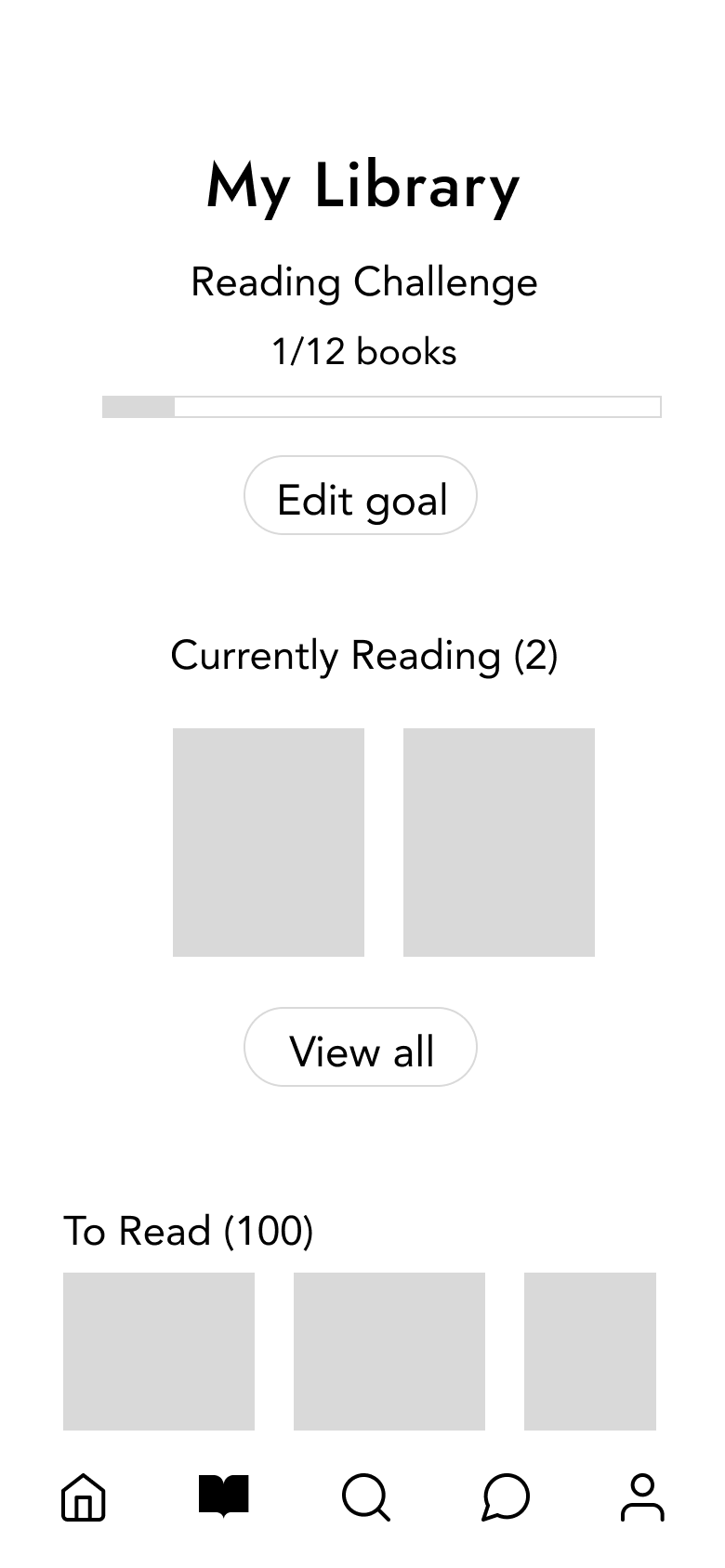
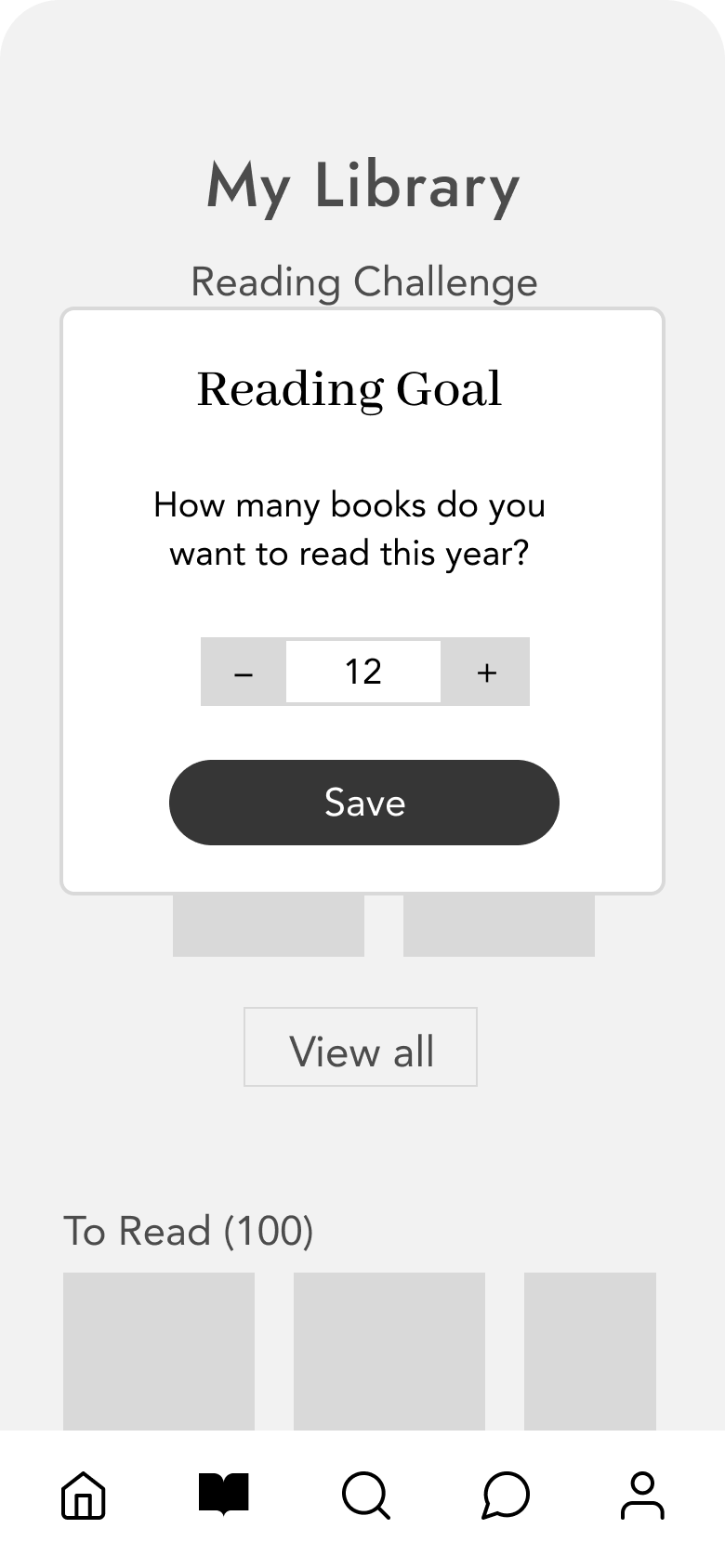
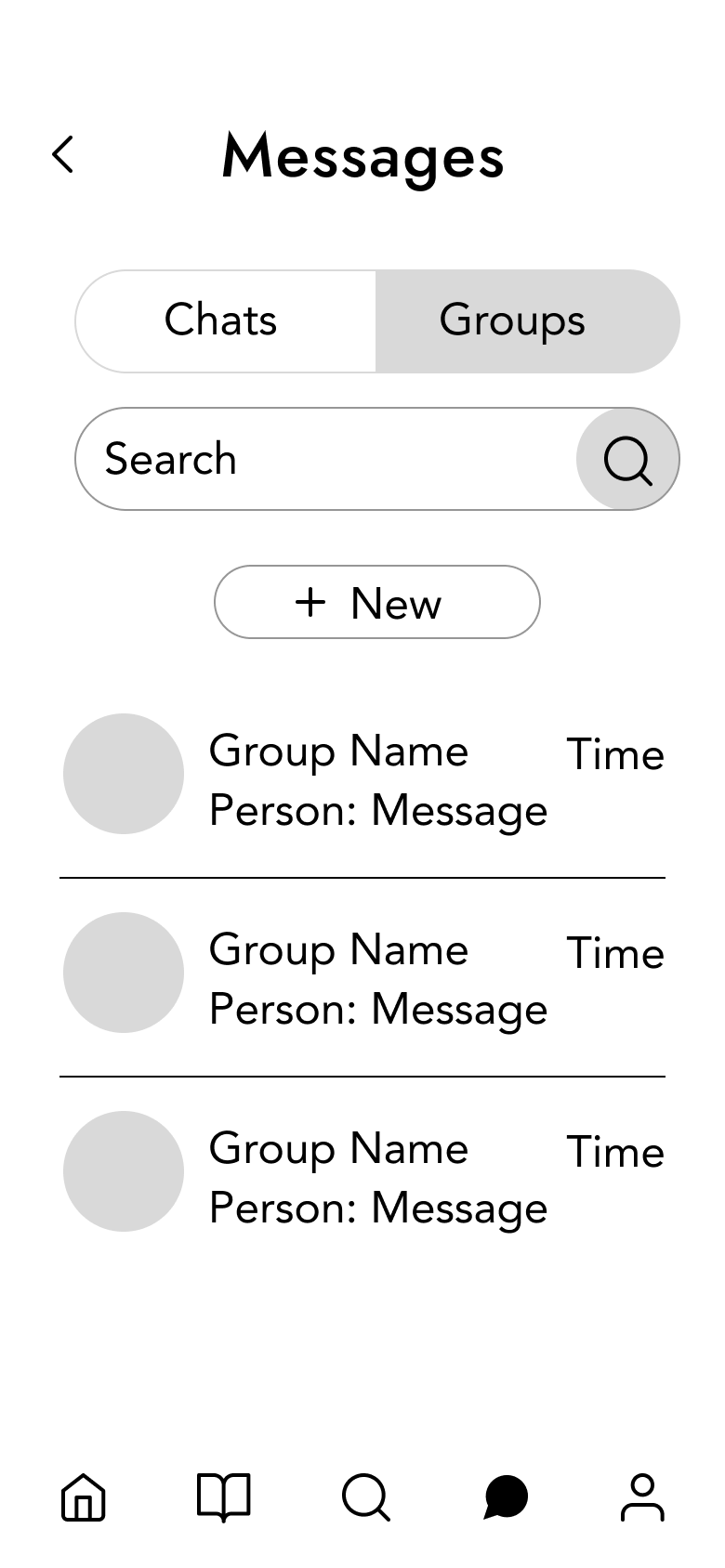
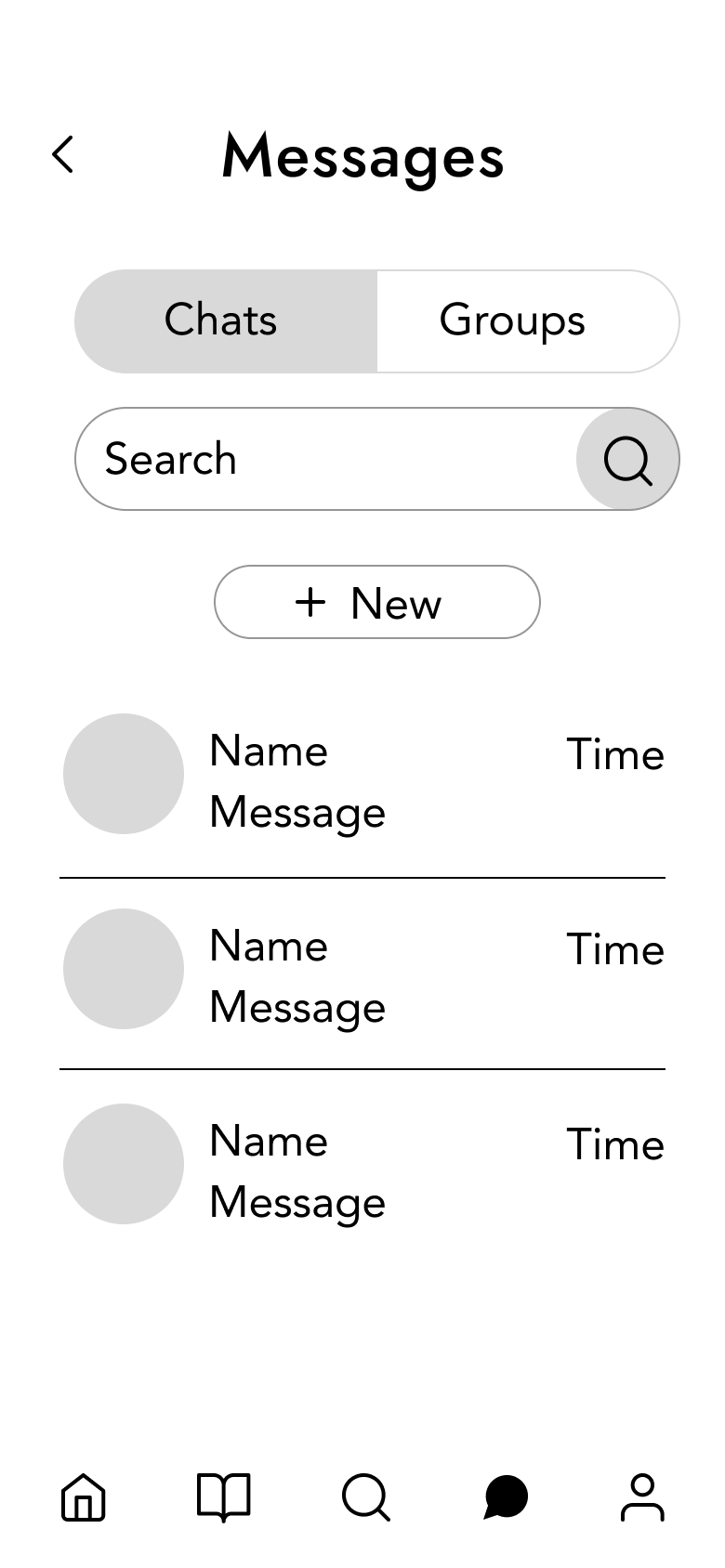
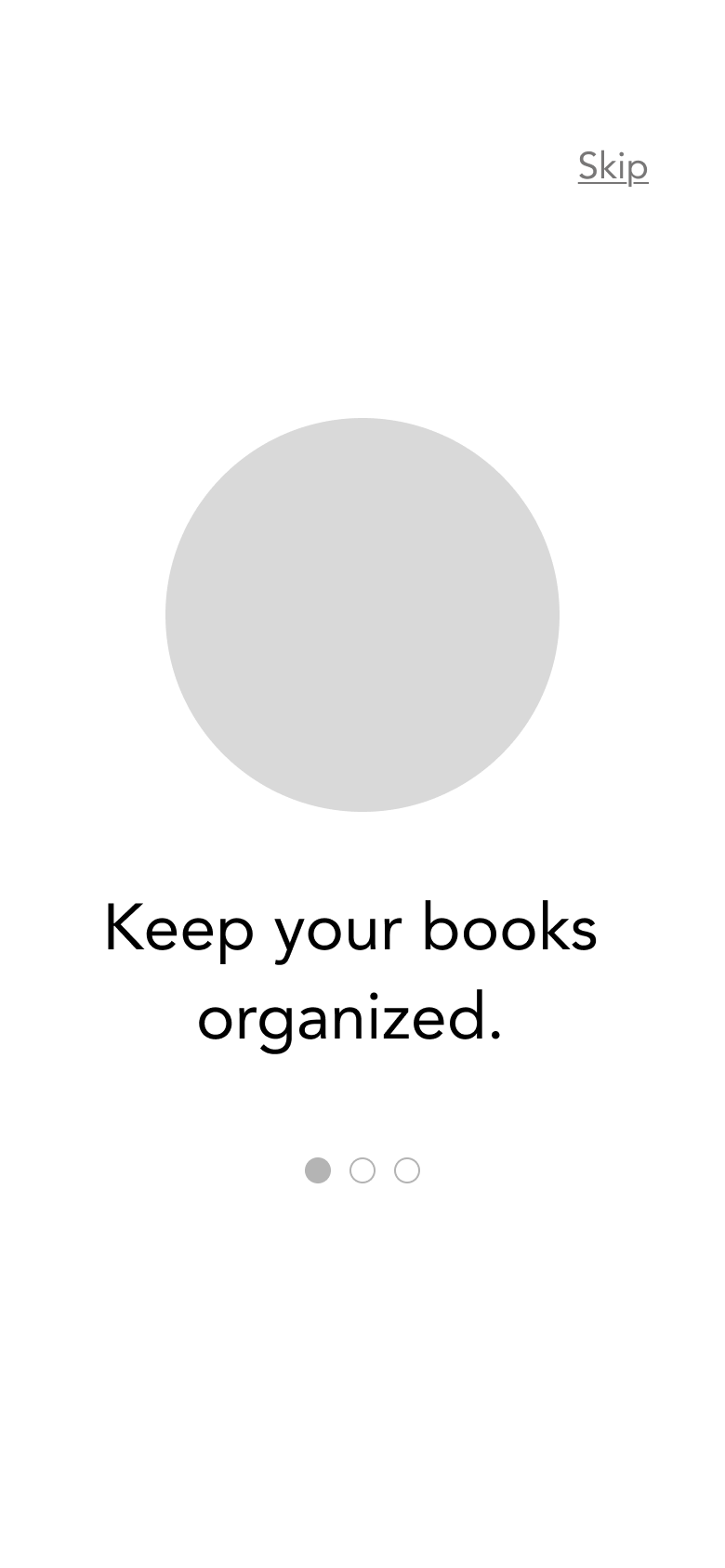
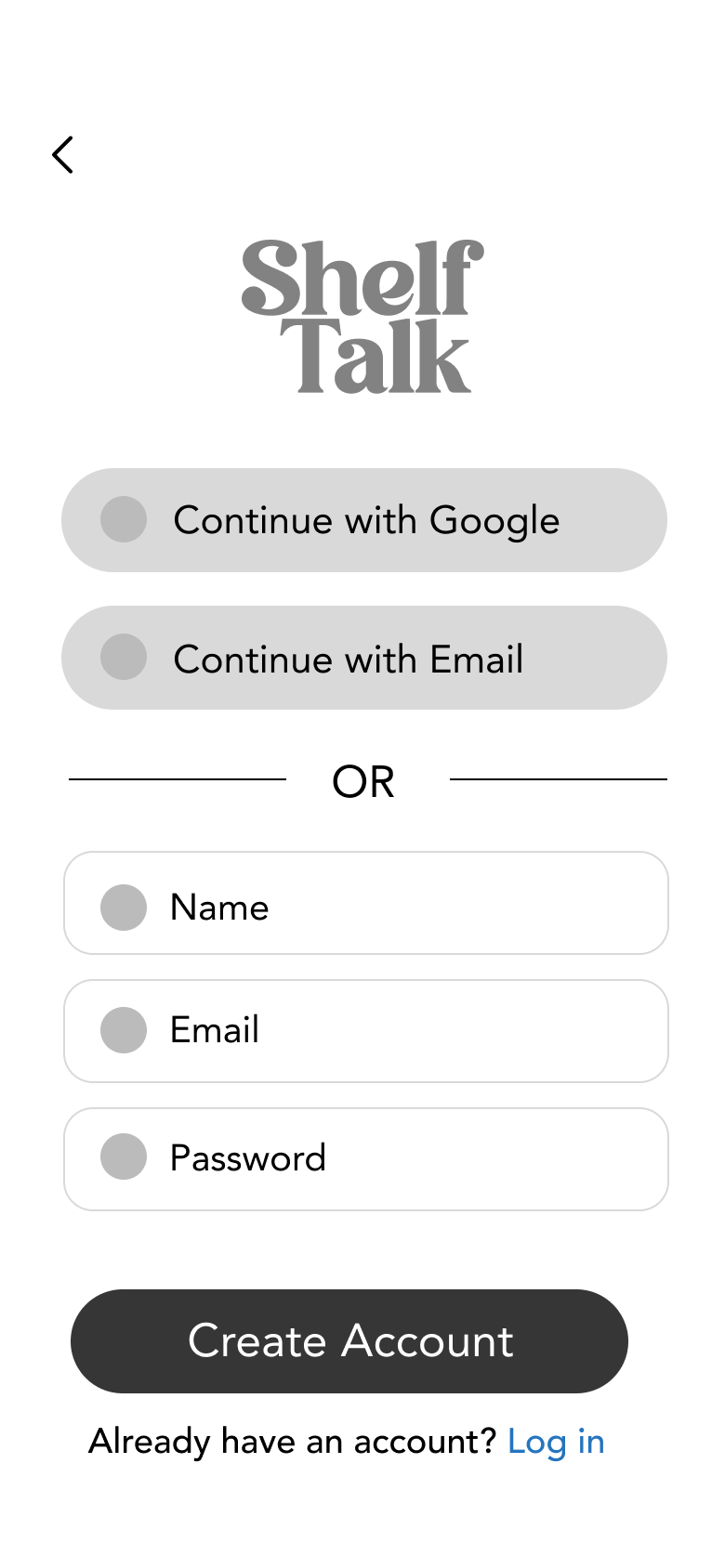
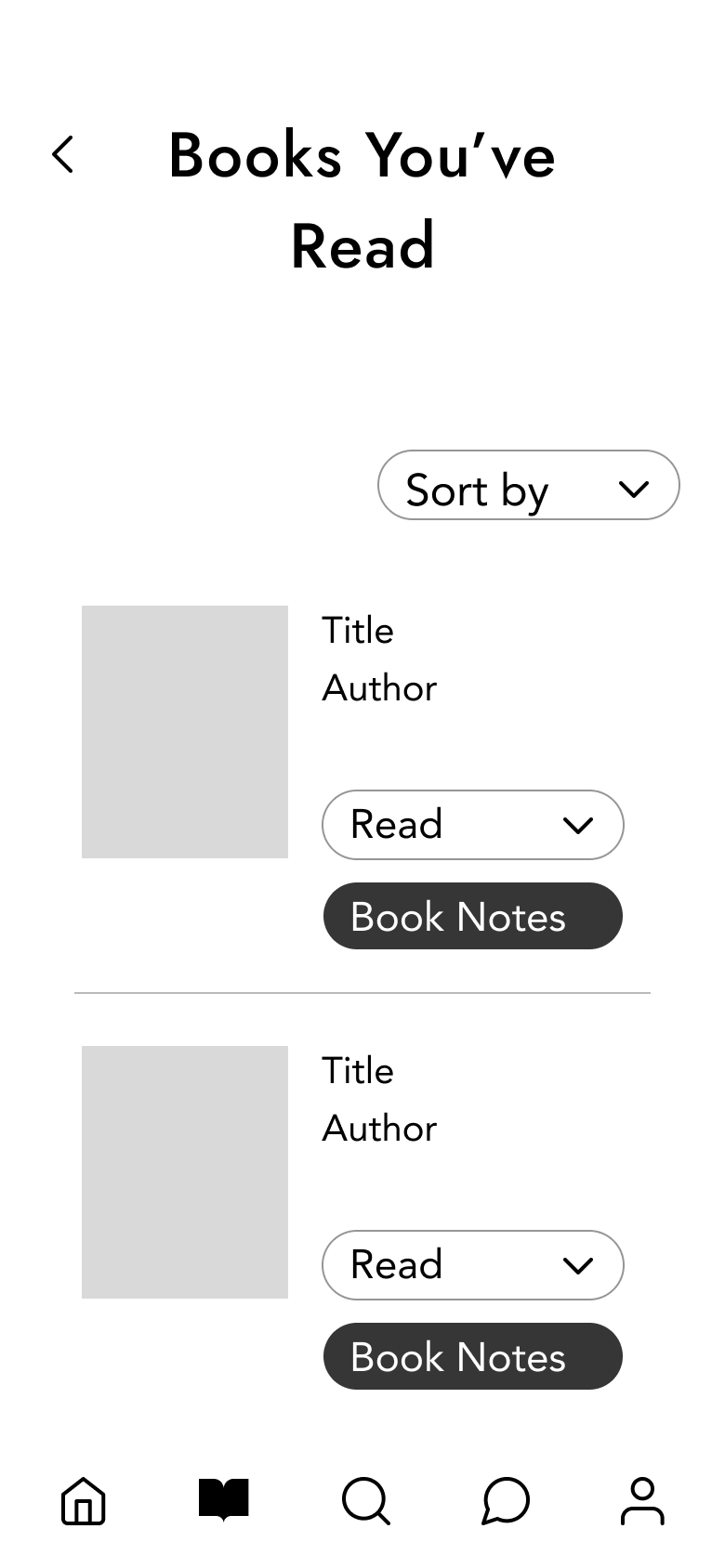
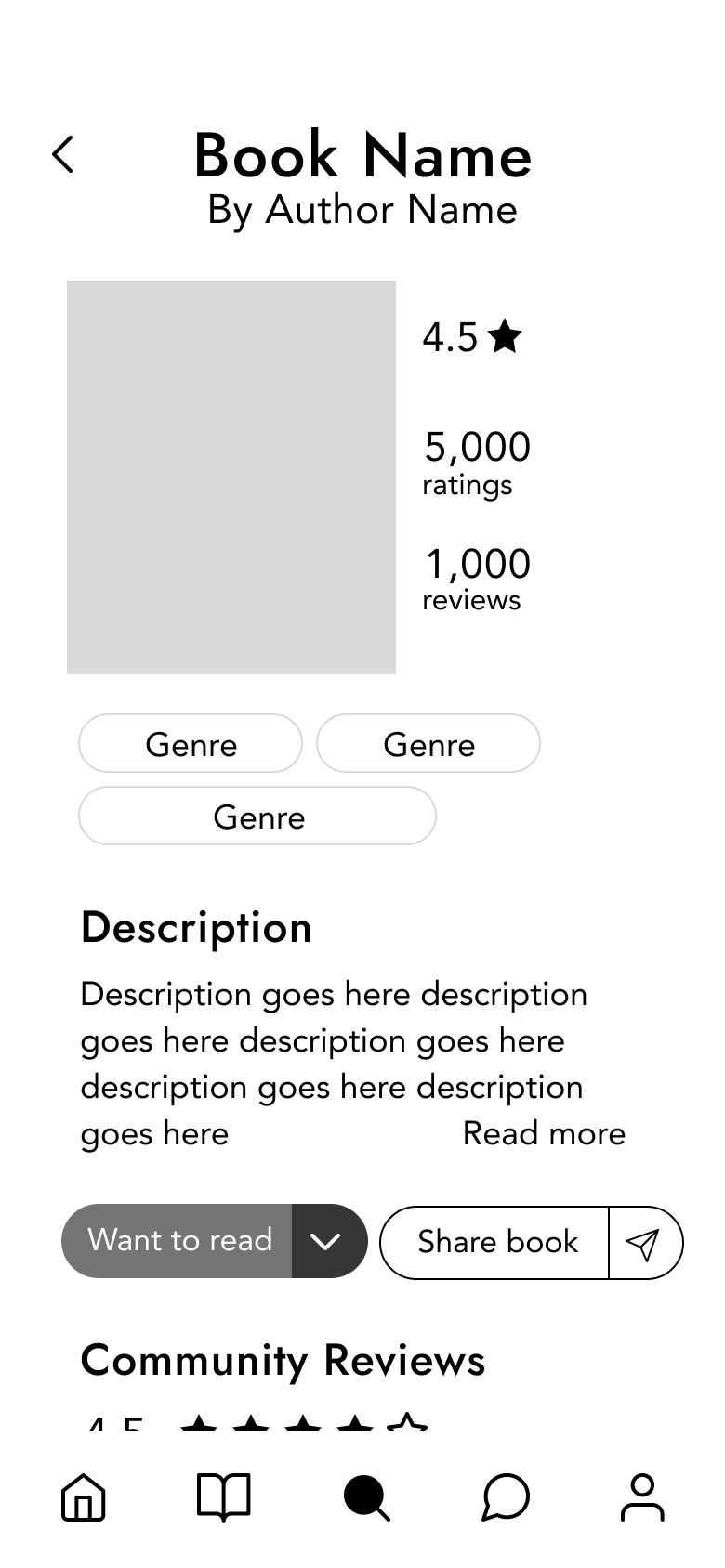
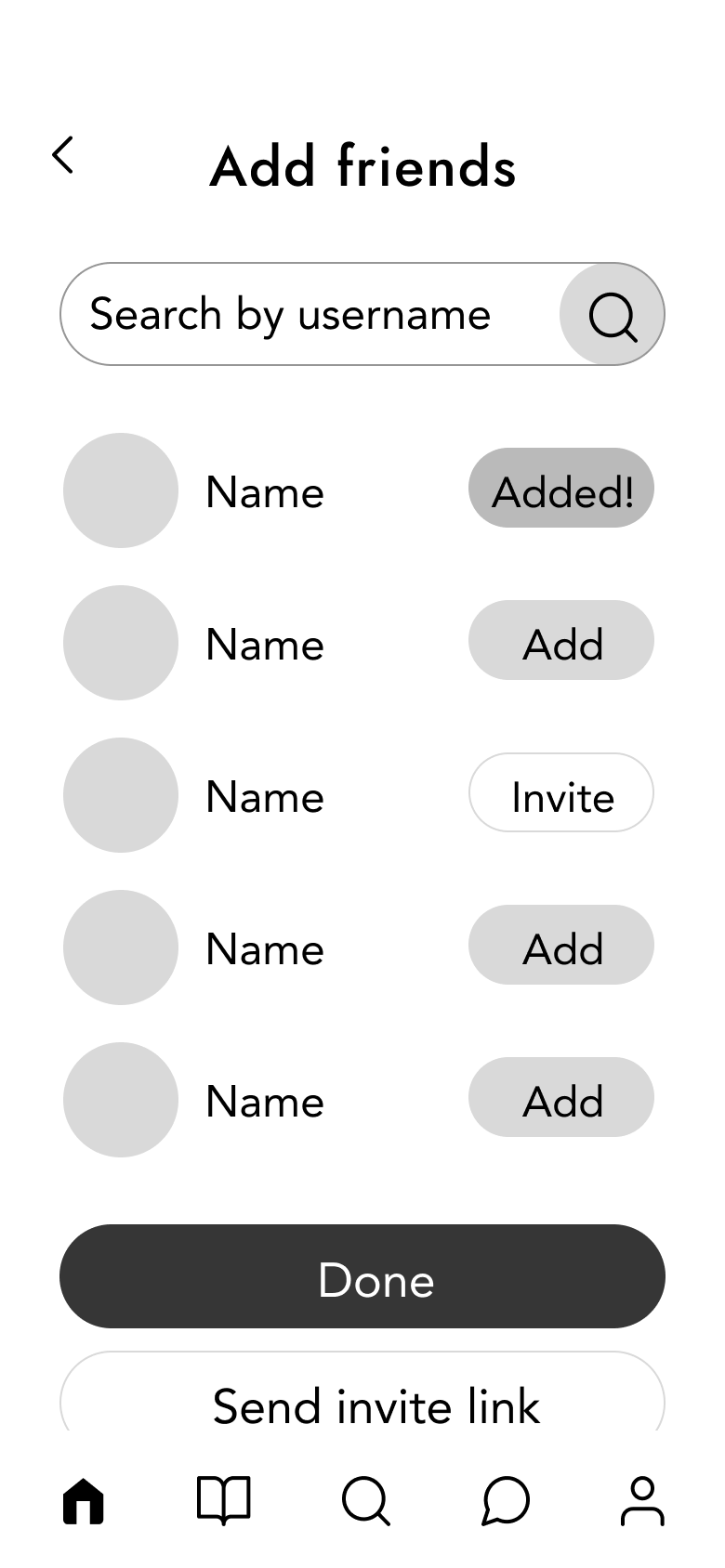
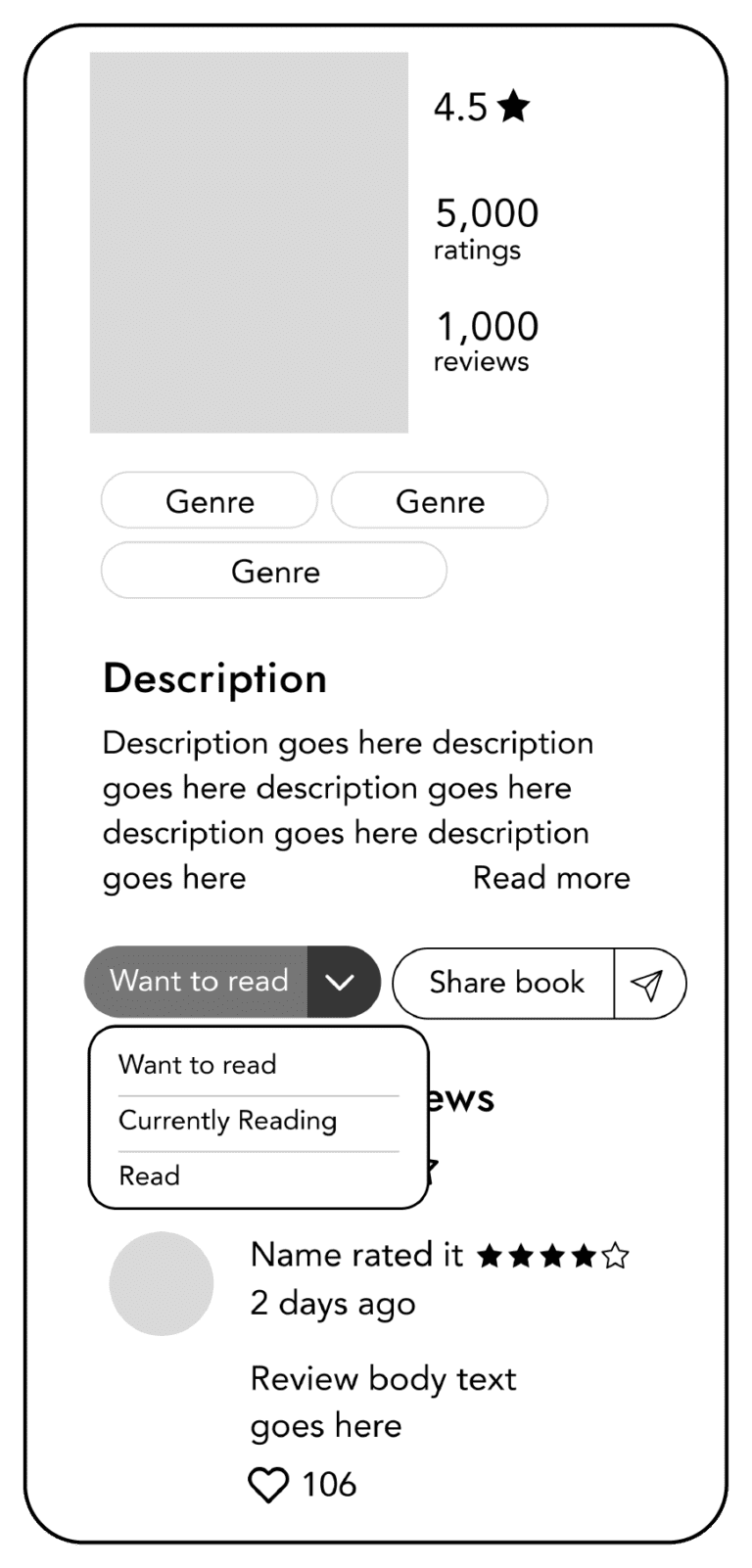
I created wireframes to define the layout, structure, and functionality of key screens before moving into high-fidelity design. This allowed me to focus on user flow, navigation, and content hierarchy. By mapping out interactions early, I could identify potential usability issues and refine the design efficiently.


Iterations
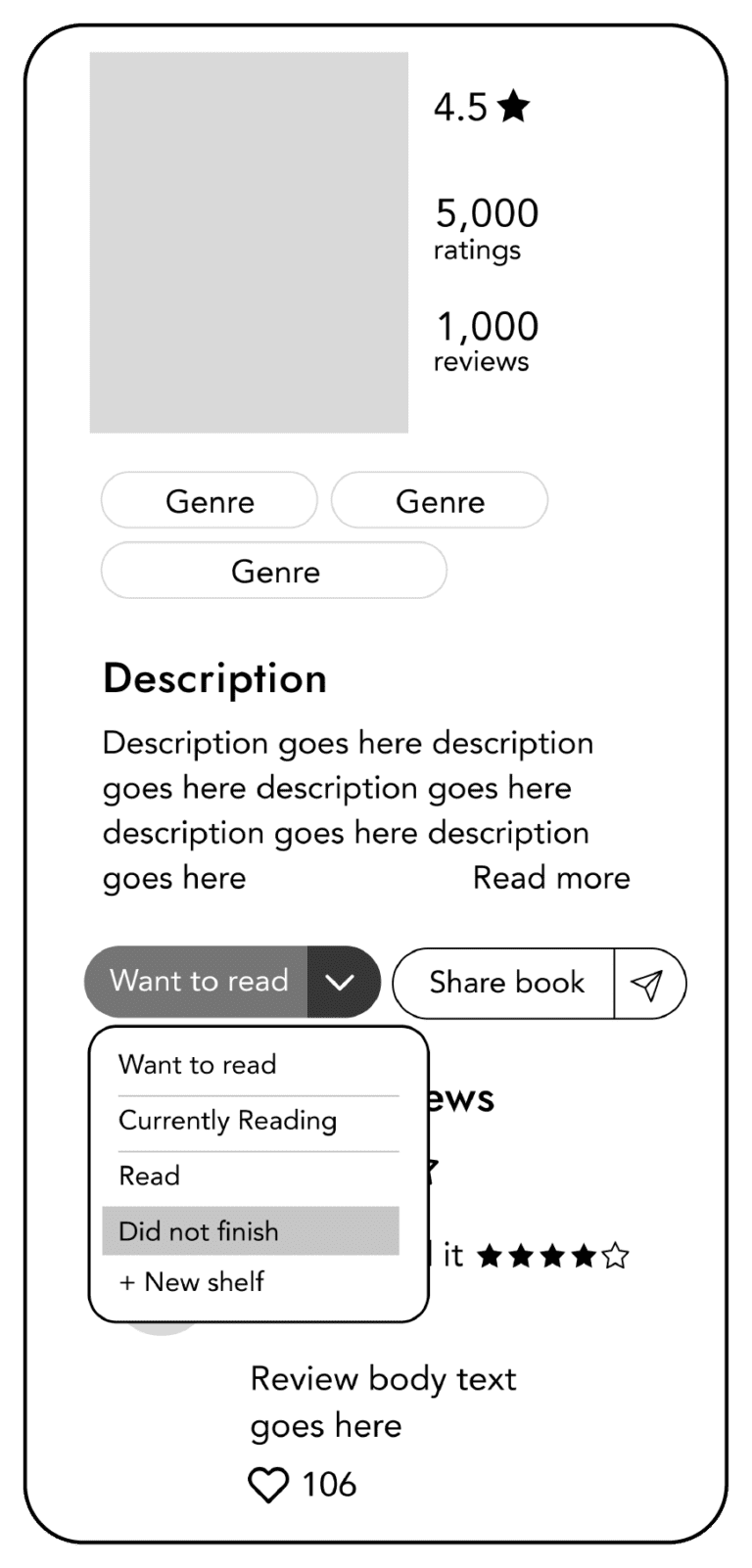
During the wireframe stage, I conducted user testing, which led to design iterations before moving on to high-fidelity designs.
1. Added option to make customized shelves + Did not finish shelf
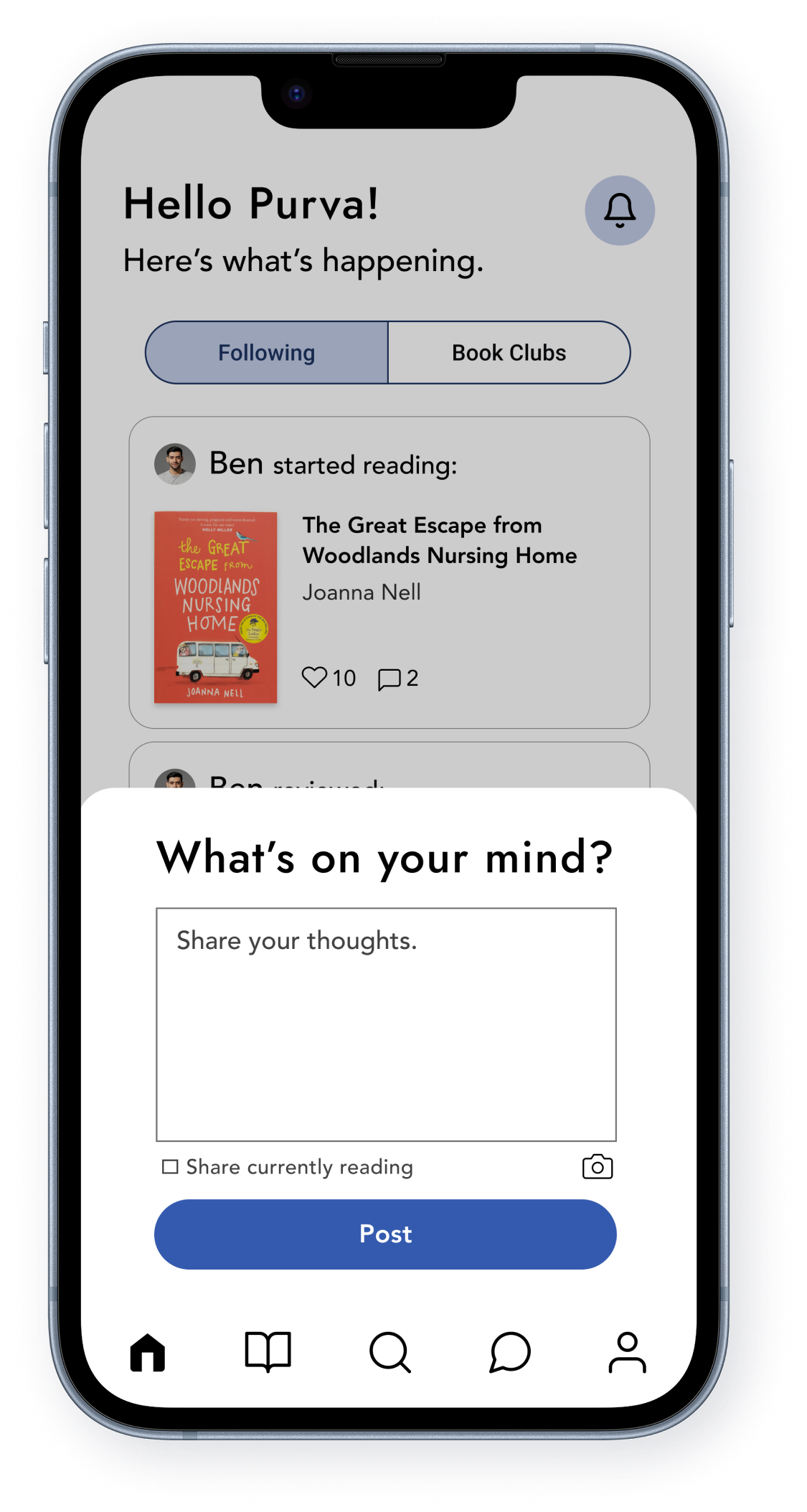
2. Added ability to post updates/thoughts about a book to network
3. Added more of a community aspect to the app through book clubs and discussions
80%
70%
55%
What I Learned
I initially envisioned this project as a book club app. However, my research revealed that reading is a deeply personal experience—users prefer reading at their own pace, reflecting on content, and engaging in casual, one-on-one discussions. I also learned that people tend to share recommendations and insights with friends before engaging in larger, open communities. These insights reshaped my design decisions, ensuring that the app truly prioritizes the user’s personal reading journey.
Future Scope
To enhance user engagement and usability, I envision the following improvements for ShelfTalk:
- Kindle Integration – Automatically sync books, highlights, and notes to keep shelves updated seamlessly.
- Reader Credibility Badges – Assign categories like Novice Reader, Avid Reader, Seasoned Reader, and Expert Reviewer based on user activity and reviews. These badges will be displayed alongside their name, helping establish trust in their insights.
- Custom Book Tags & Search – Allow users to tag books with personalized labels and search for similar books using those tags.
- Review Translation – Enable users to translate reviews into different languages, improving accessibility and inclusivity.
These features would create a more interactive, trustworthy, and user-friendly platform, making book discovery and community engagement even more seamless.
High Fidelity Screens
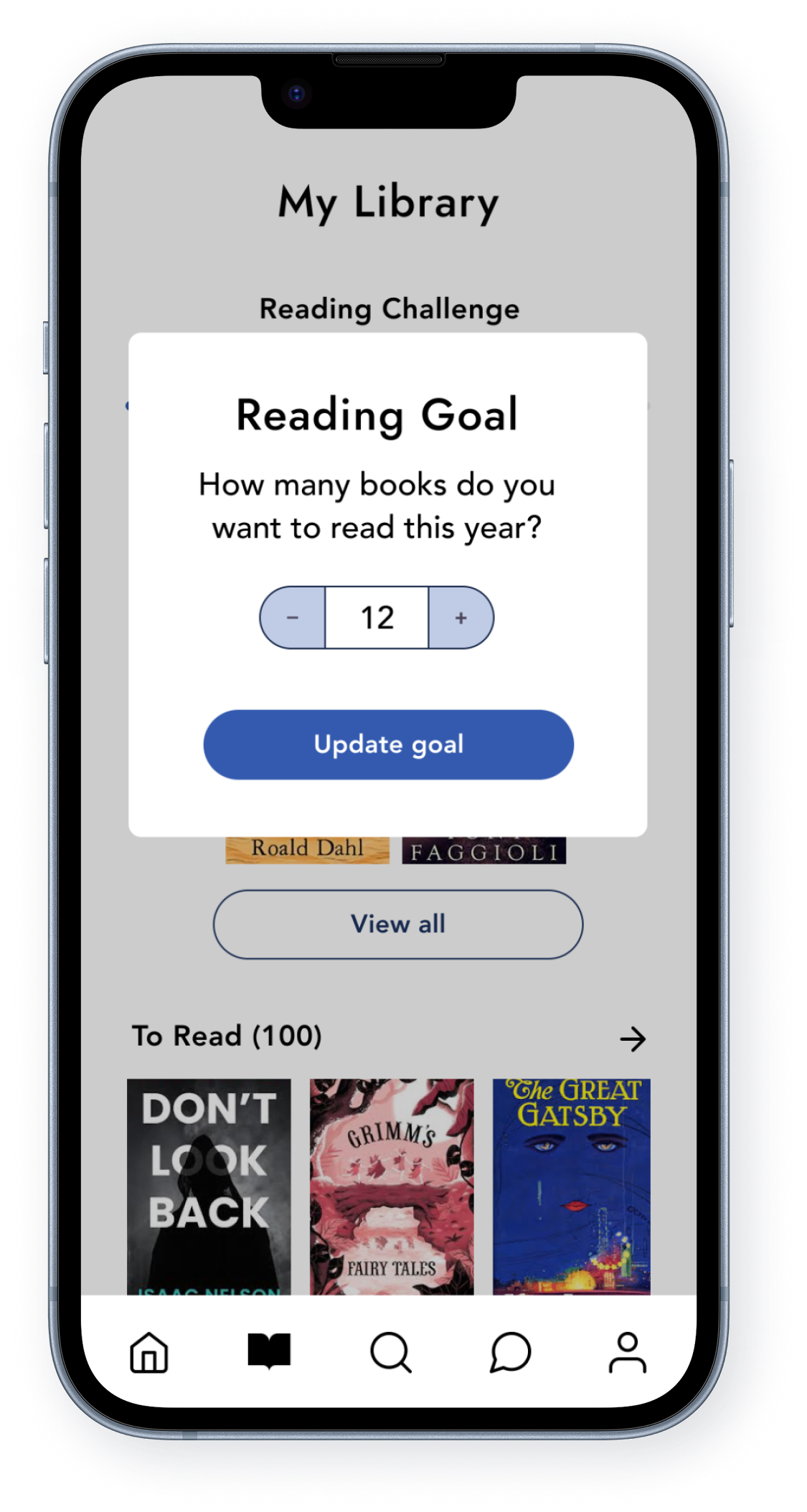
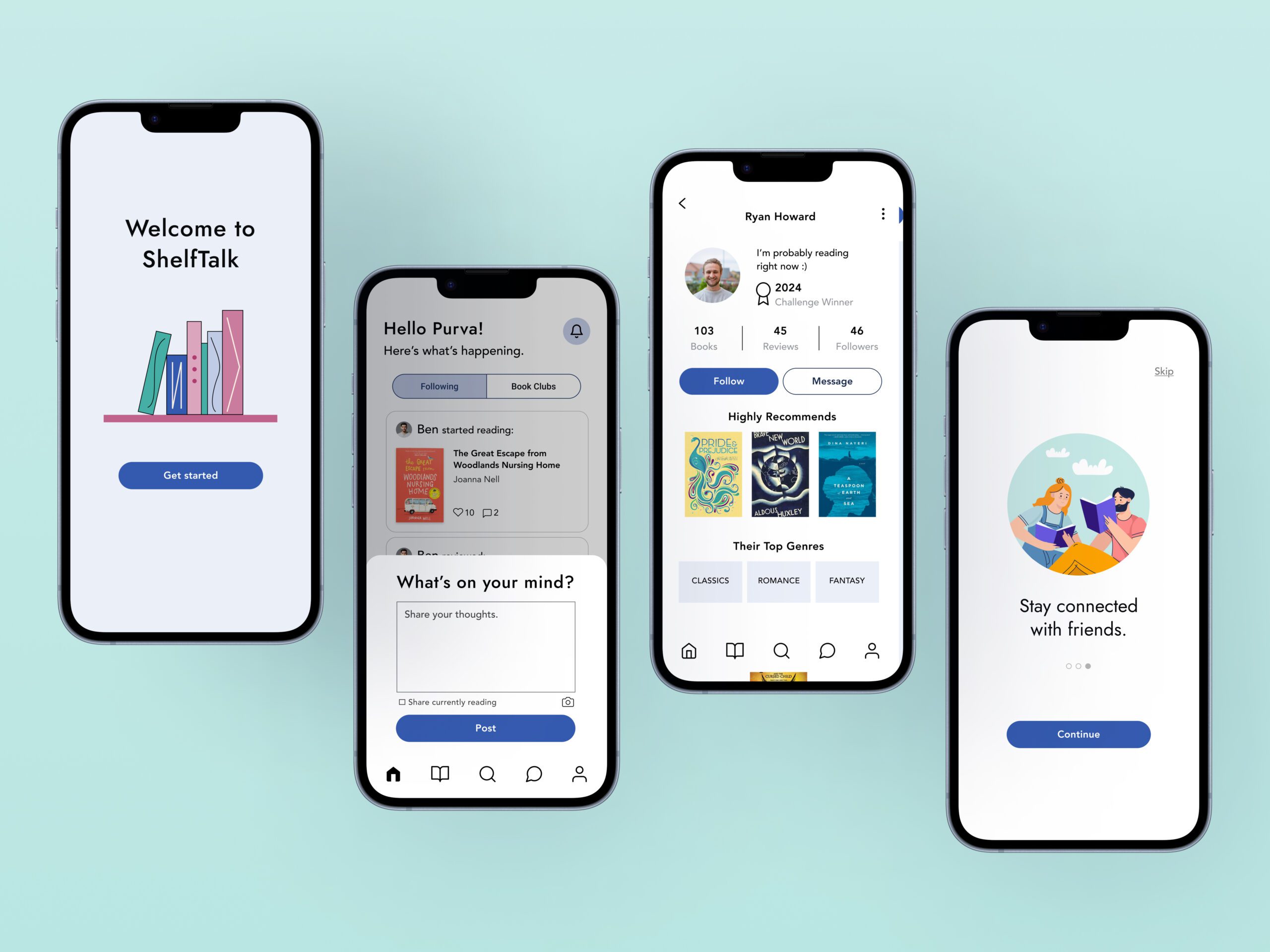
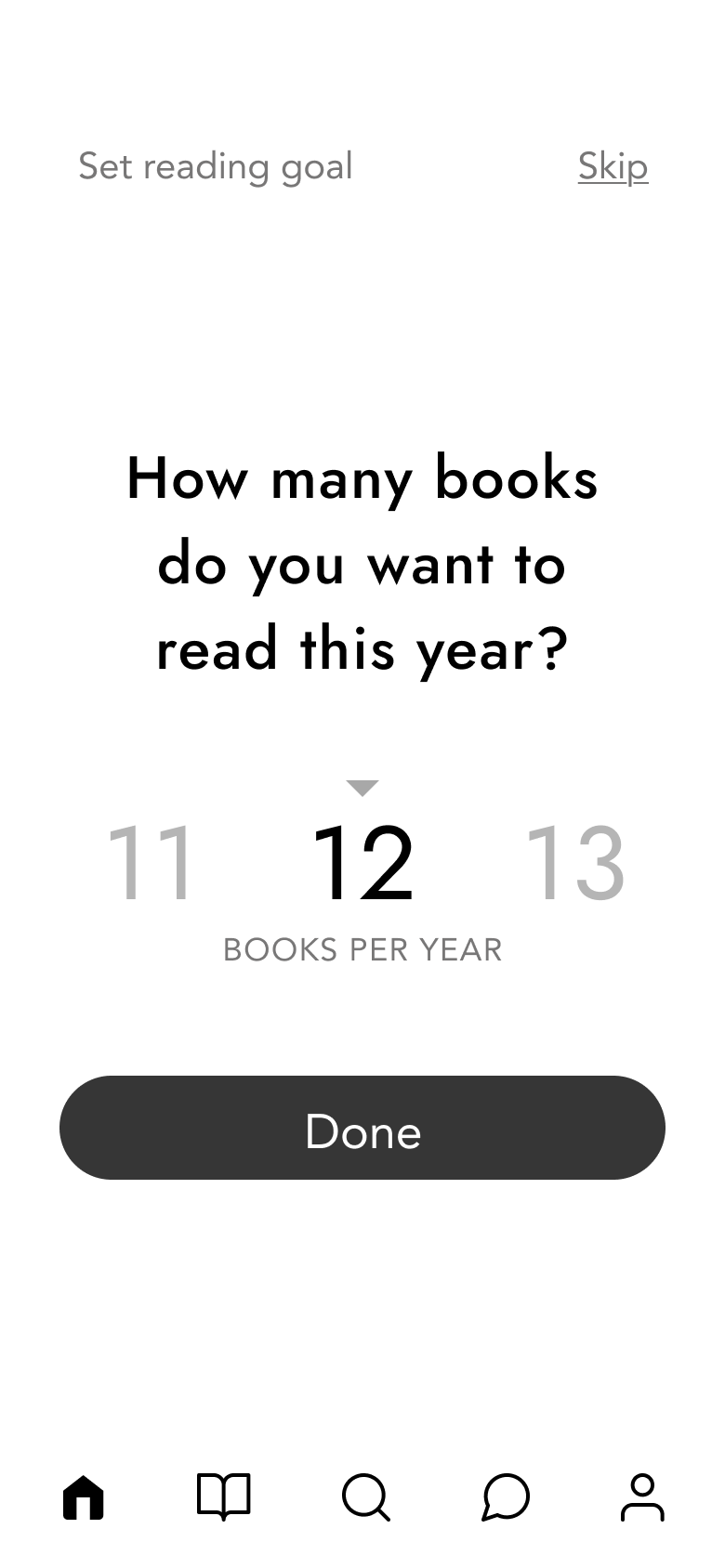
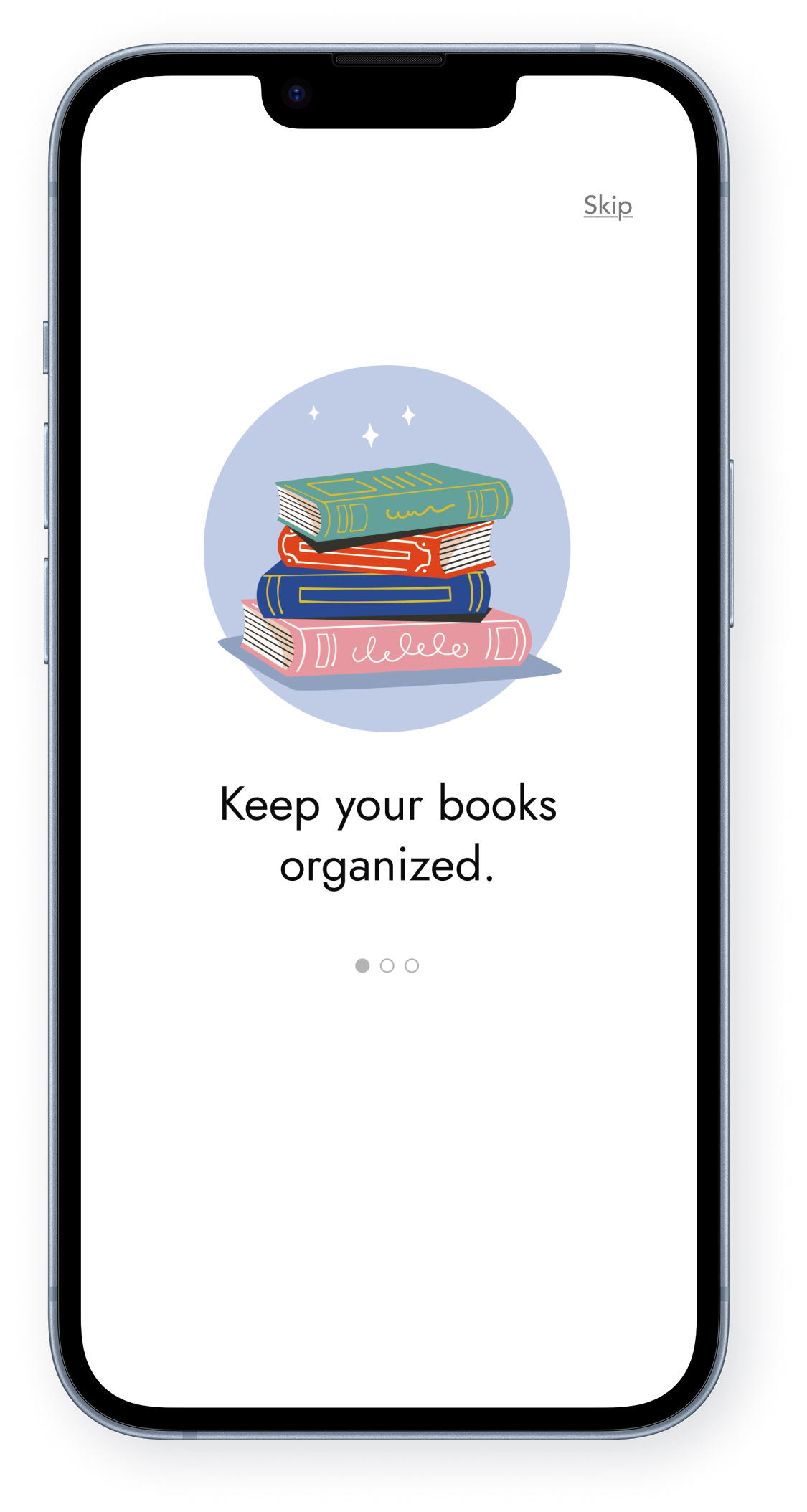
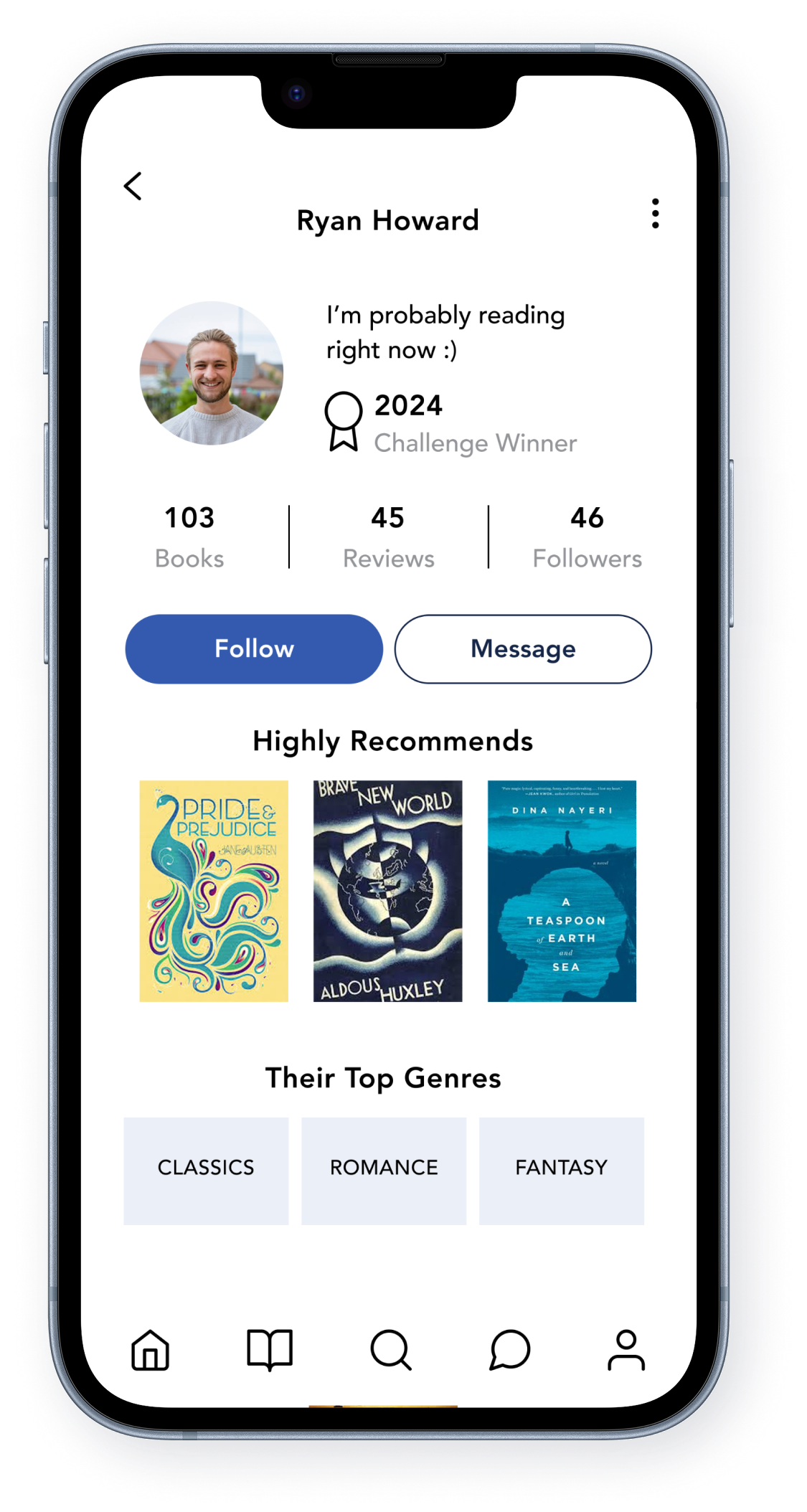
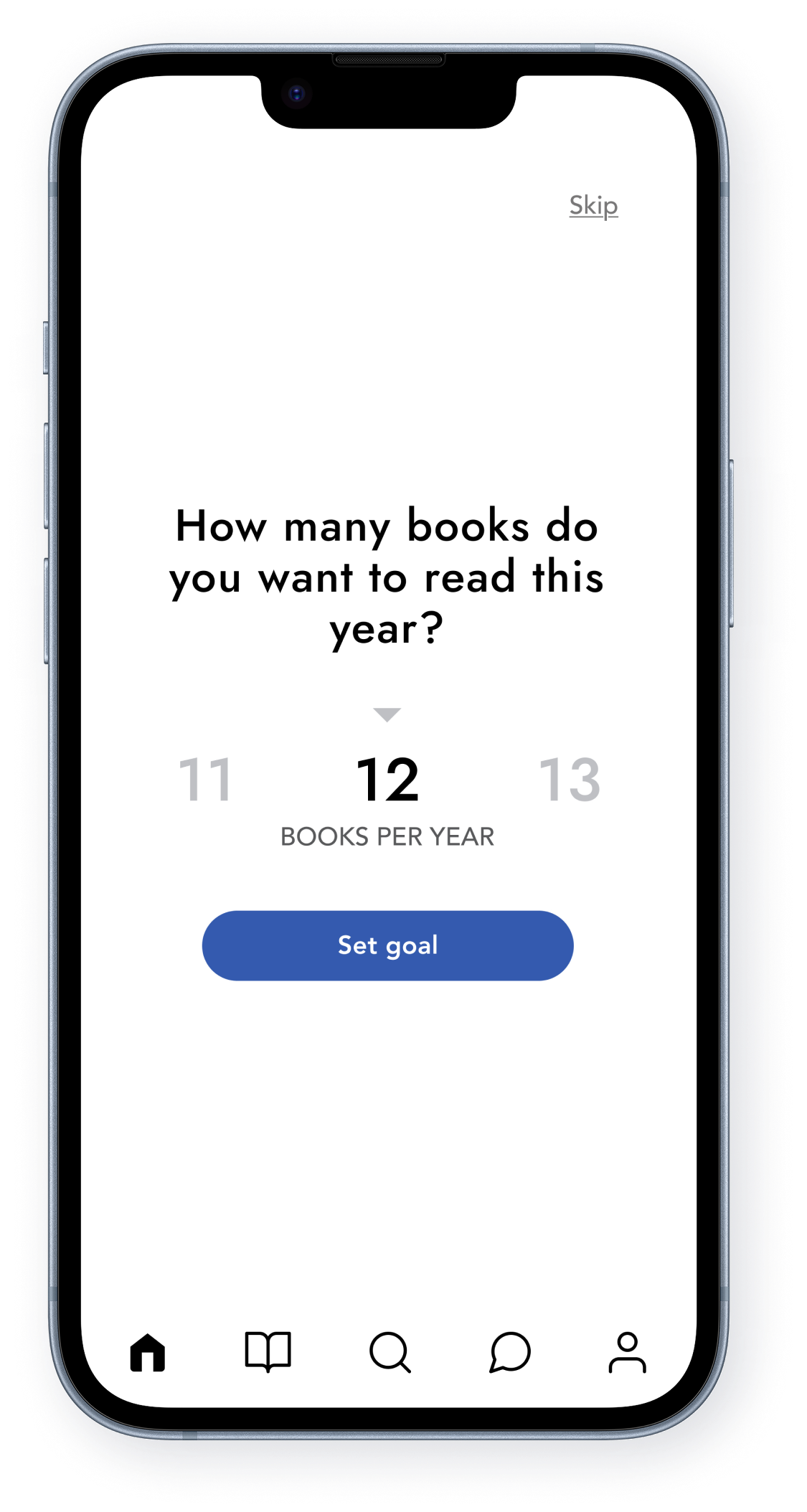
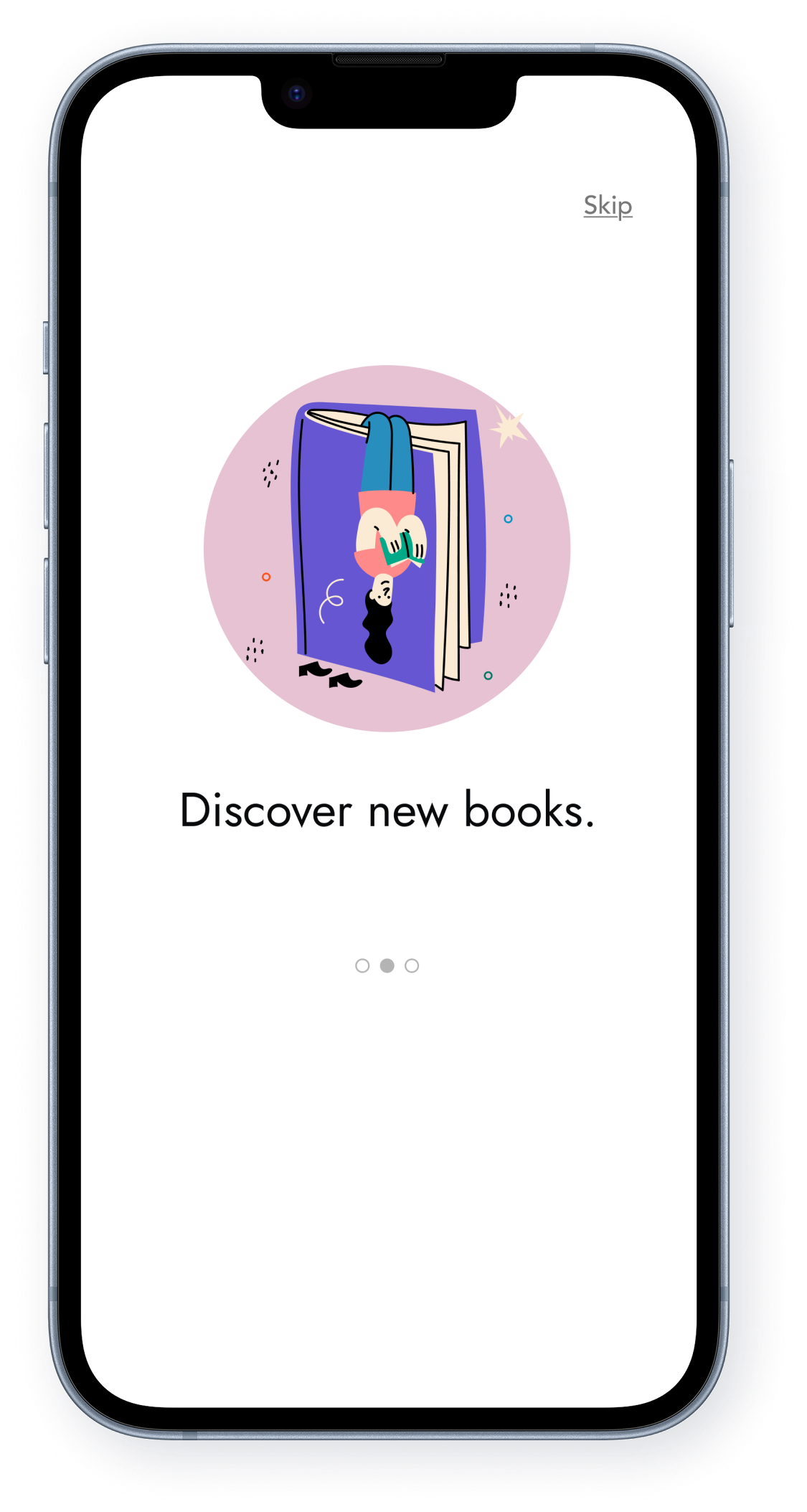
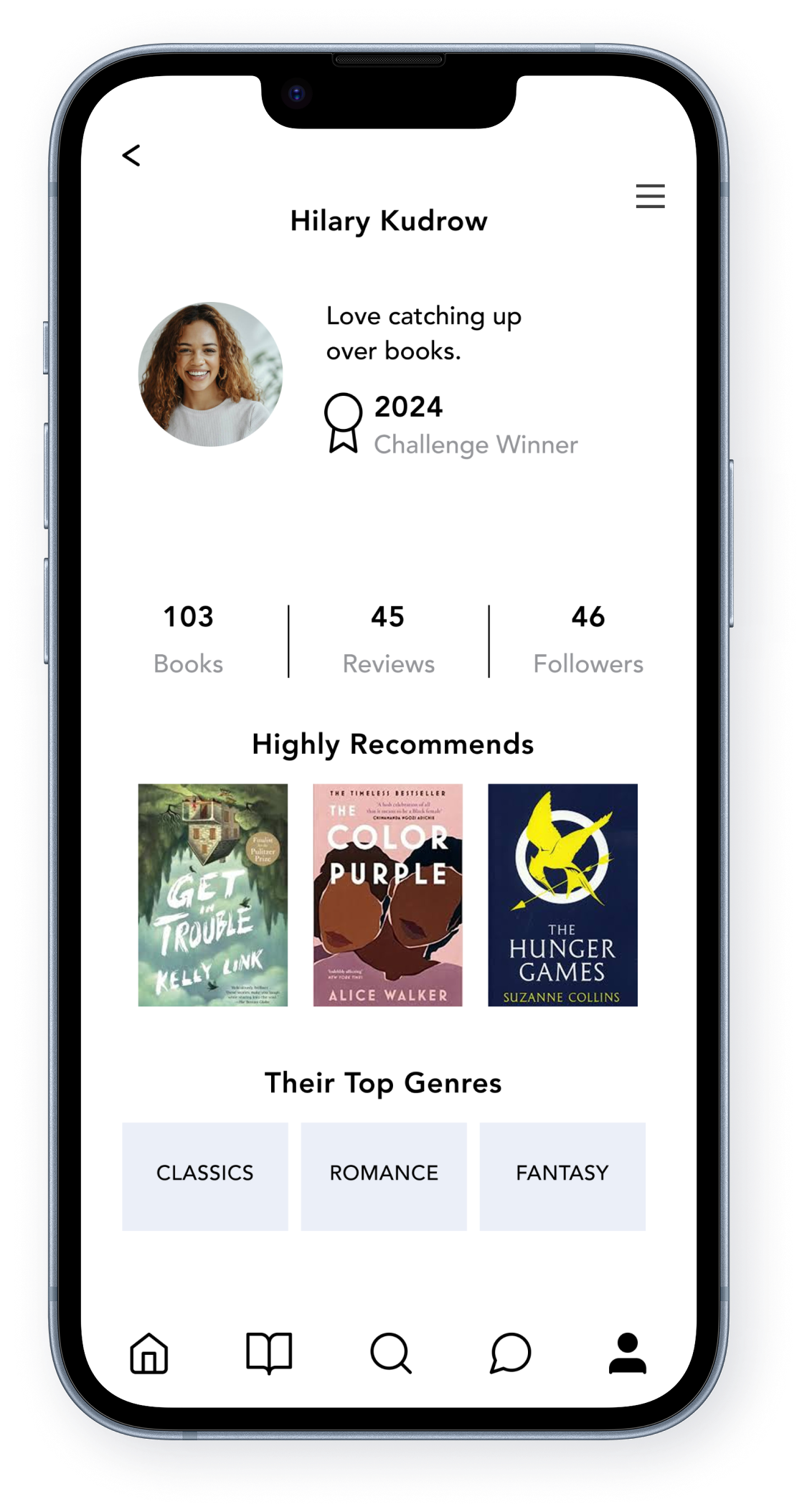
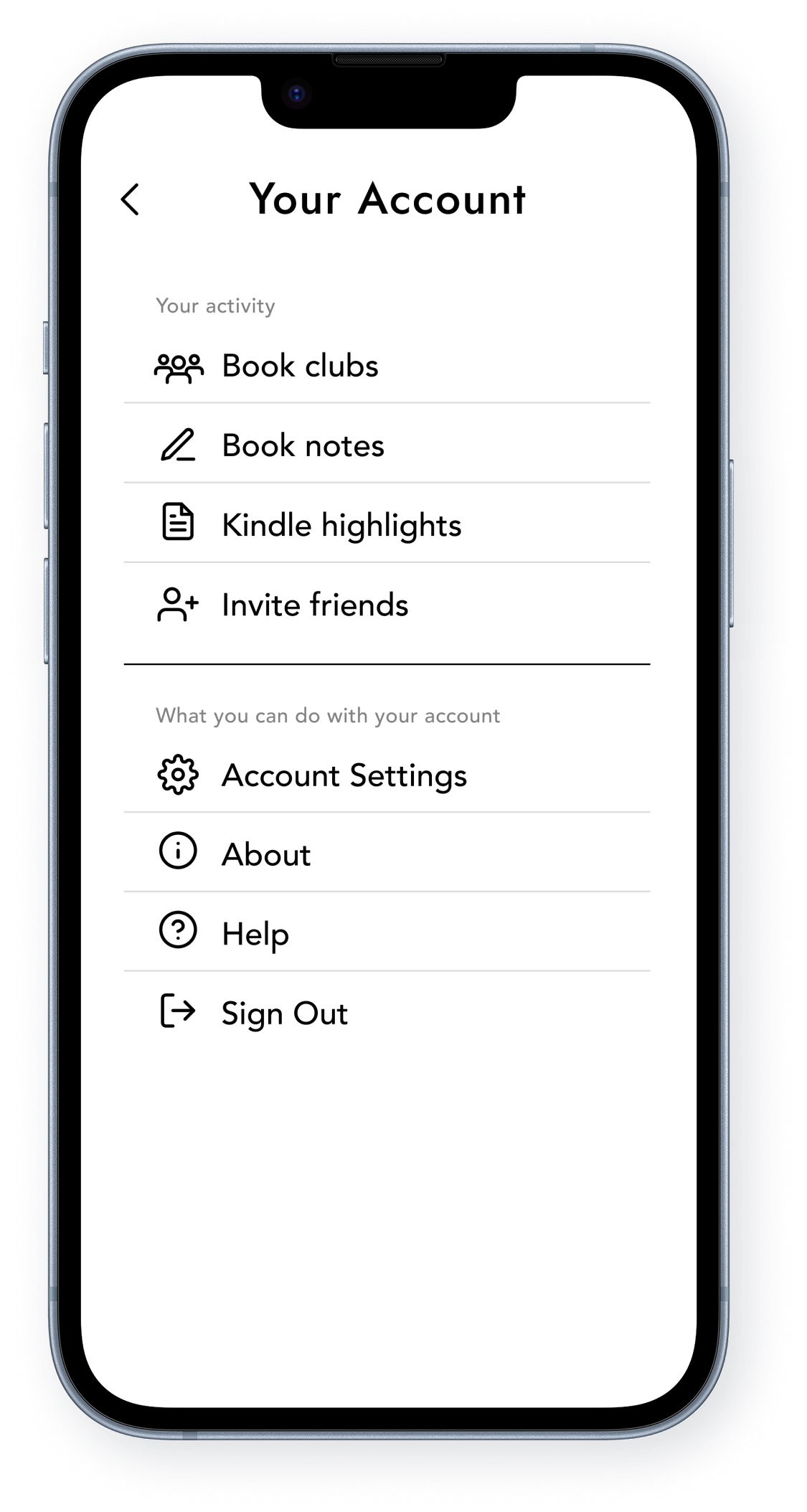
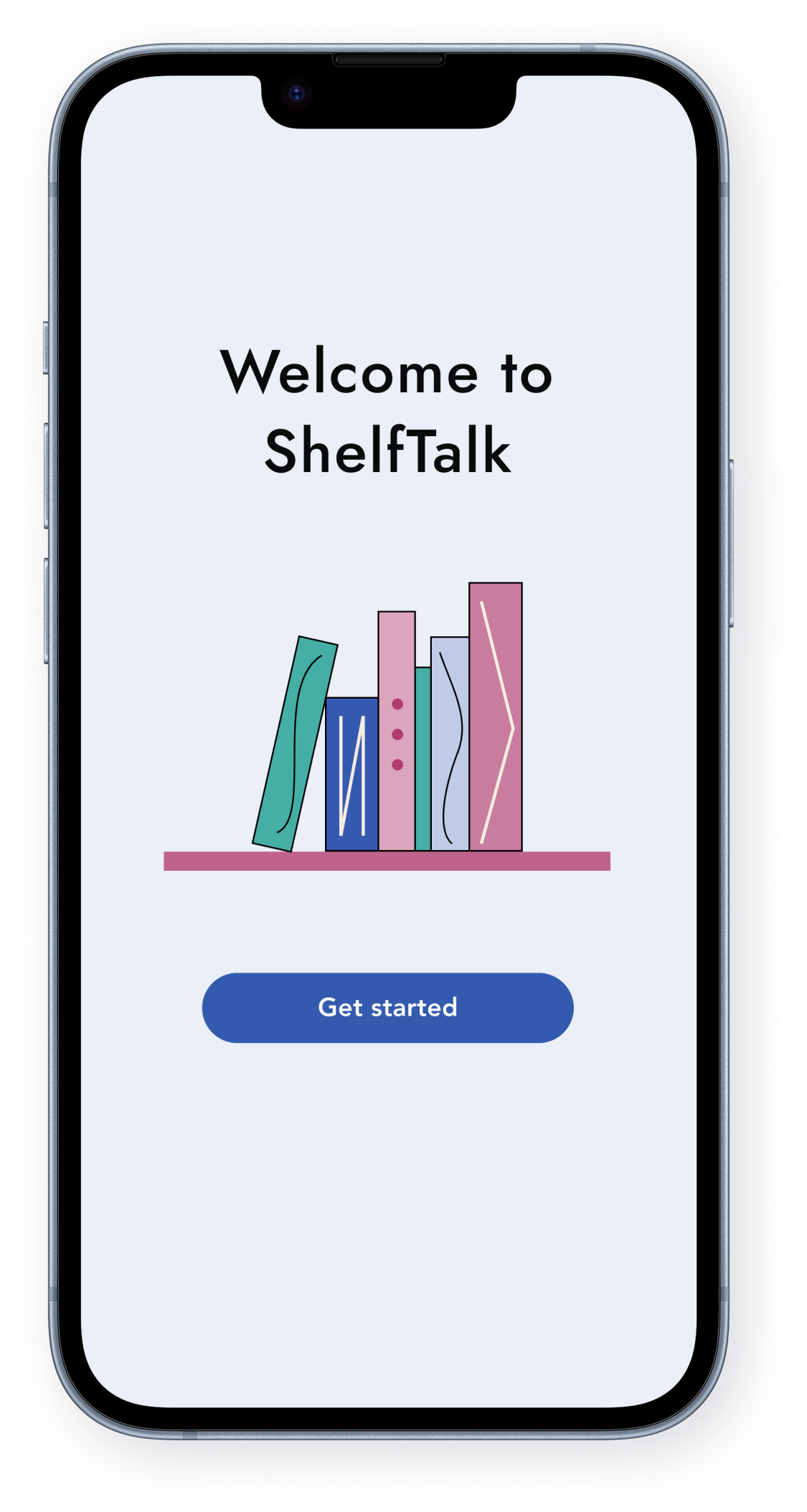
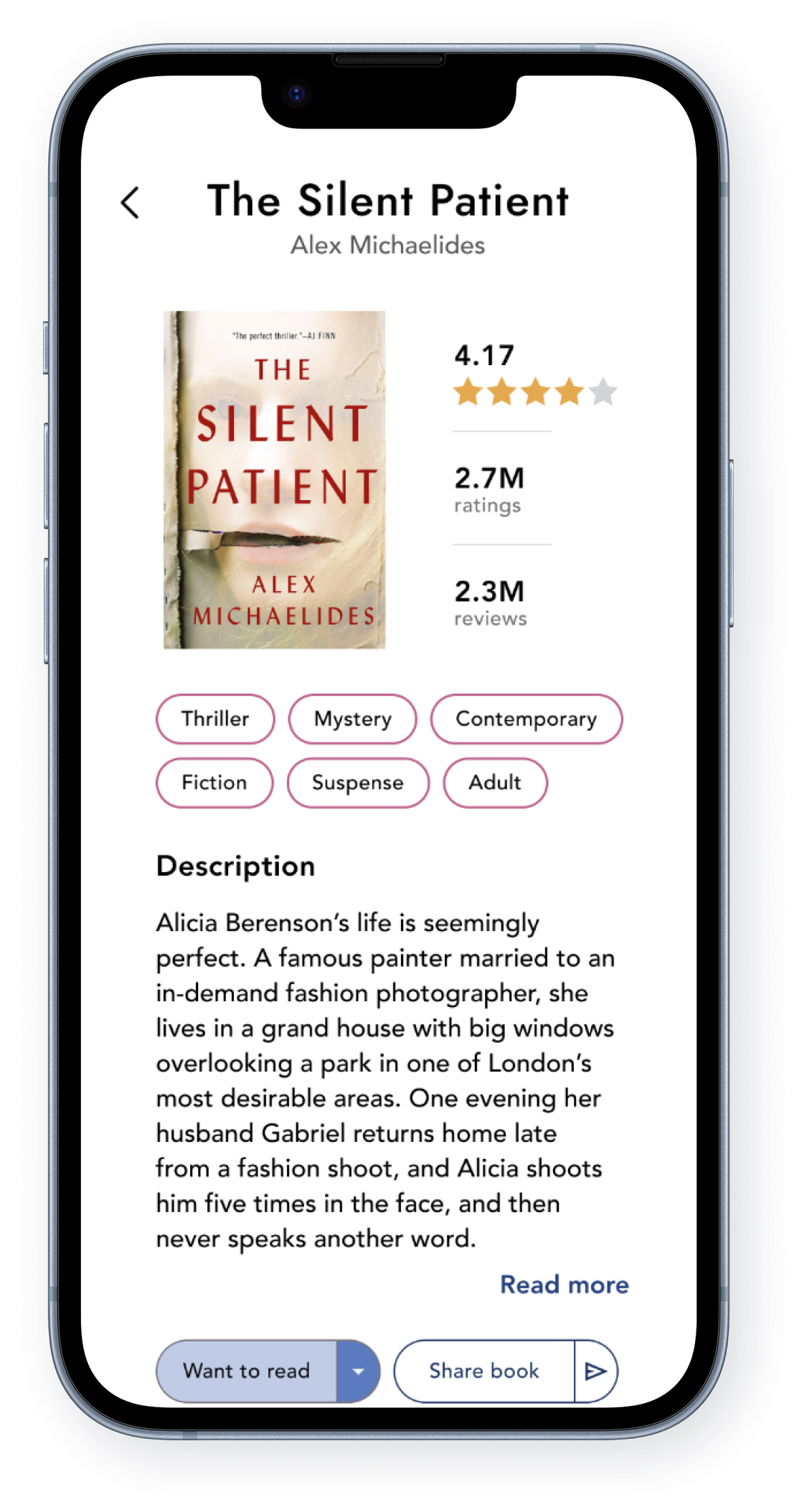
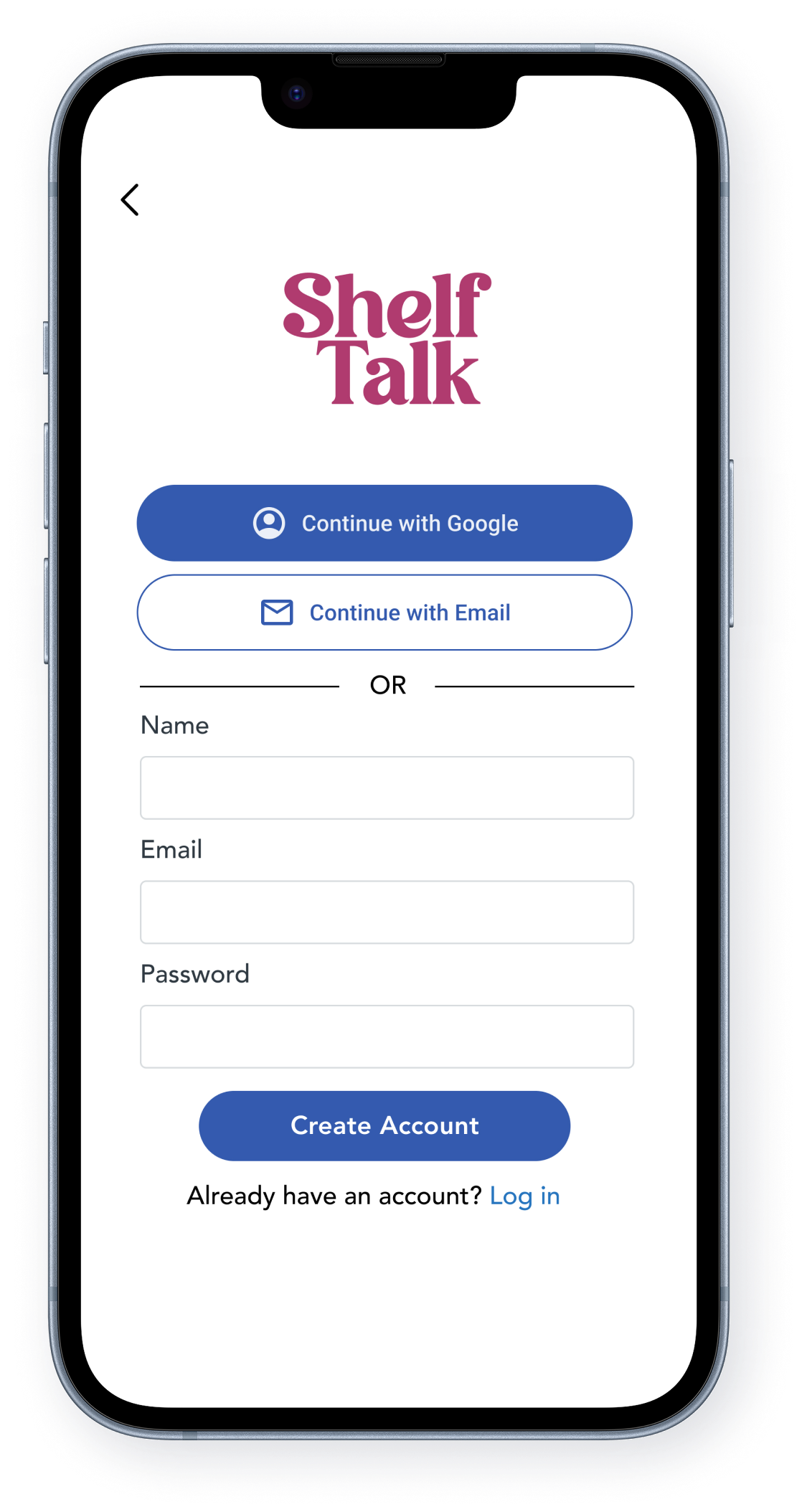
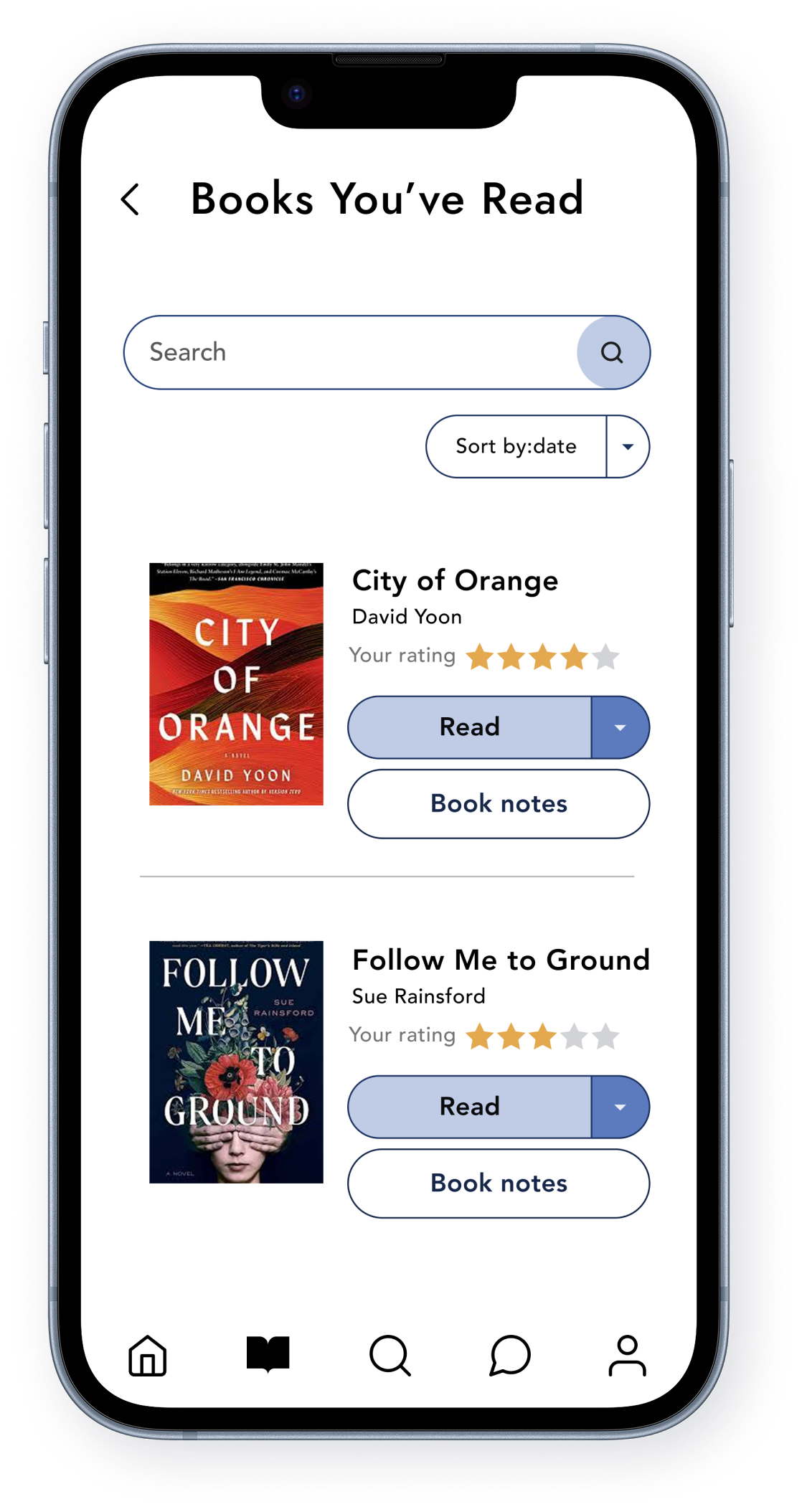
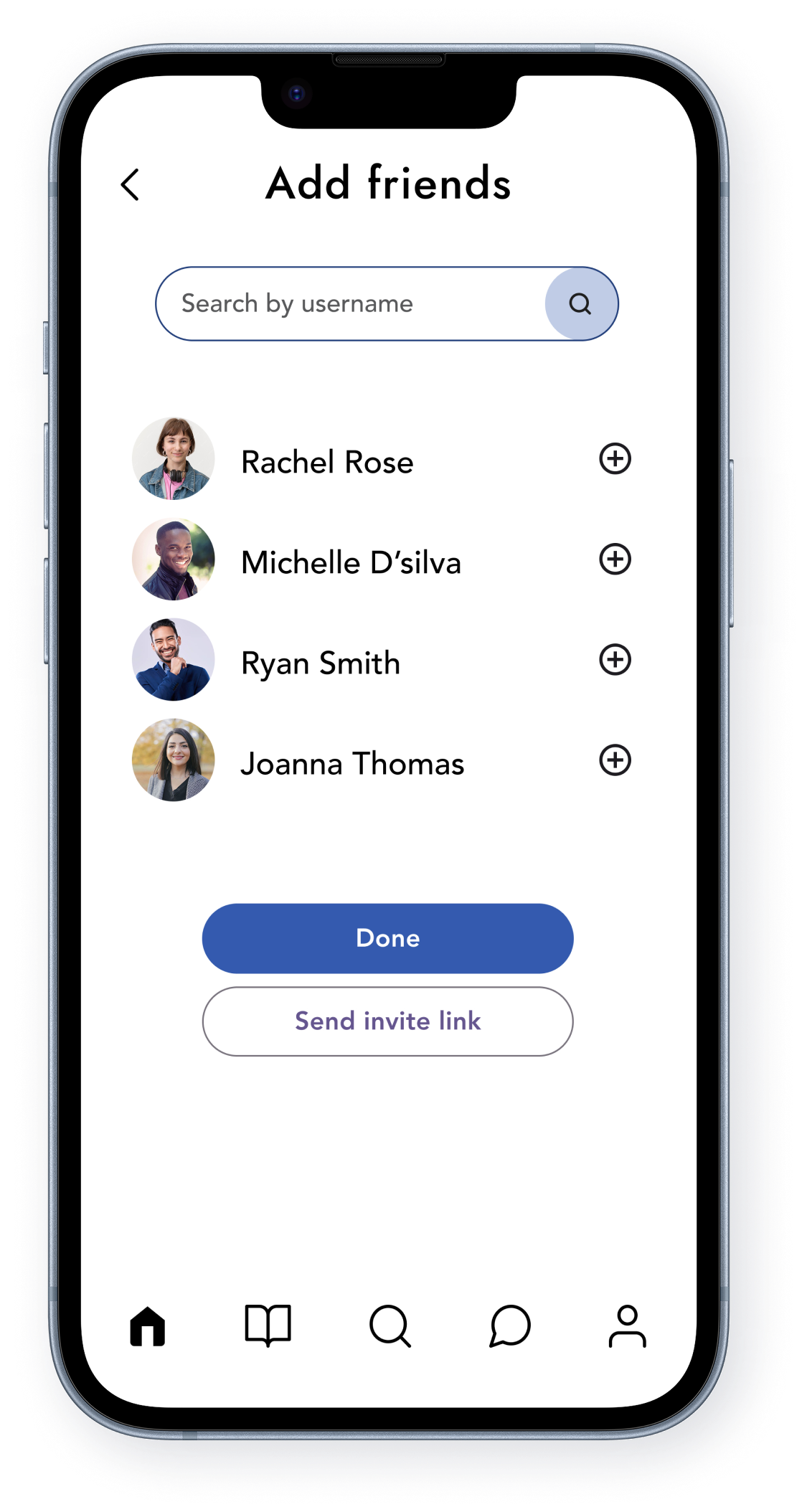
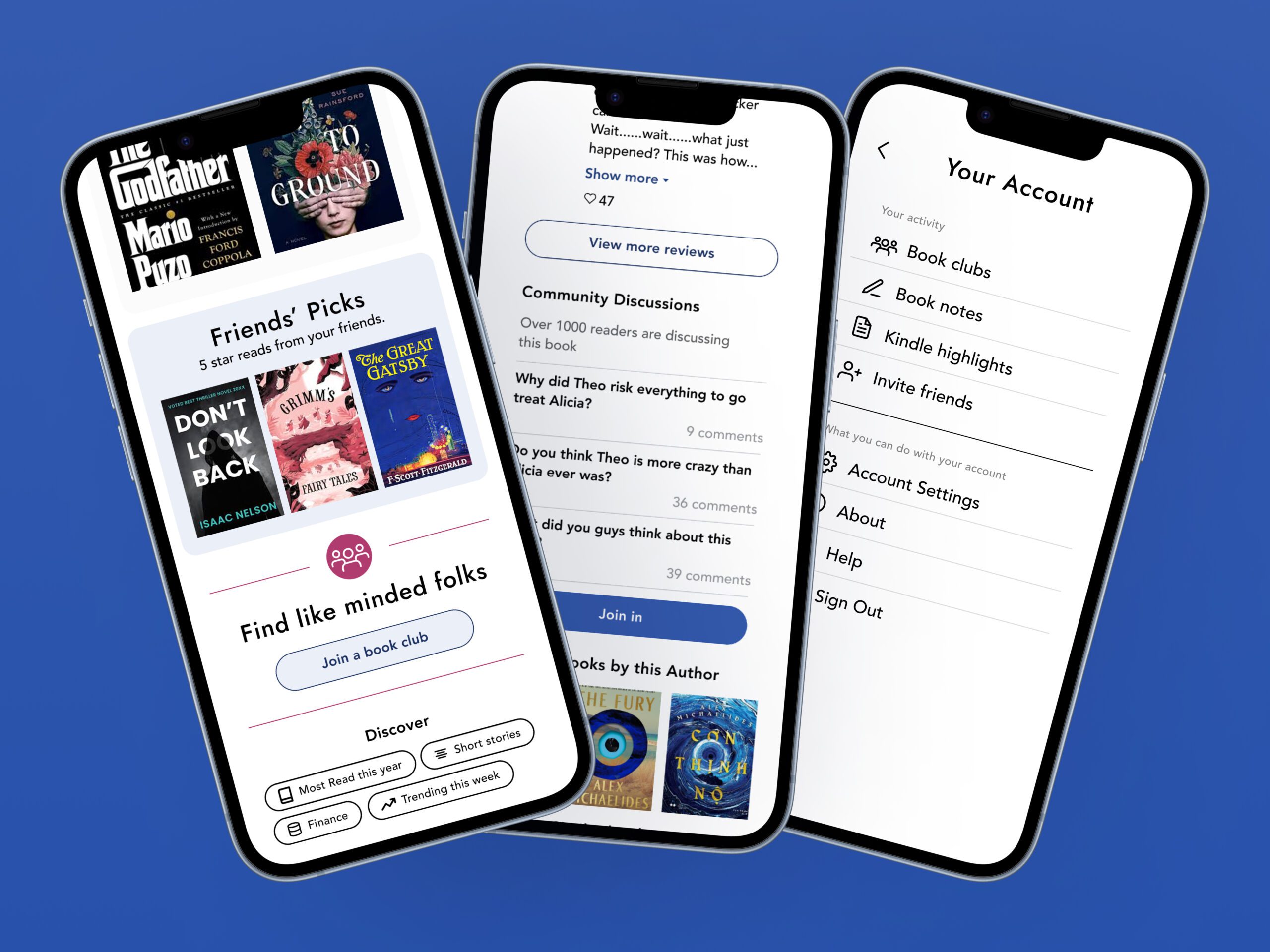
The visual design is clean and minimal to let the colorful book covers stand out without overwhelming the user. The friendly and approachable tone encourages users to set reading goals, track progress, and engage with the platform effortlessly.