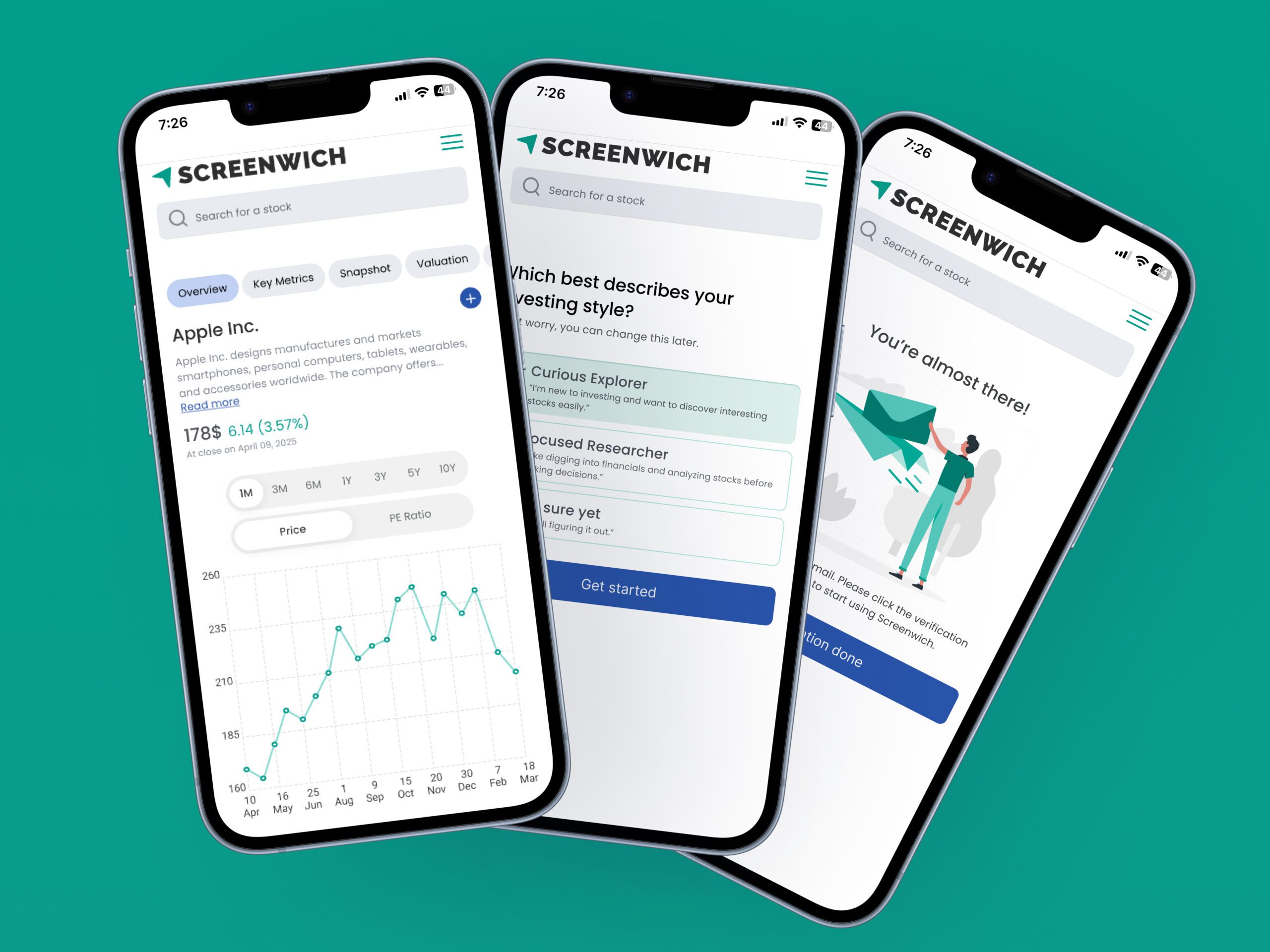
Simplifying stock screening flows for 68% task success

Task

Redesign Screenwich to improve usability, simplify stock discovery and valuation, and boost engagement for both casual and experienced investors.
  • Role

    Product Designer, UI Designer, UX Researcher

  • Team

    6+ members

  • Tools

    Figma, Miro, Abobe Illustrator, ChatGPT, UXPilot, Magic Patterns

Case Study

Screenwich is a stock screening and valuation tool built for both casual and analytical investors. While it aimed to simplify stock discovery and valuation, early users found it unintuitive and hard to use—leading to low engagement.

This redesign focused on making the experience more intuitive, personalized, and actionable to better support user needs and drive retention.

User Research
UX/UI Design
Usability Testing

Problem

Screenwich suffered from low engagement and poor sign-up conversion due to an unintuitive interface. Users struggled with complex navigation, making core features (discovery, analysis, tracking) feel disconnected and limiting market value.

Goal

To improve user engagement, increase sign-ups, and position the product as a go-to platform for both casual and experienced investors.
Target Audience

The product is designed for two primary user groups: 1. Social/Discovery-Oriented Investors 2. Analytical/Research-Driven Investors

Success Metrics

68%

Task success rate

45%

Decrease in screening error rates

50%

Increase in Net Promoter Score

Pain Points

Users found the platform overwhelming and difficult to navigate. The screener lacked clarity and guidance, the valuation tool required too many manual inputs, and the watchlist offered limited functionality. Casual users struggled to understand financial metrics, while experienced users were frustrated by the lack of customization and control—resulting in low engagement and high drop-off rates.

Research

To better understand user needs and validate assumptions, I conducted both primary and secondary research.

User interviews and testing revealed confusion across key tools and a reliance on social media for guidance. Analytics showed early drop-offs and low conversions.

On the secondary side, I explored Reddit forums to understand real user behaviours and analyzed competitors like Screener.in and TradingView to identify common patterns and UX gaps.

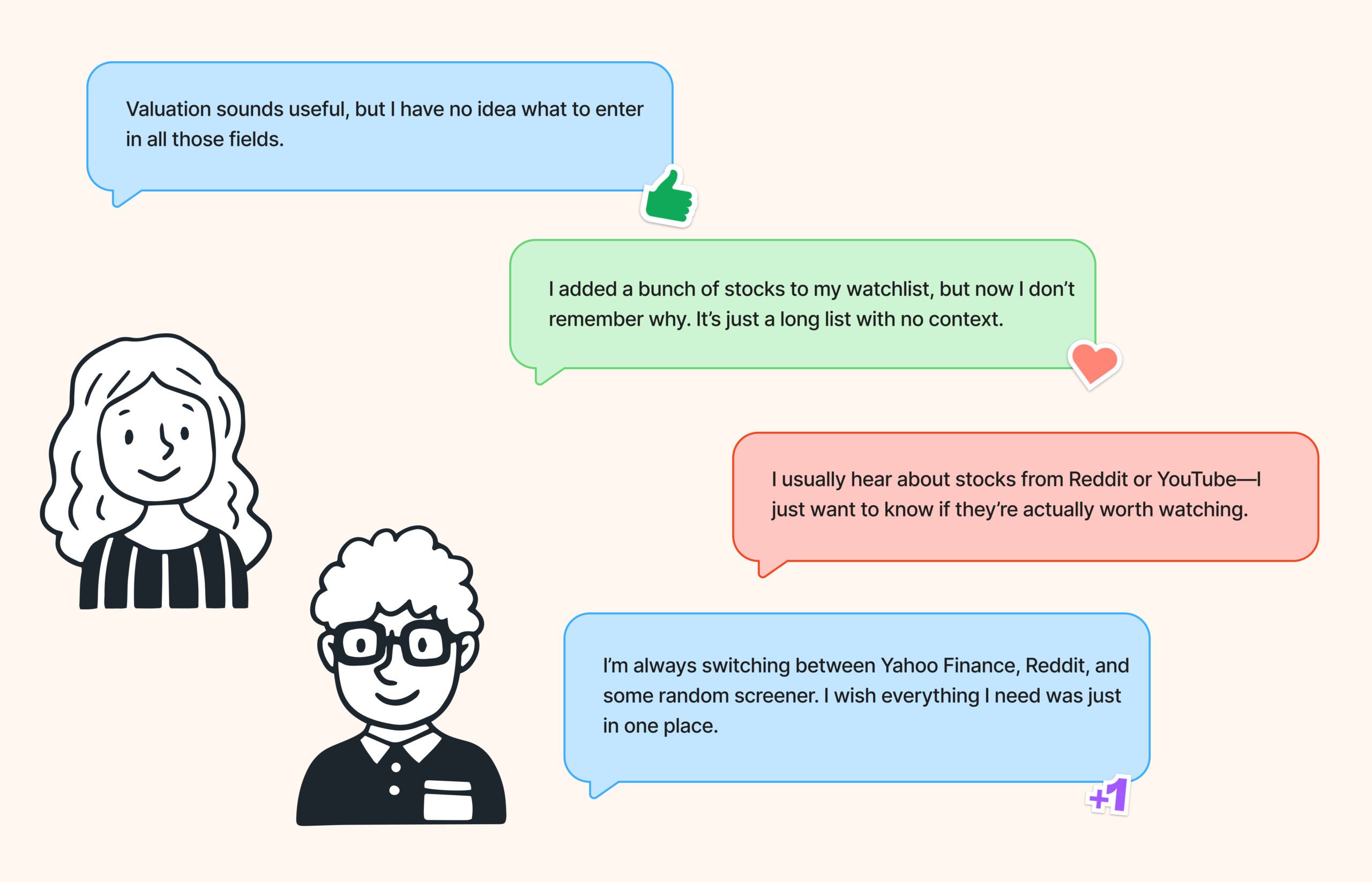
User research quotes

Research Findings

68%

of users said they add stocks to watchlists due to buzz or curiosity but don’t regularly follow up.

42%

of retail investors rely on their own research, while only 11% use influencers or “star investors” for tips.

63%

of investors admitted they check metrics mainly for reassurance, not understanding.

18%

of retail investors reported regularly using assumption-based valuation tools.

71%

said their current research workflow involves switching between 3+ platforms.

61%

of retail investors said they want tools that “make them feel more confident” about their stock decisions.

Key Takeaways

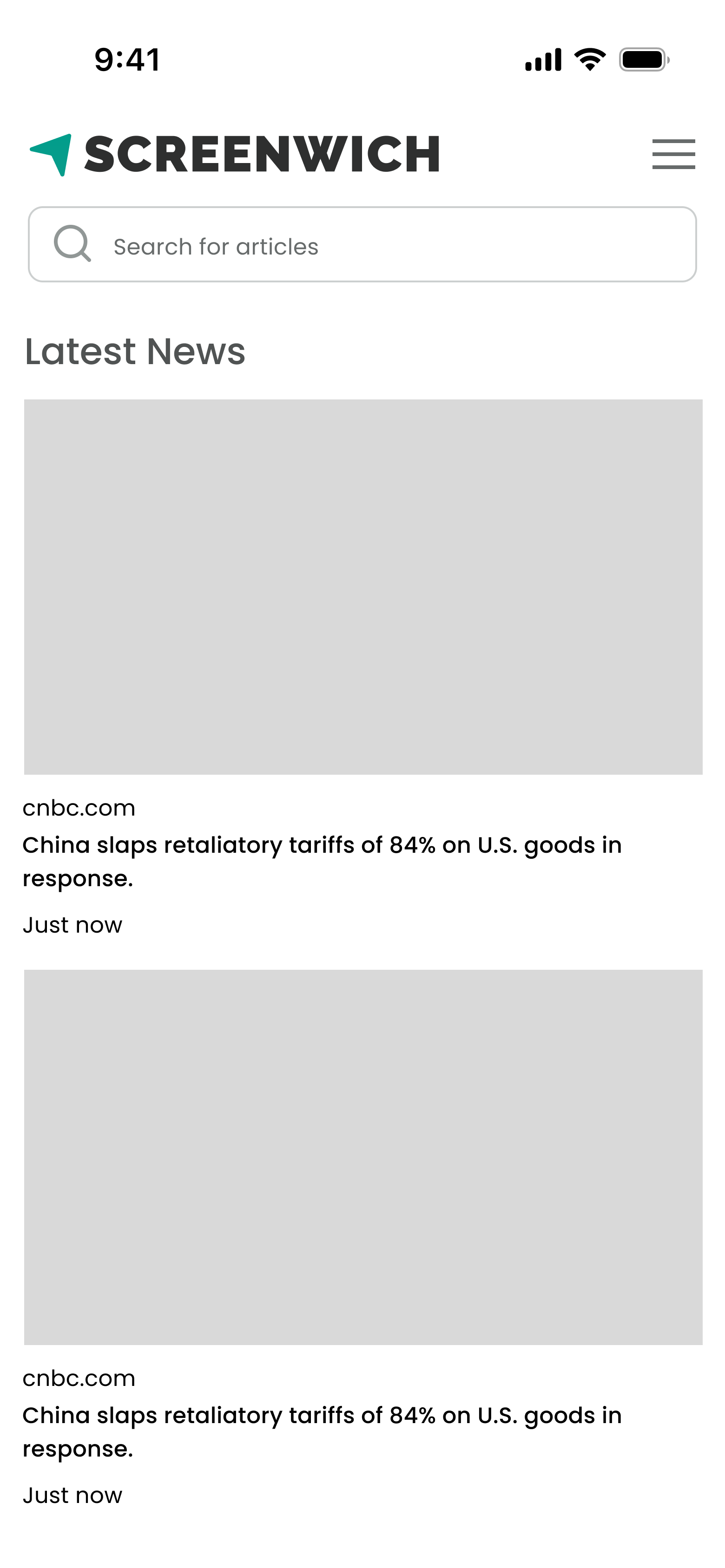
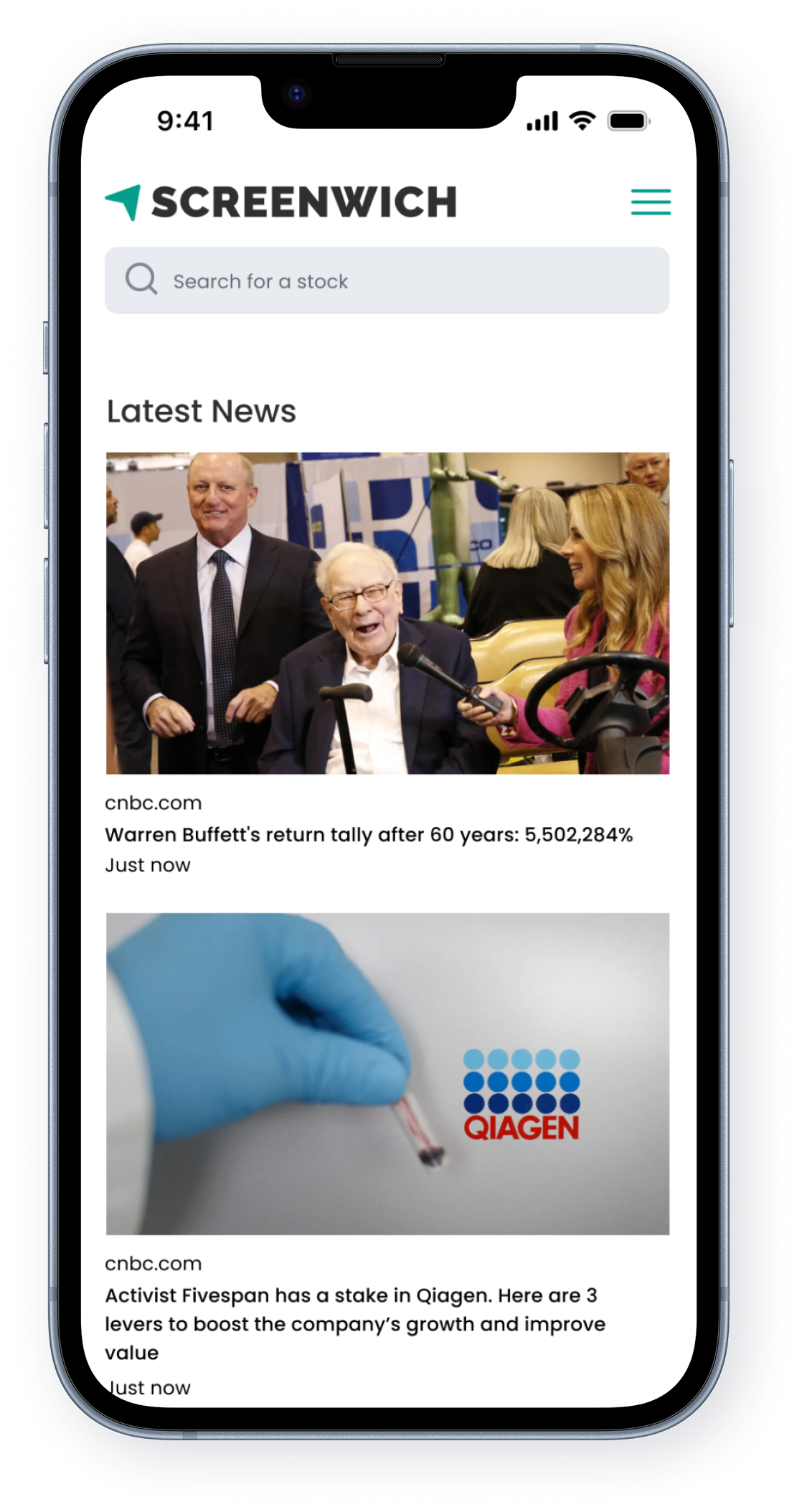
  • Make it easier to find trending stocks for social investors.
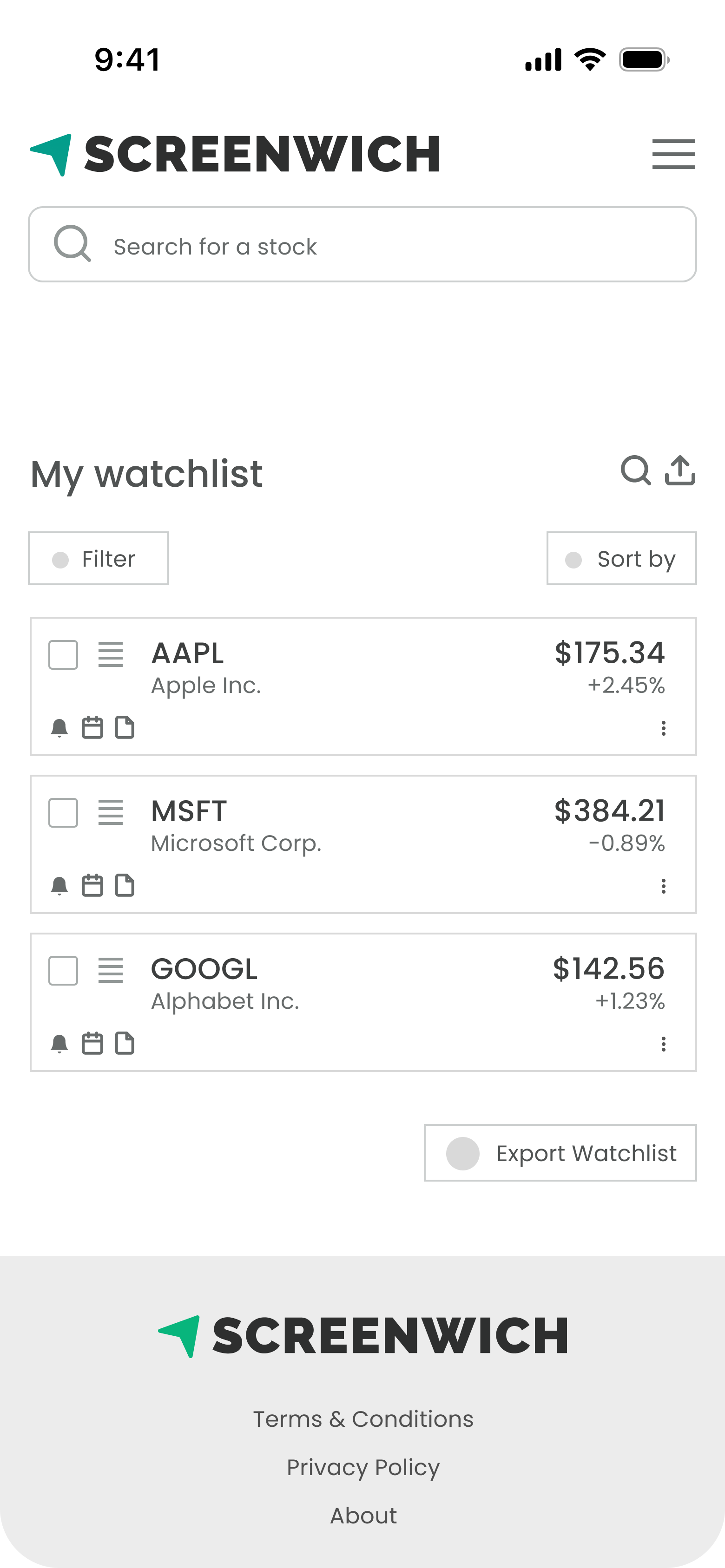
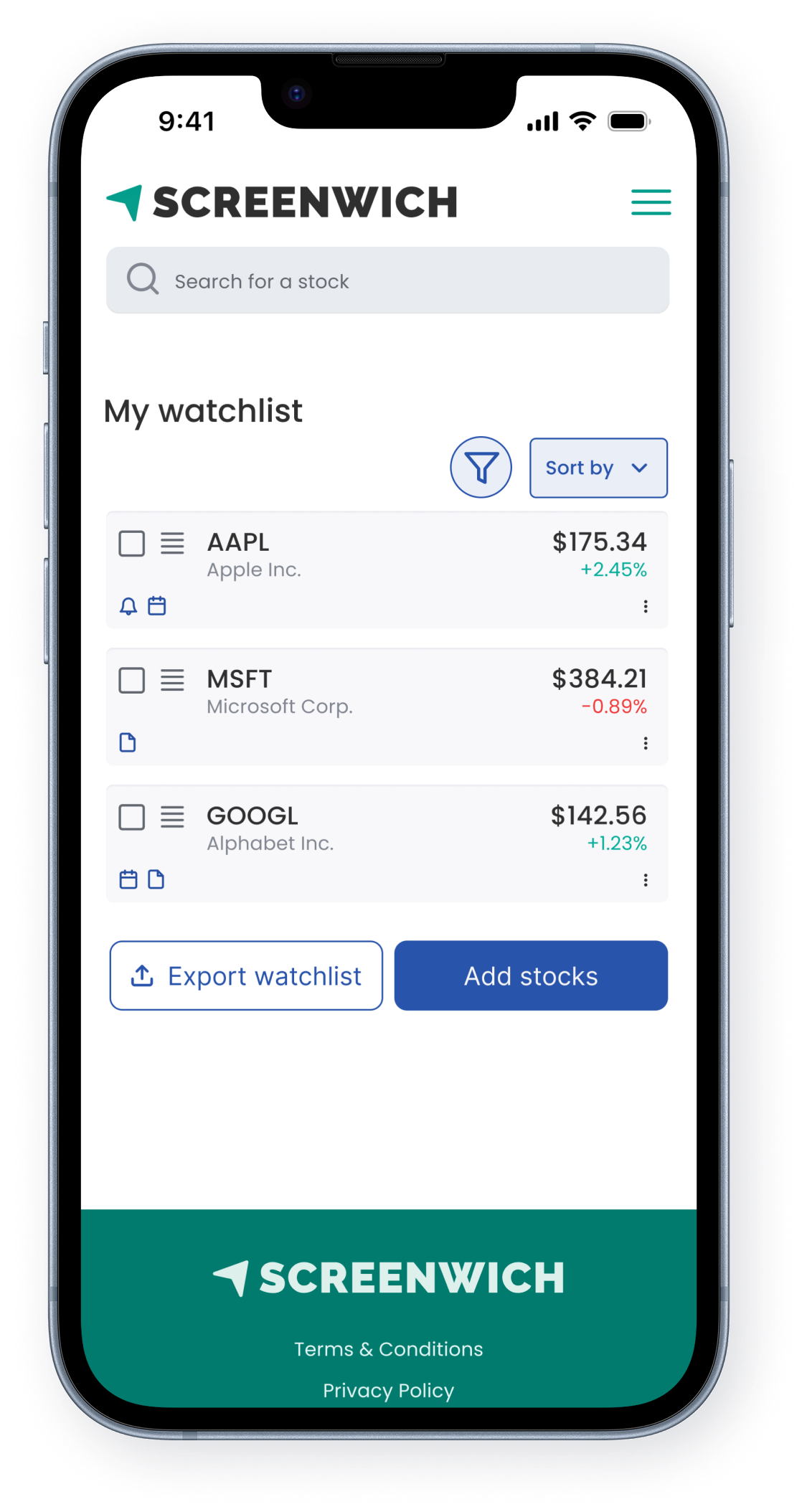
  • Make watchlist more actionable using earning reminders and price alerts.
  • Make screening tool easy to use.
  • Make valuation experience low effort.
Using AI For Design

I used AI tools to accelerate my workflow and spark early design direction. After gathering requirements, I explored initial ideas using ChatGPT, UXPilot, and Magic Patterns to test design patterns across different areas of the product. I then synthesized those insights to create custom wireframes based on the most effective solutions.

Updated User Flow

Screenwich User flow

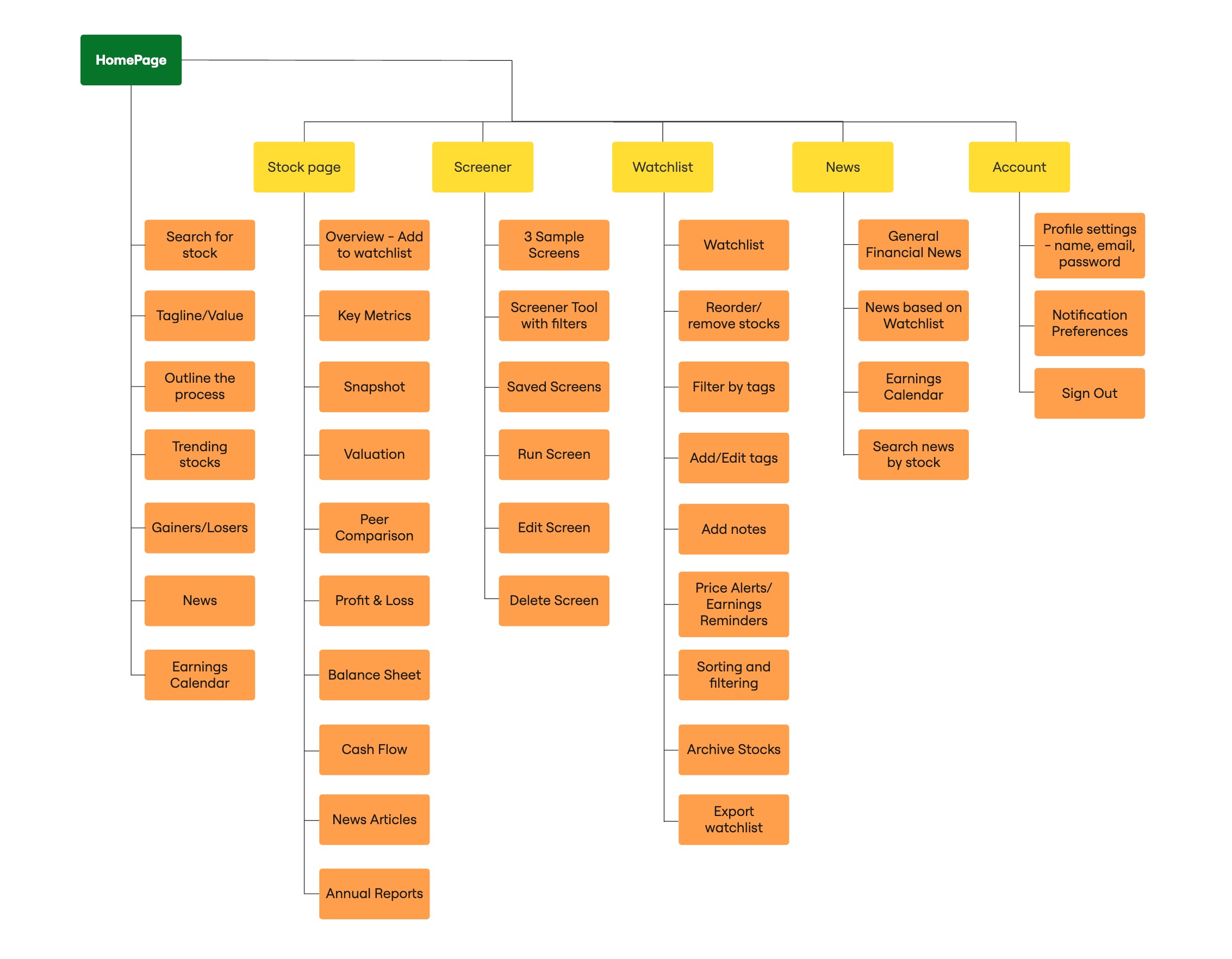
Site Map

Screenwich site map

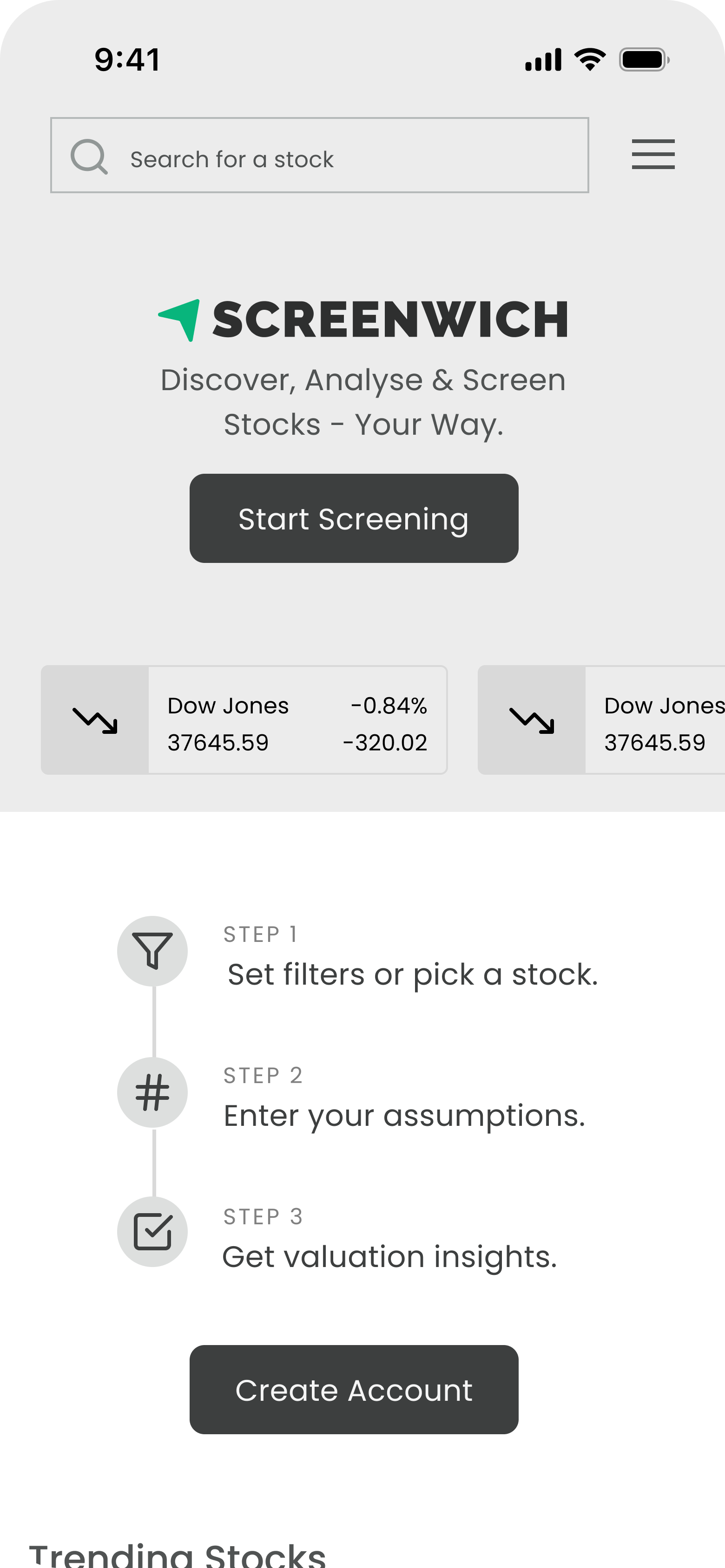
Wireframes

I used UXPilot and MagicPatterns for idea generation, then combined those insights with my own wireframes to apply the best UX patterns for each screen.

From Friction to Flow

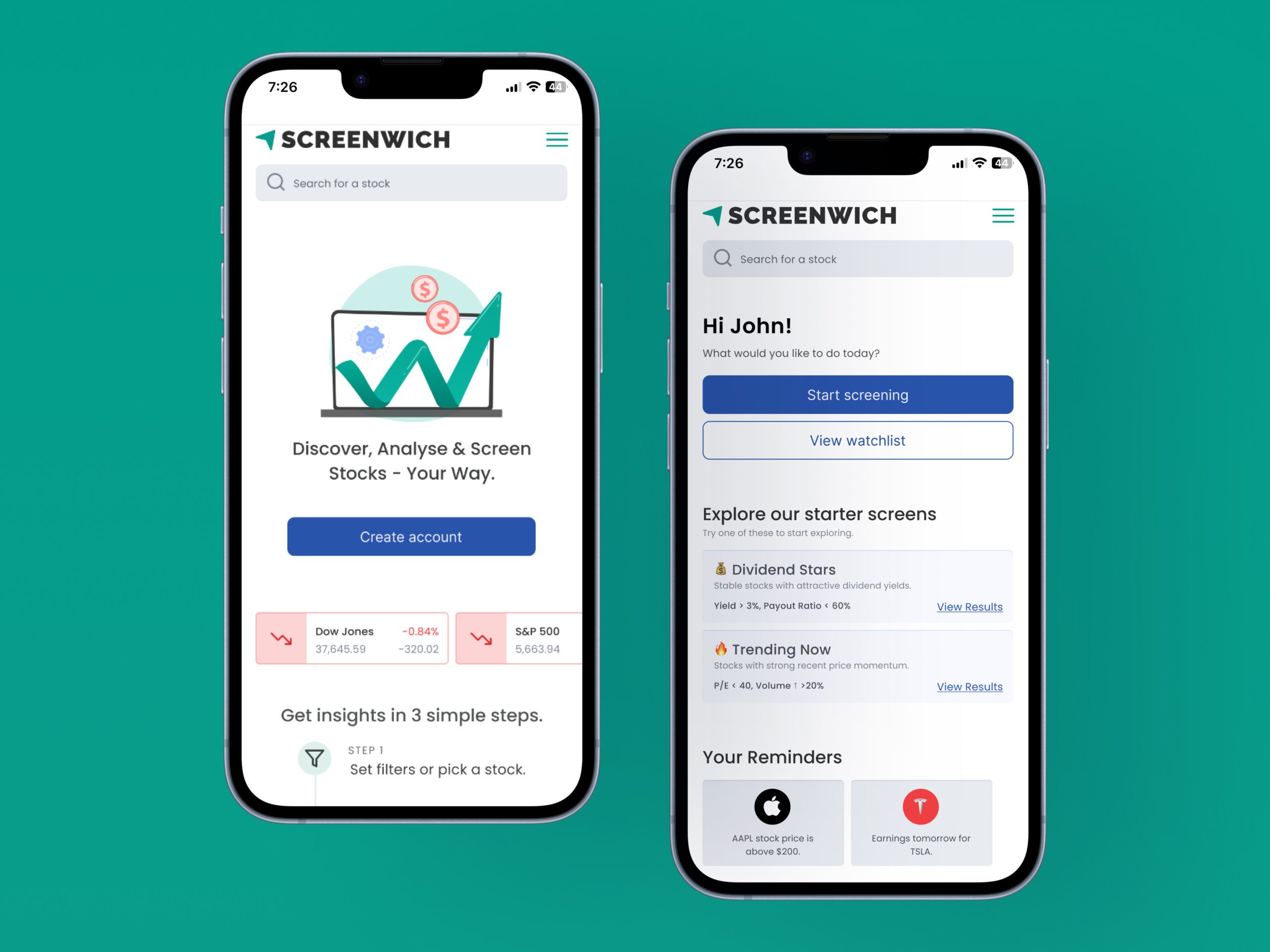
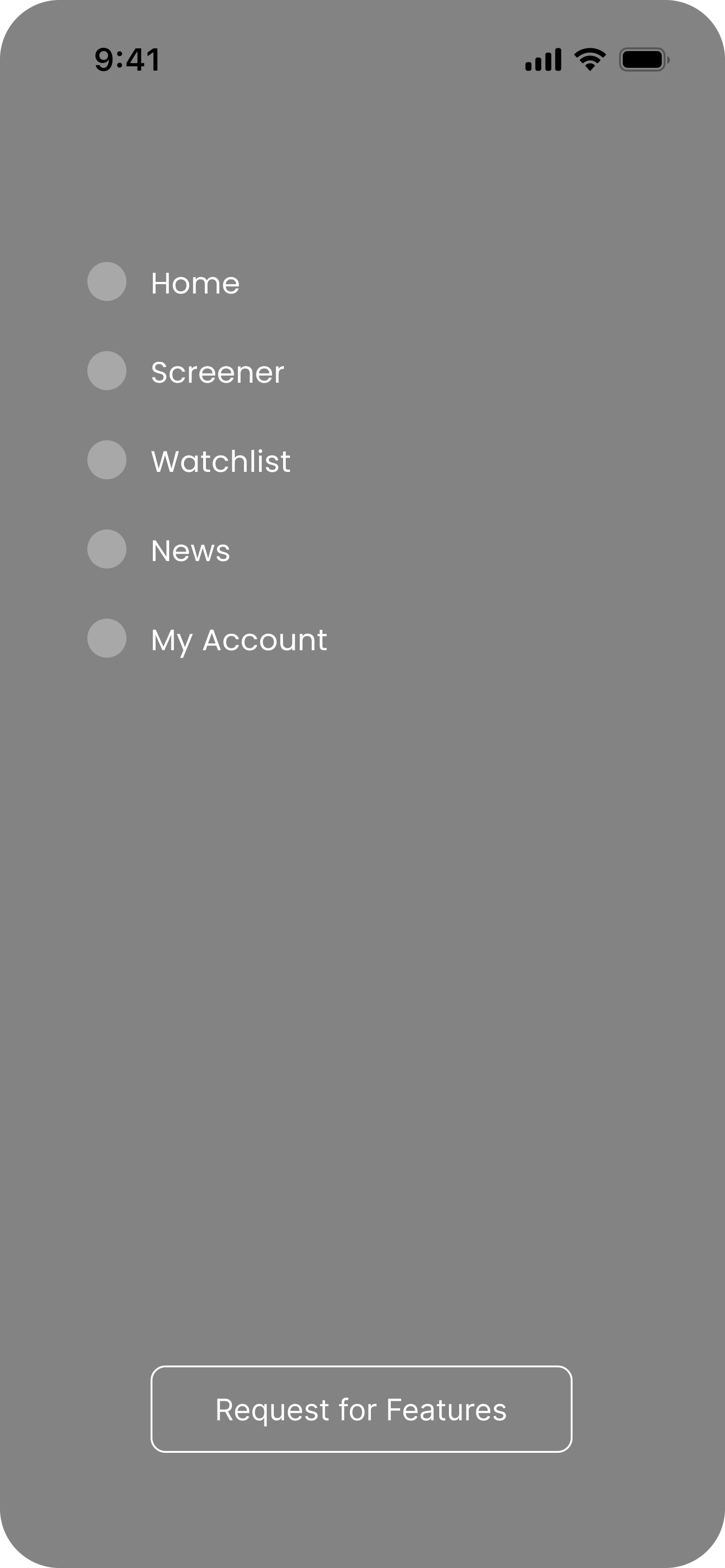
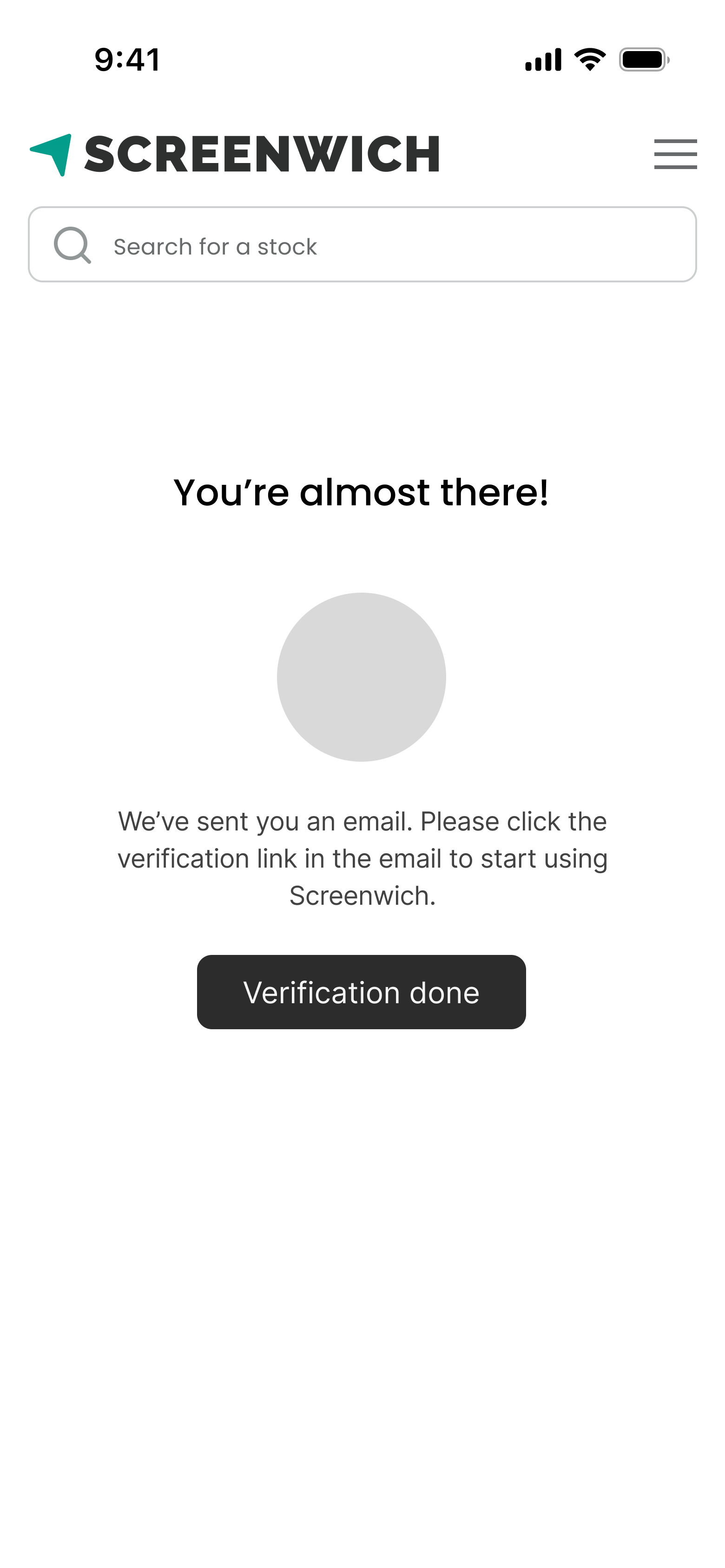
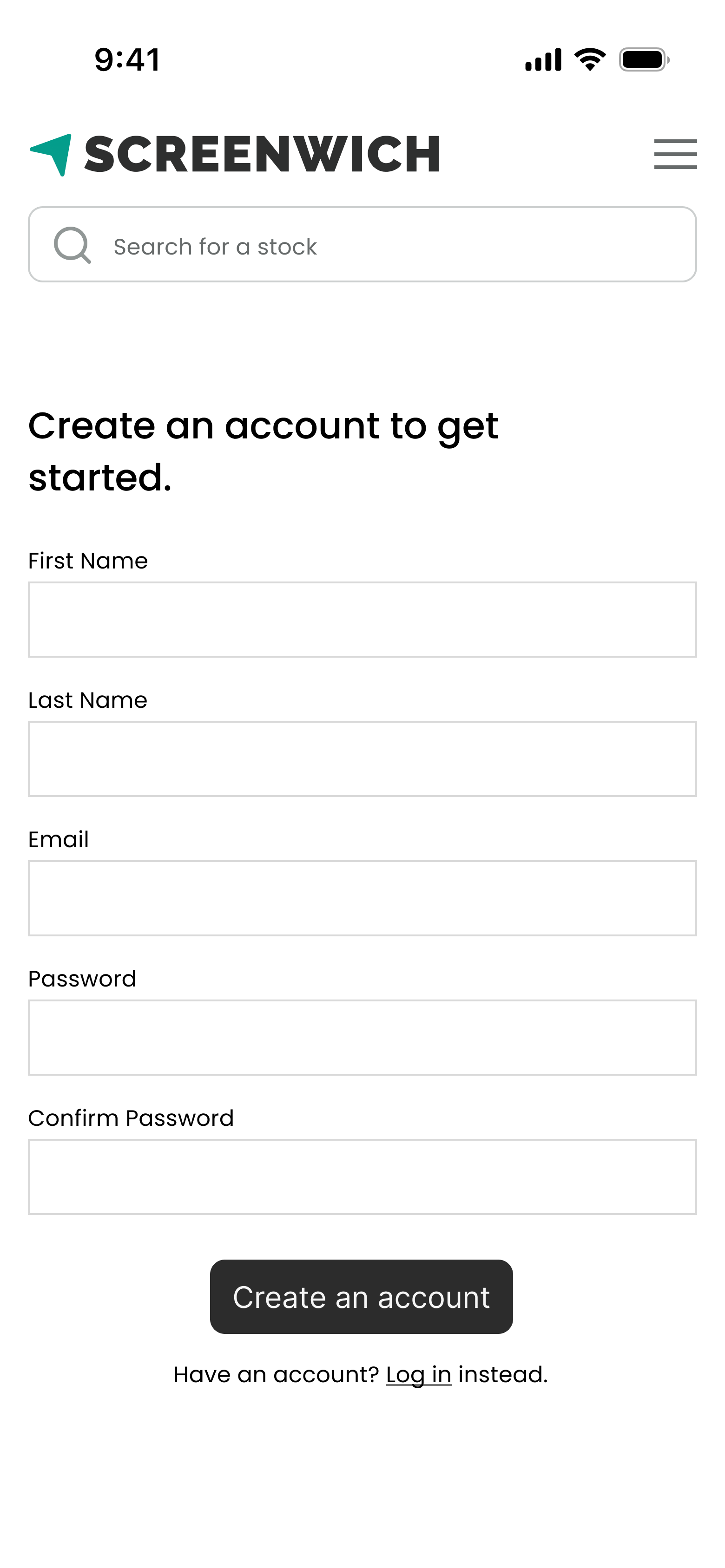
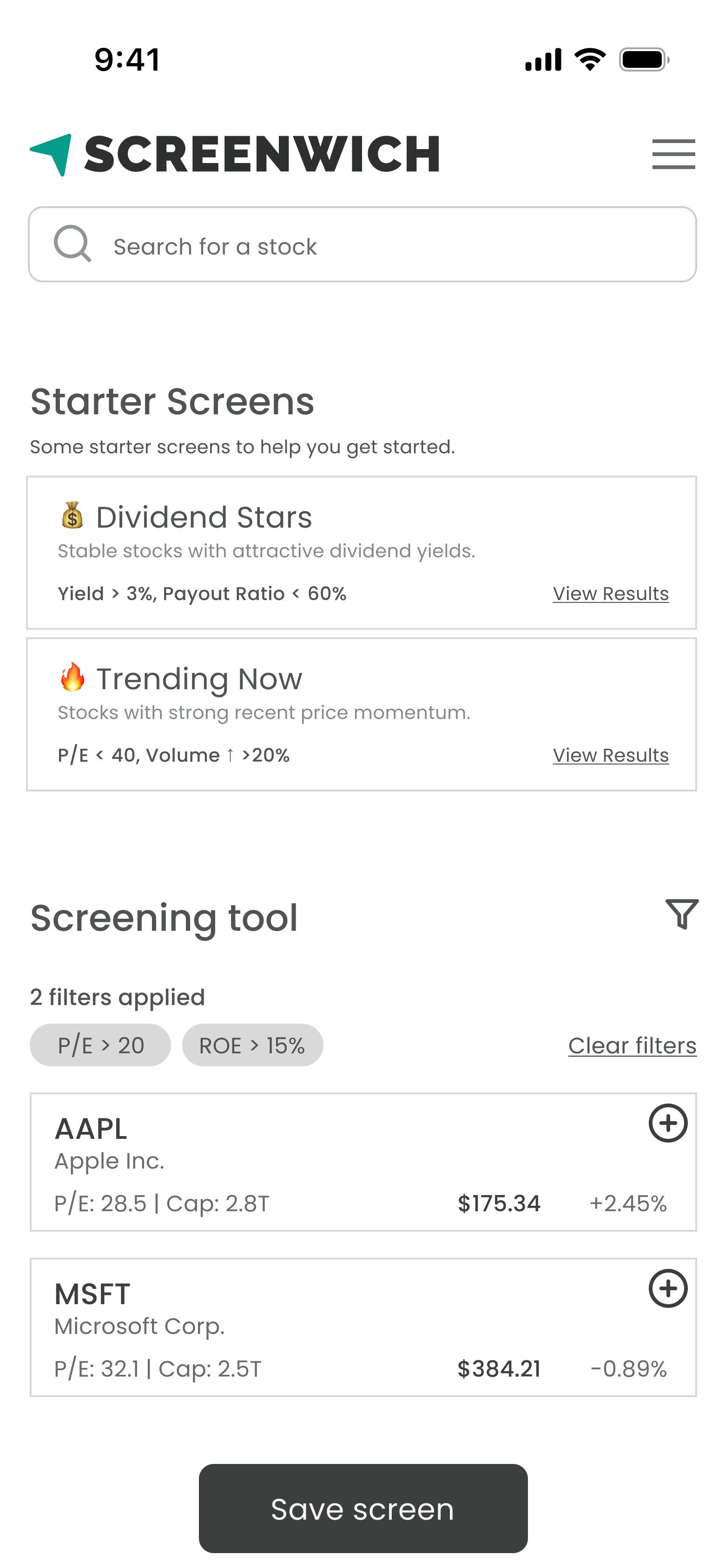
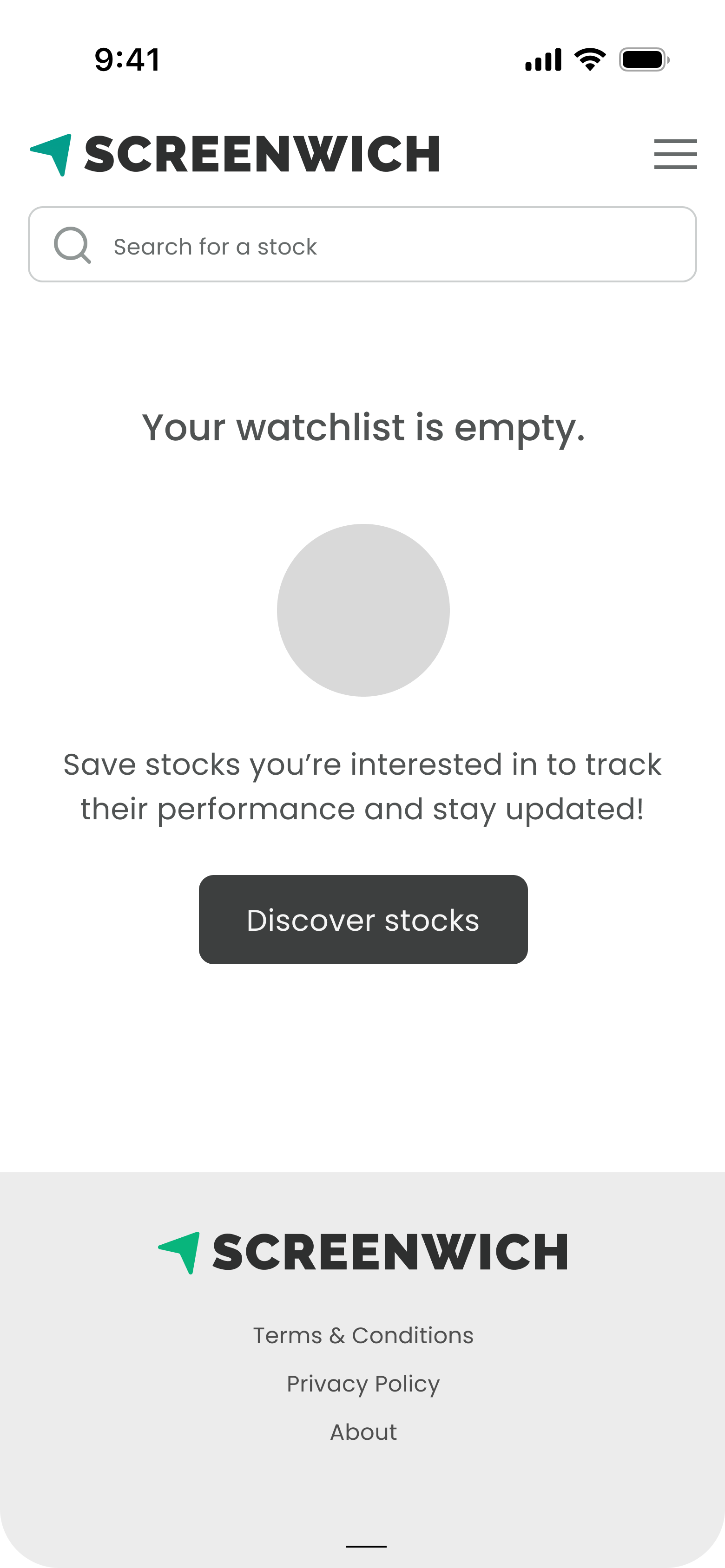
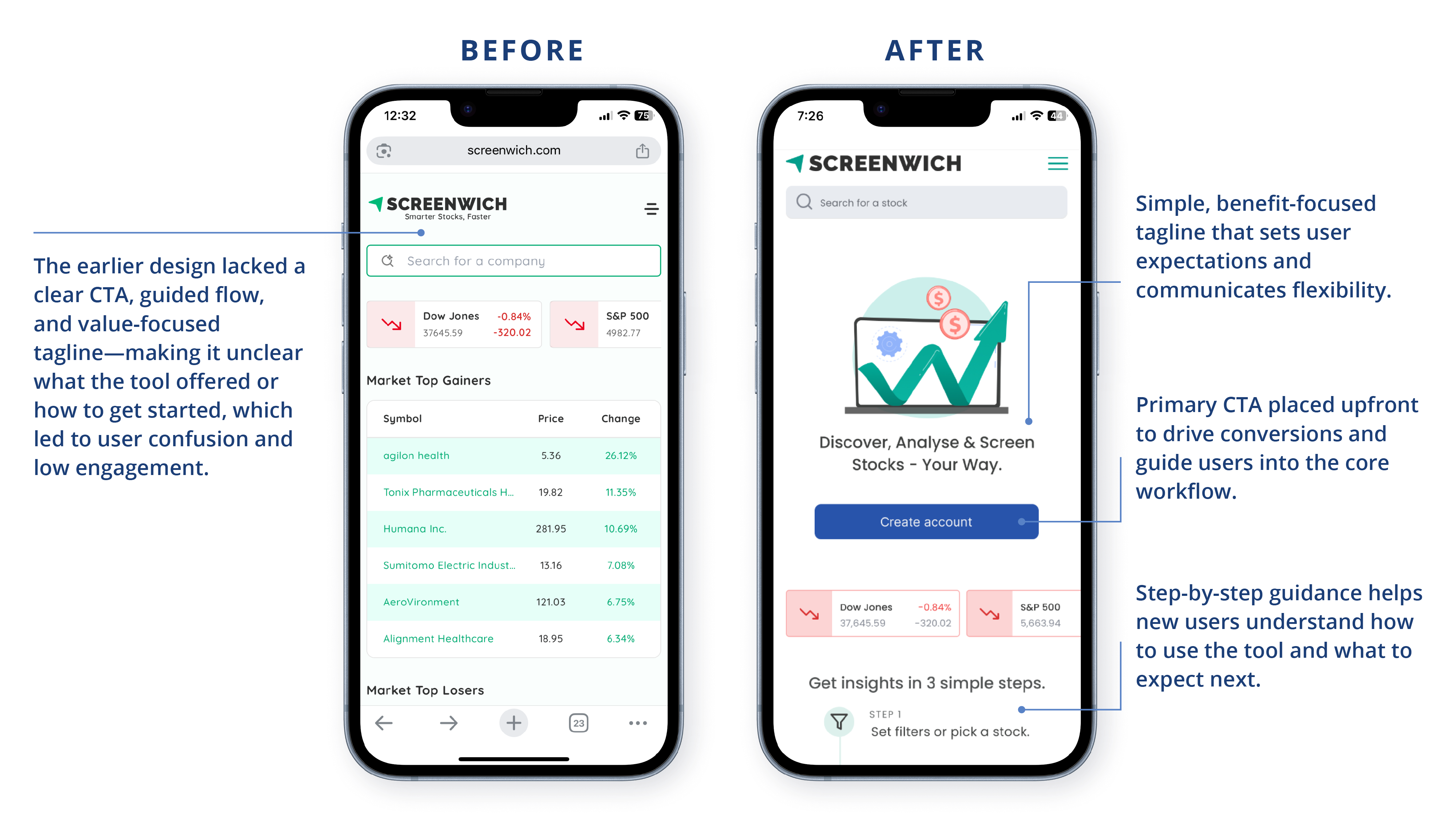
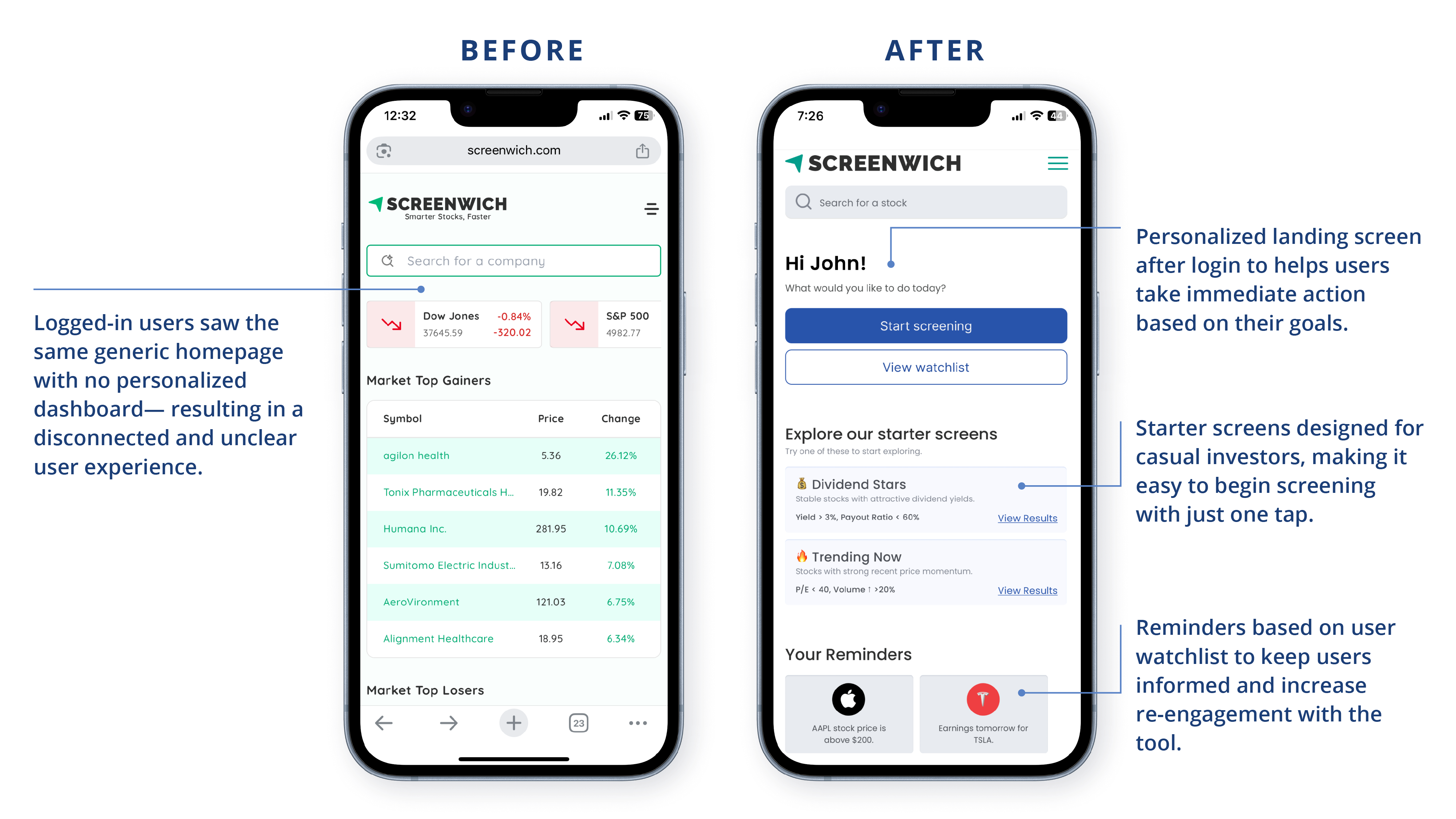
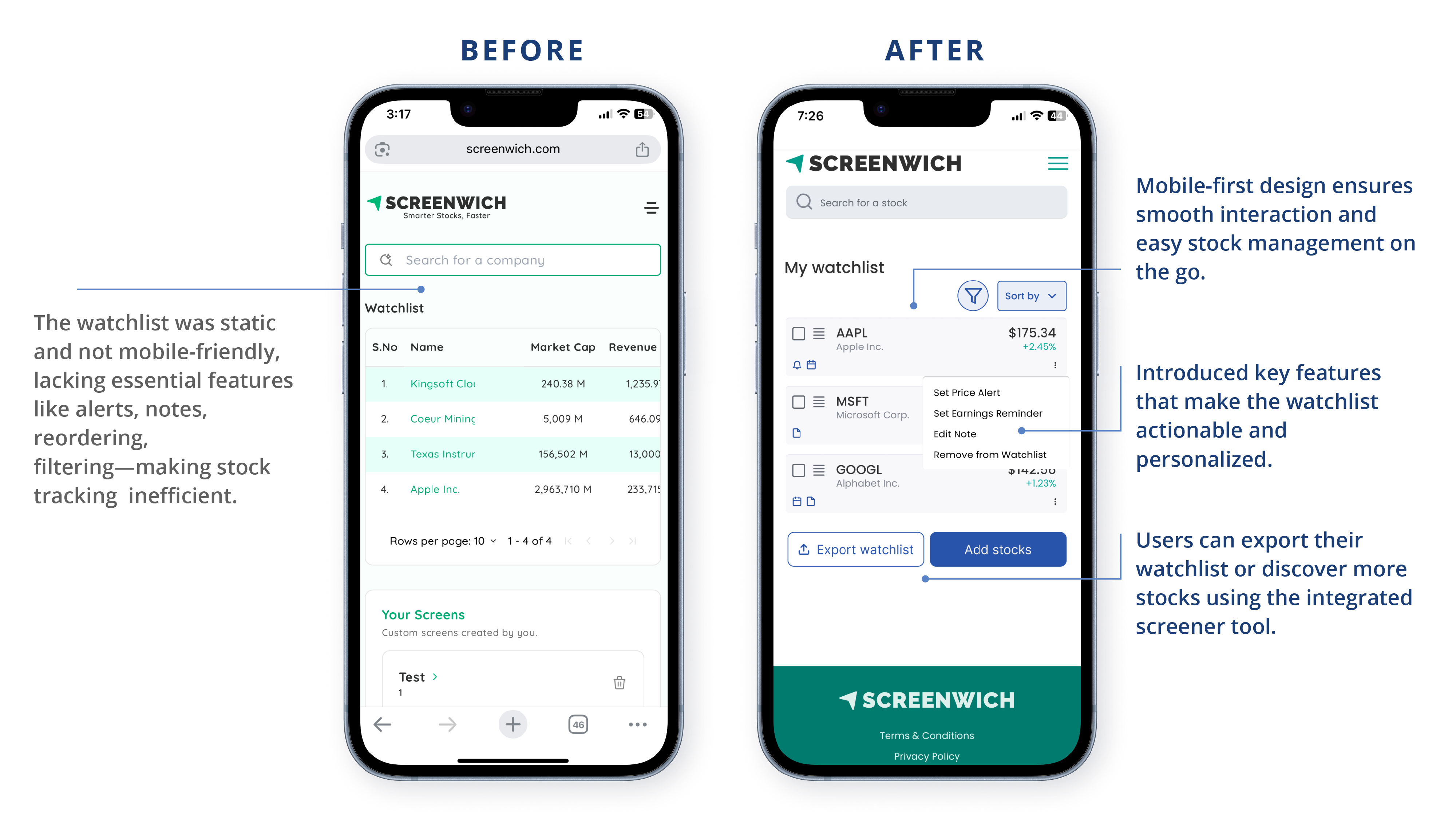
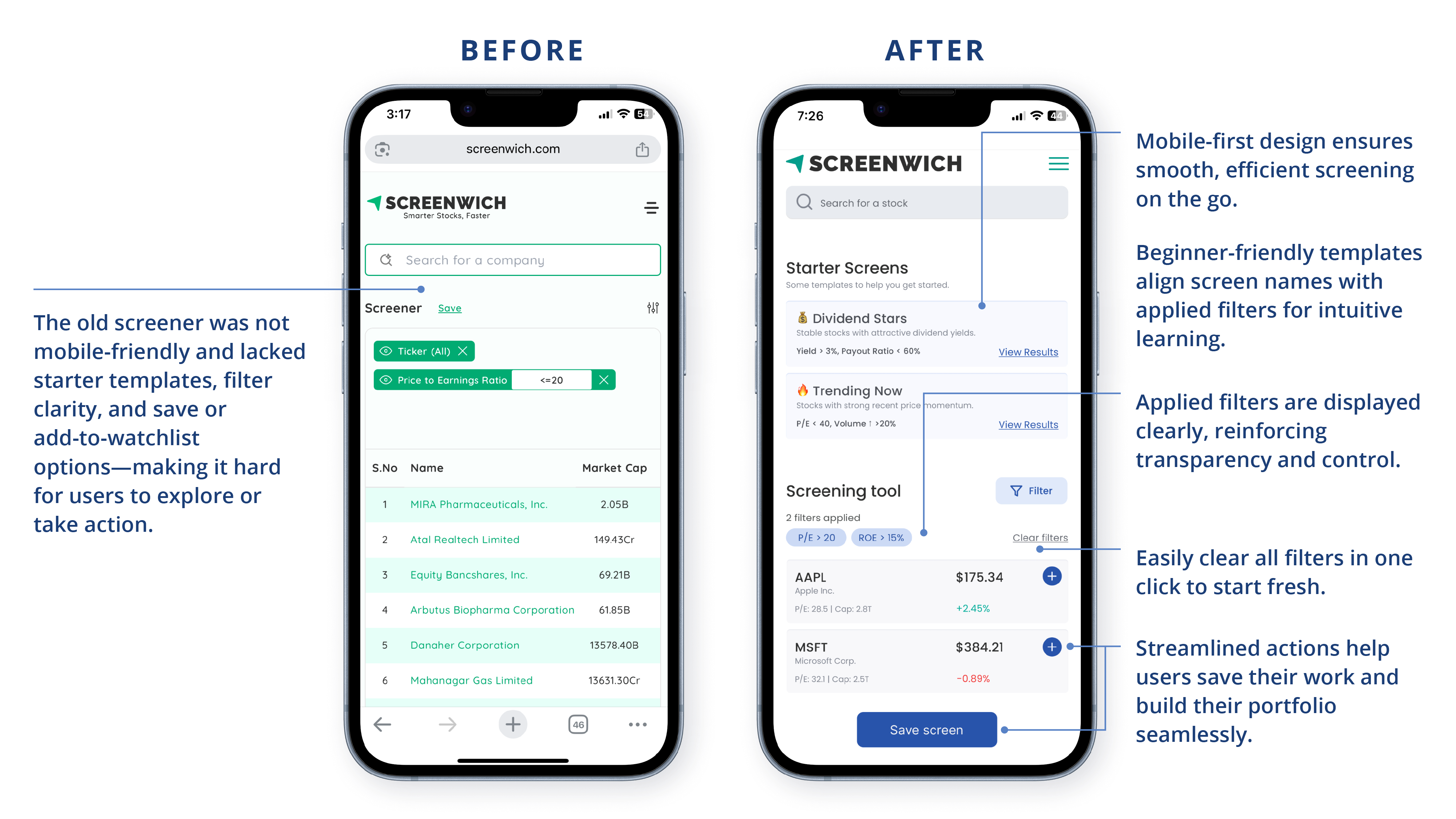
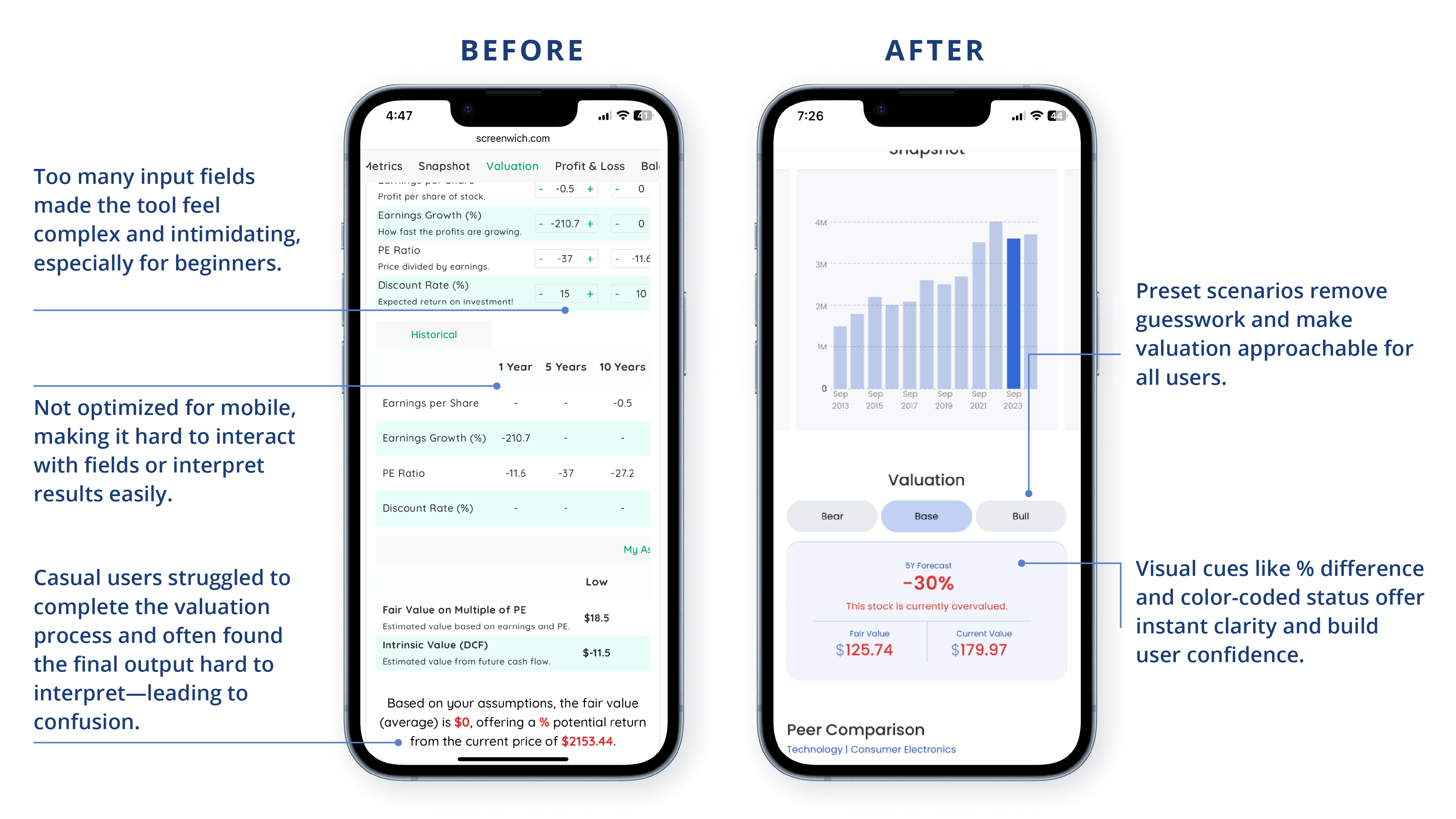
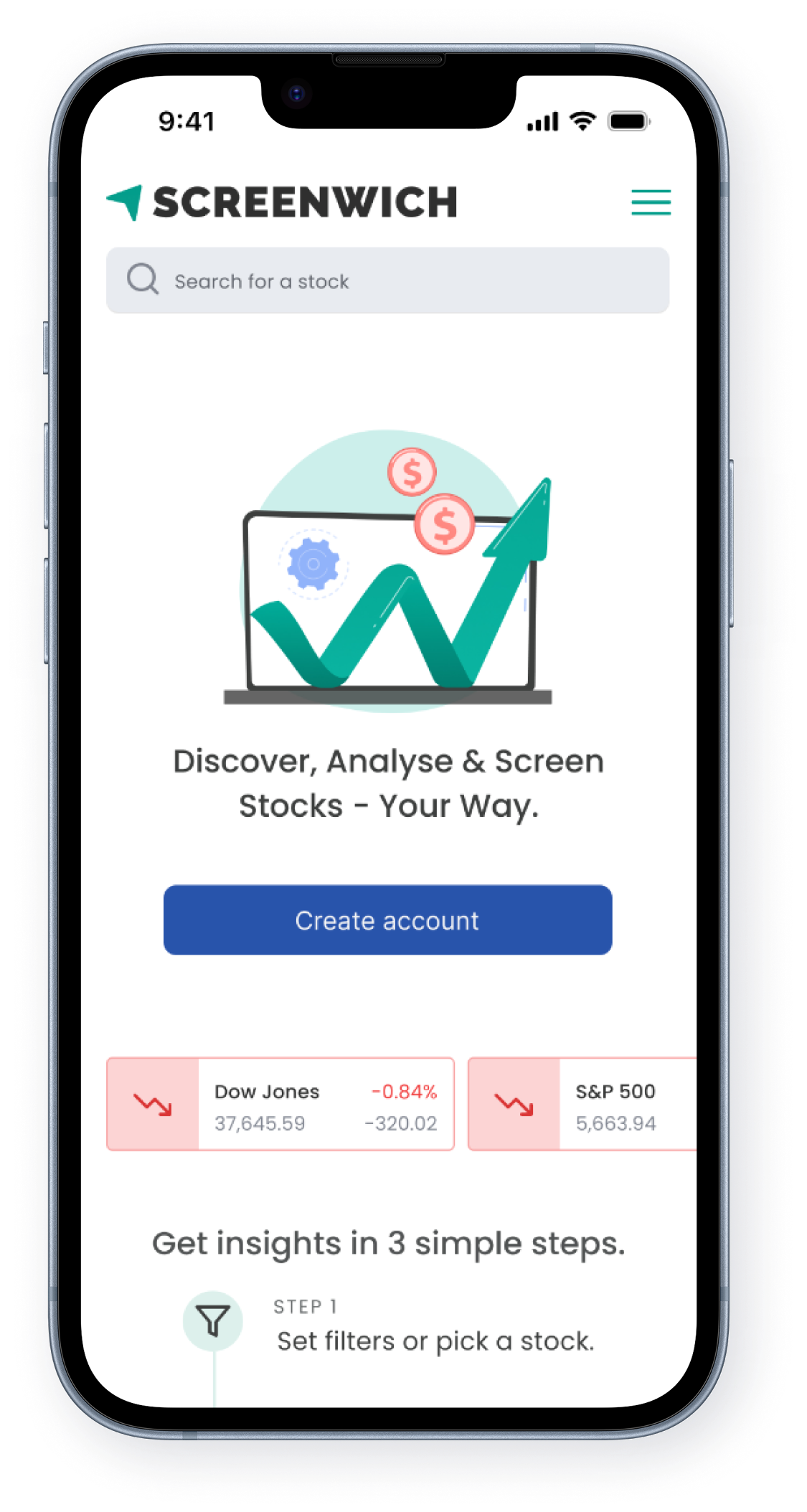
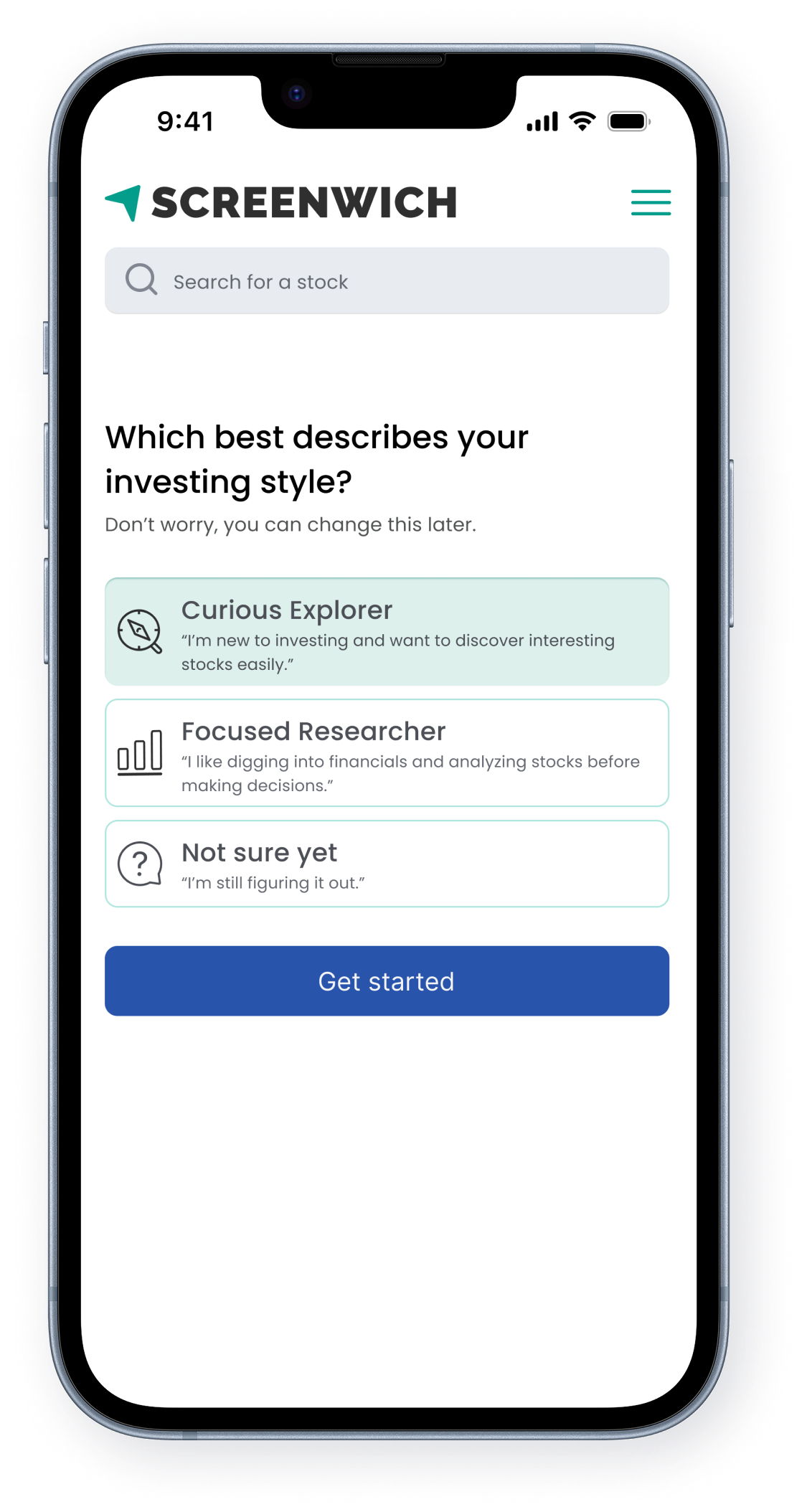
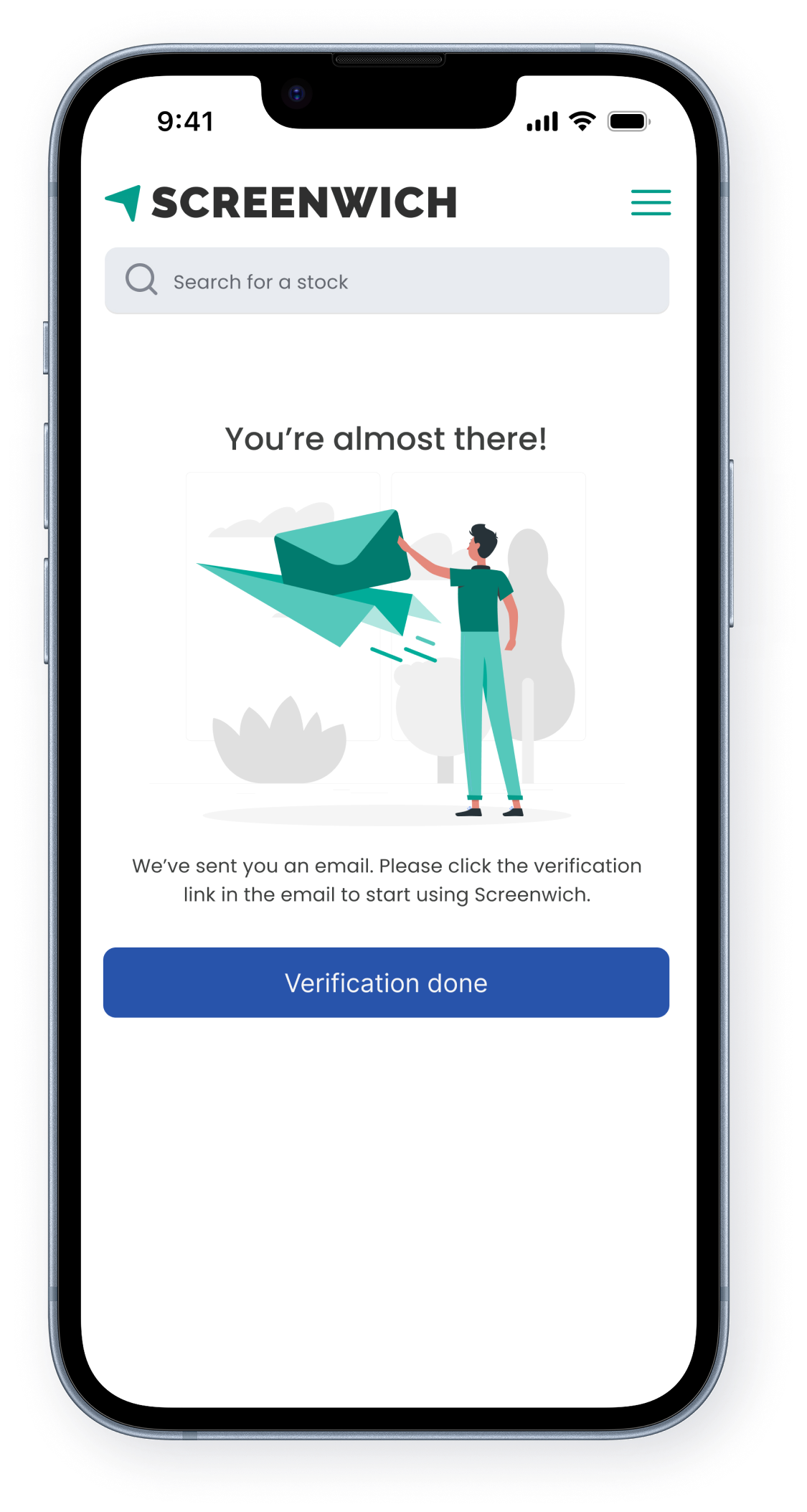
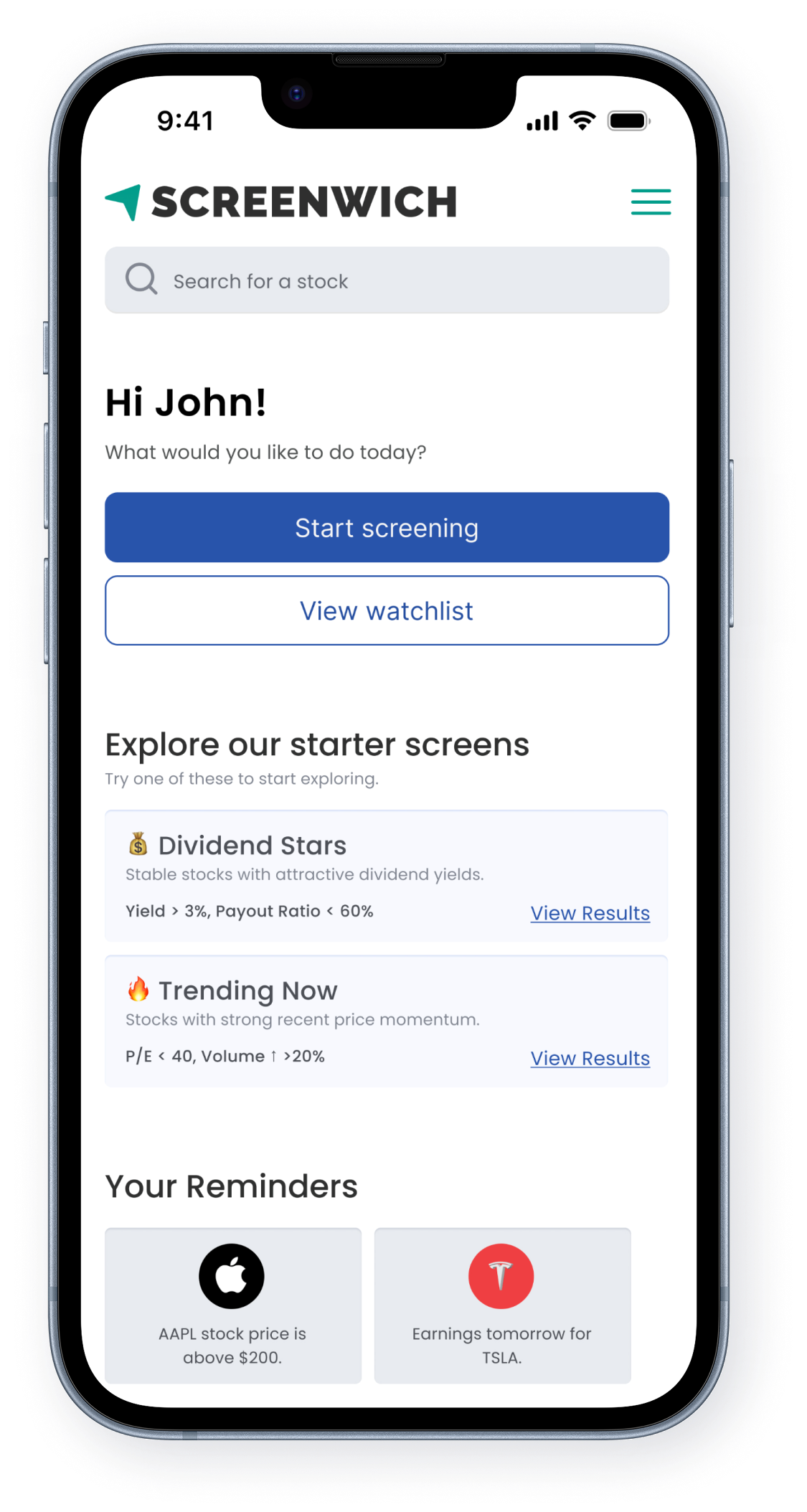
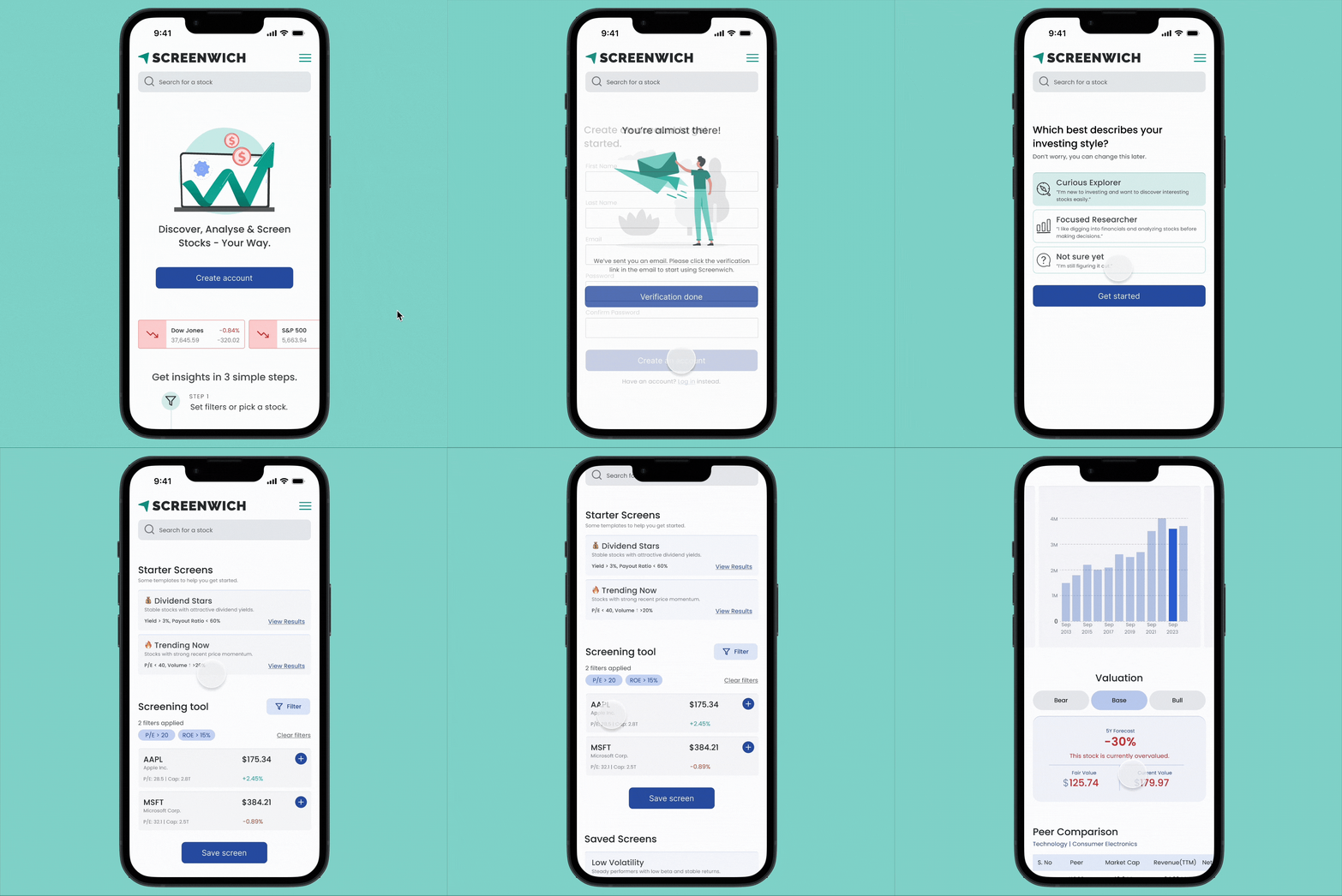
The original experience had usability gaps across key touchpoints—from overwhelming input fields to a lack of guidance and mobile optimization. Through thoughtful redesign, I transformed these friction points into a smooth, intuitive journey that supports both casual and advanced investors.
1. Generic Home Page → Clear Call-to-Action for Onboarding
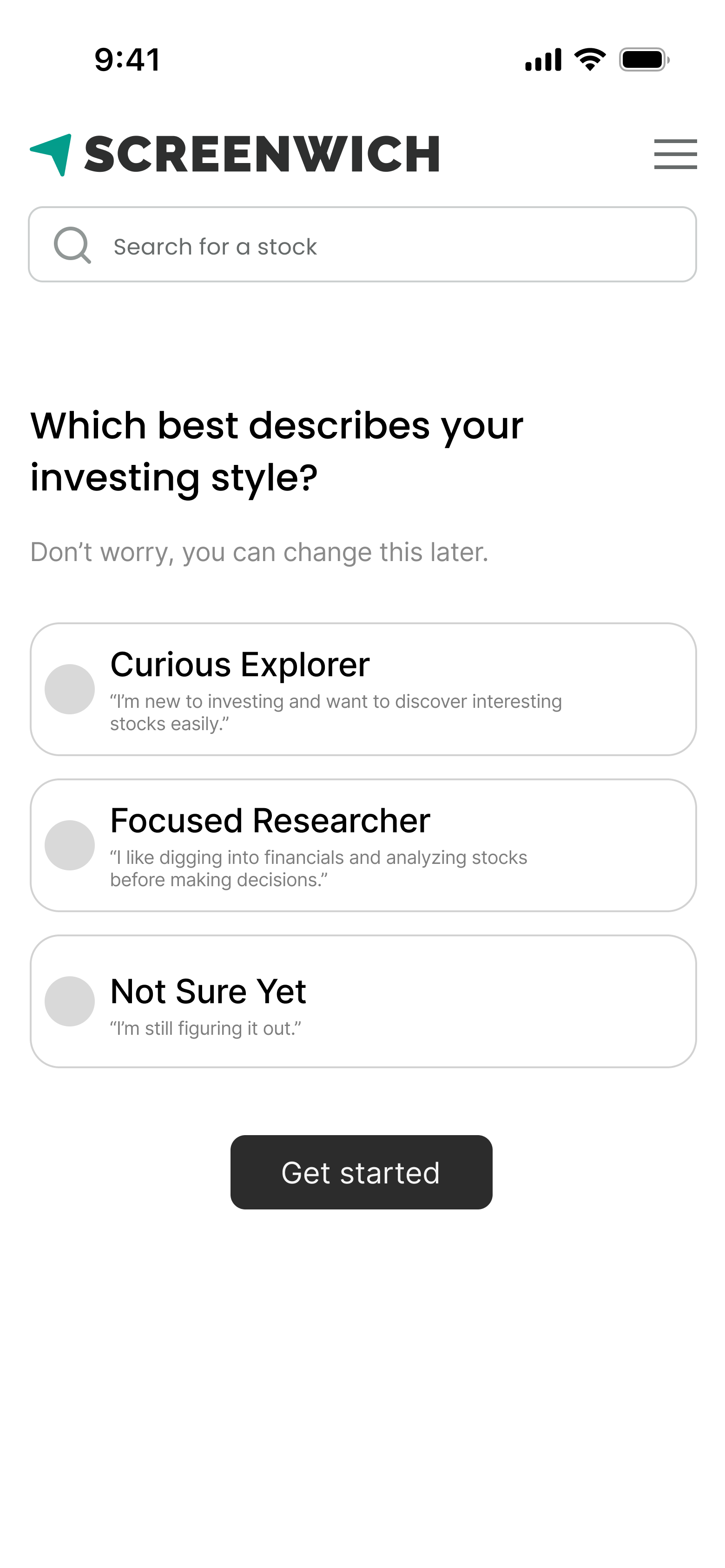
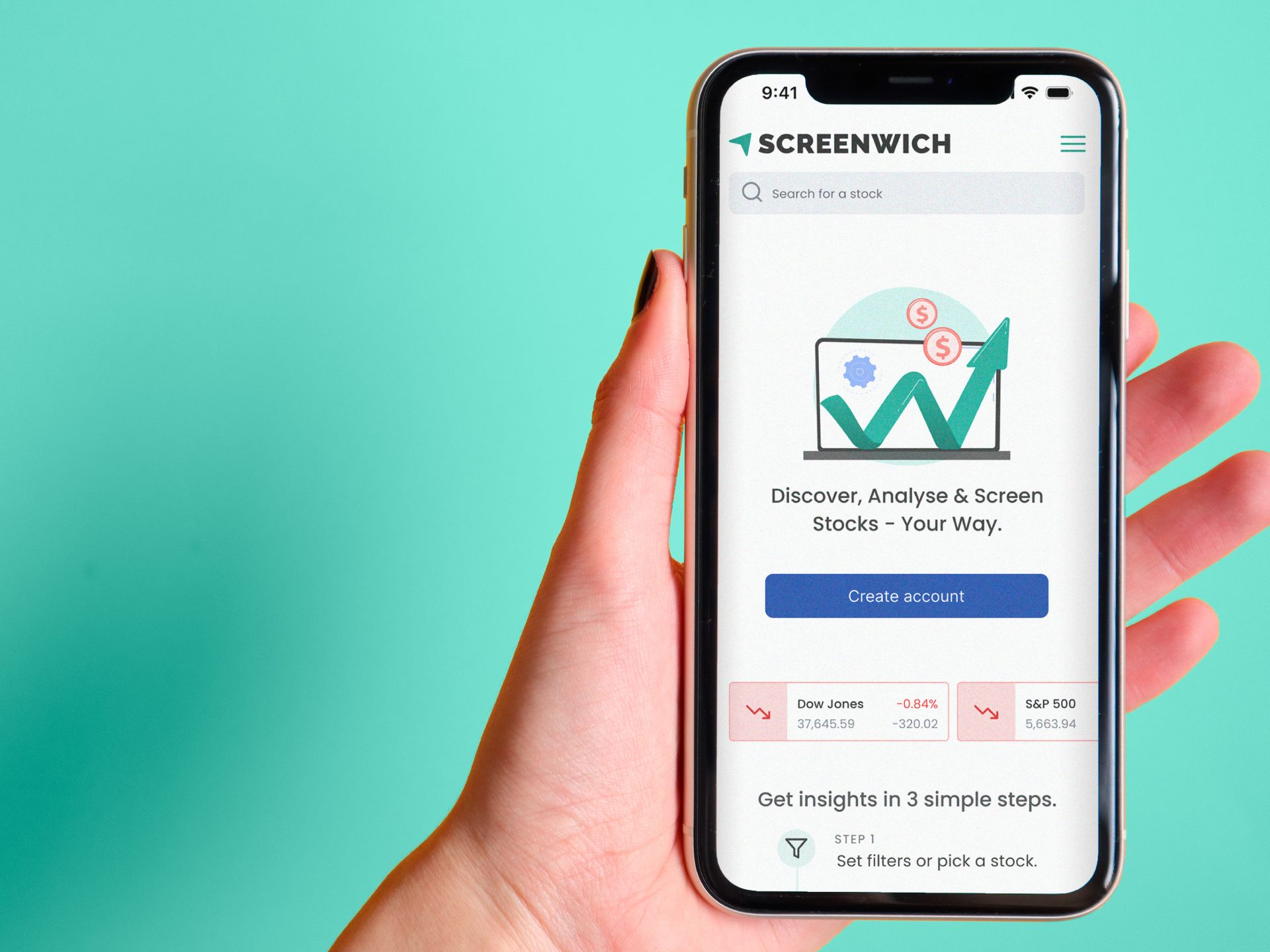
2. Static Landing View → Personalized Starter Dashboard
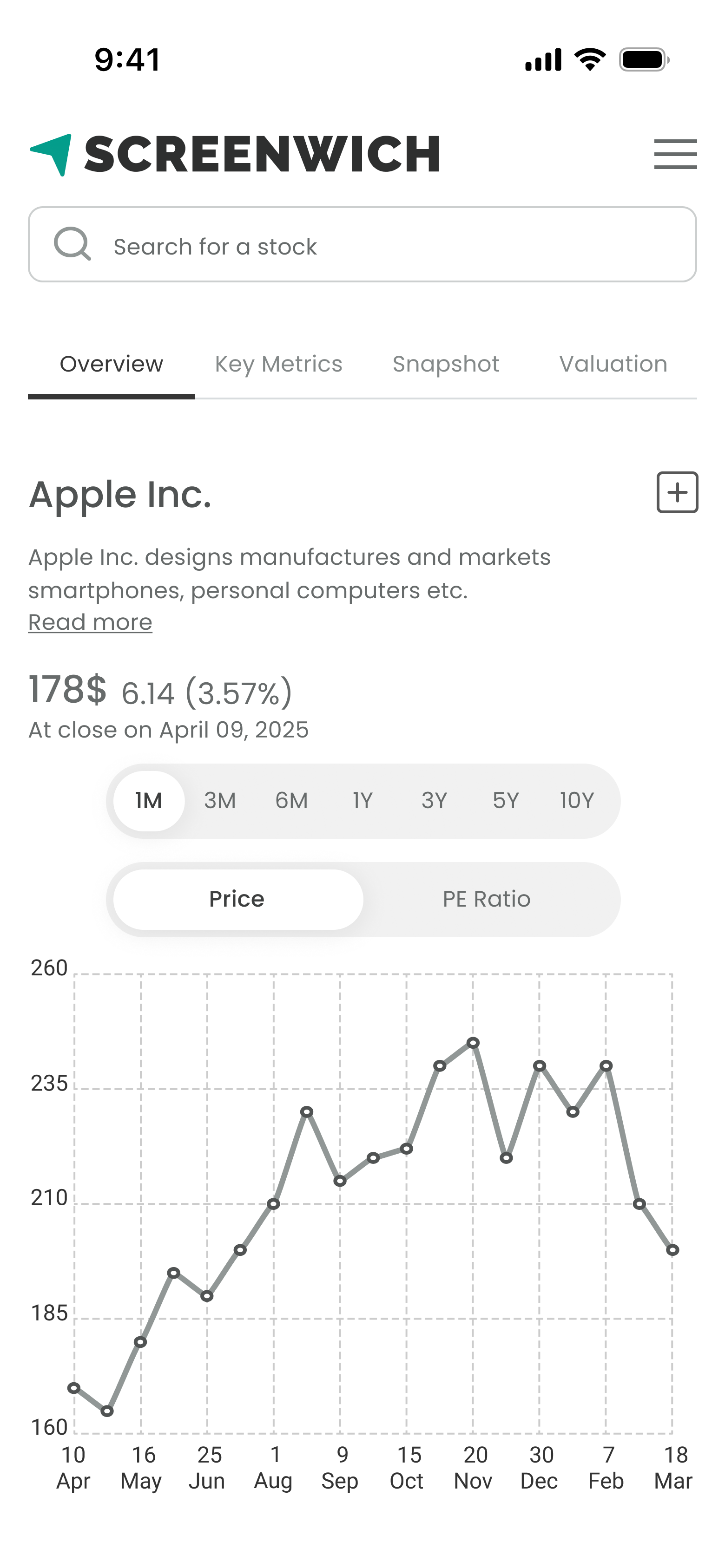
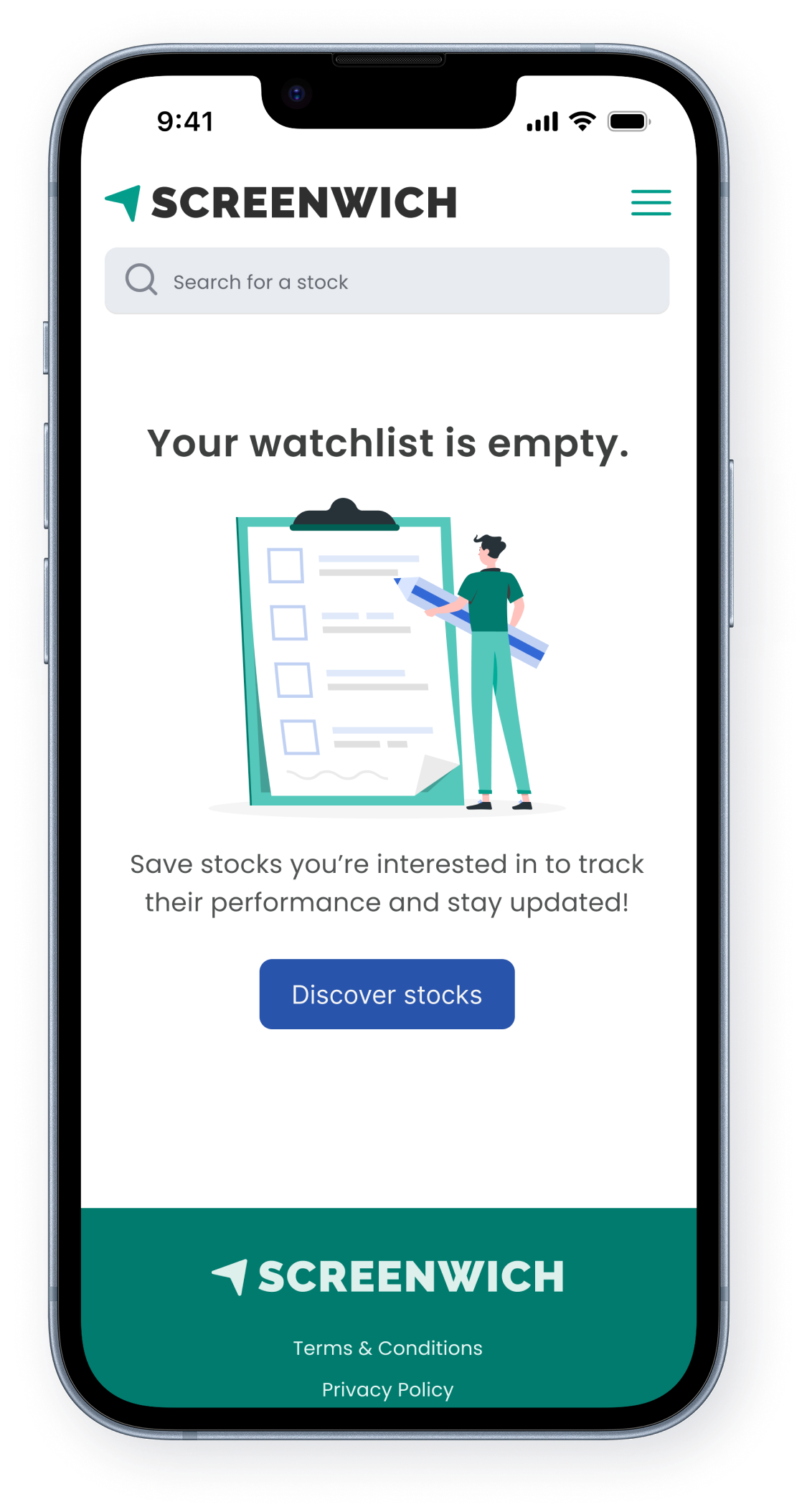
3. Basic Watchlist Table → Actionable, Mobile-Optimized Watchlist
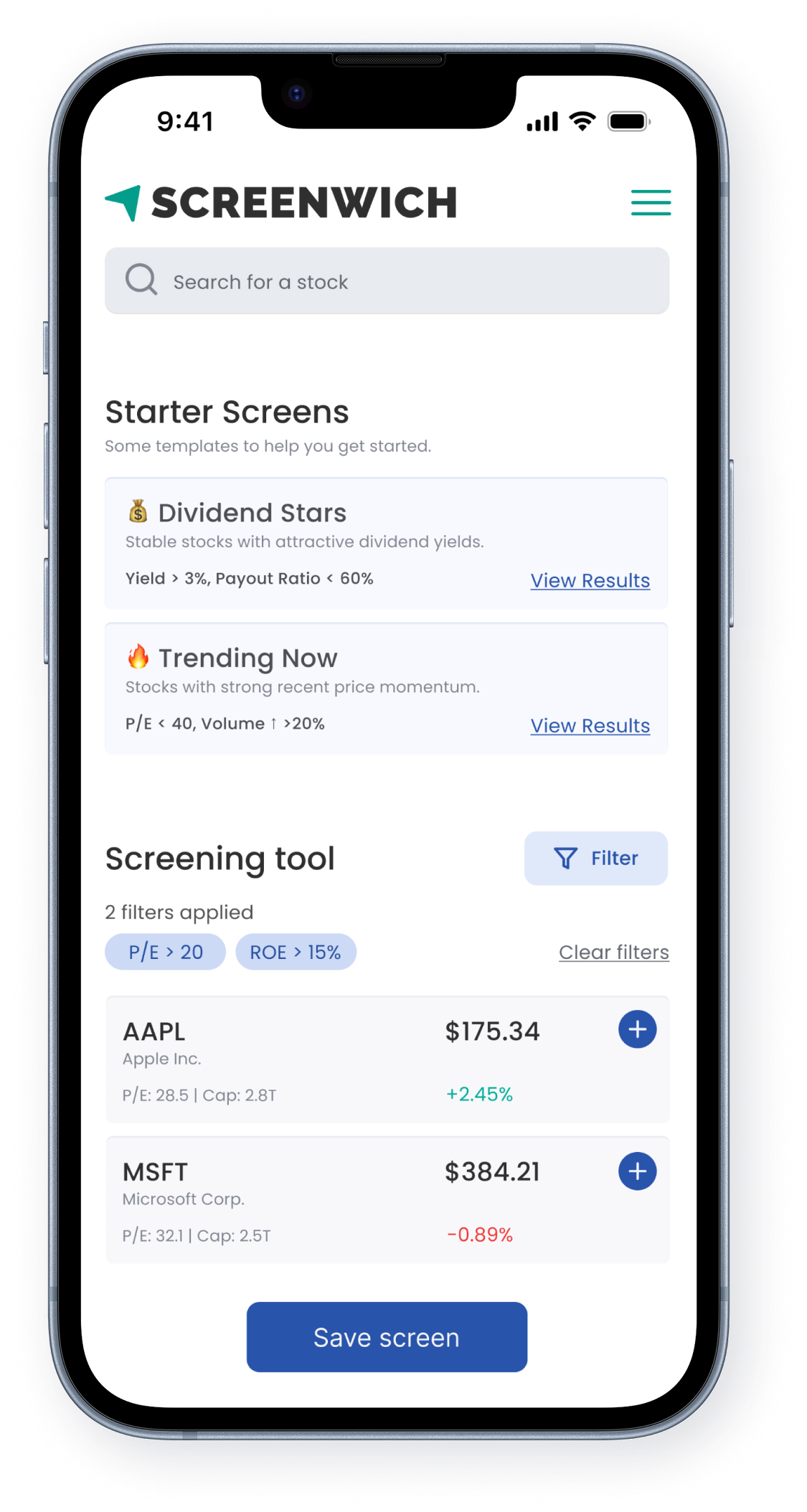
4. Dense Layout → Intuitive Screener with Starter Templates
5. Input-Heavy Valuation Form → Simplified, Insightful Valuation Tool

68%

Task success rate

45%

Decrease in screening error rates

50%

Increase in Net Promoter Score

What I Learned

I learned how to simplify complex experiences by guiding users instead of assuming prior knowledge. Using AI tools for quick ideation helped me explore patterns faster, while user needs ultimately shaped my design decisions. This project reinforced the importance of clarity, confidence, and context in product design.

Future Scope

Next steps could include adding portfolio tracking, AI-driven stock suggestions, and deeper personalization—such as surfacing filters or screens based on a user’s watchlist habits or investment style. Expanding to native mobile apps would further improve accessibility and engagement across investor types. Additionally, the valuation tool could evolve from simple presets to allow guided user inputs using contextual suggestions (e.g., average or historical P/E values), helping both casual and advanced users make informed assumptions with confidence.

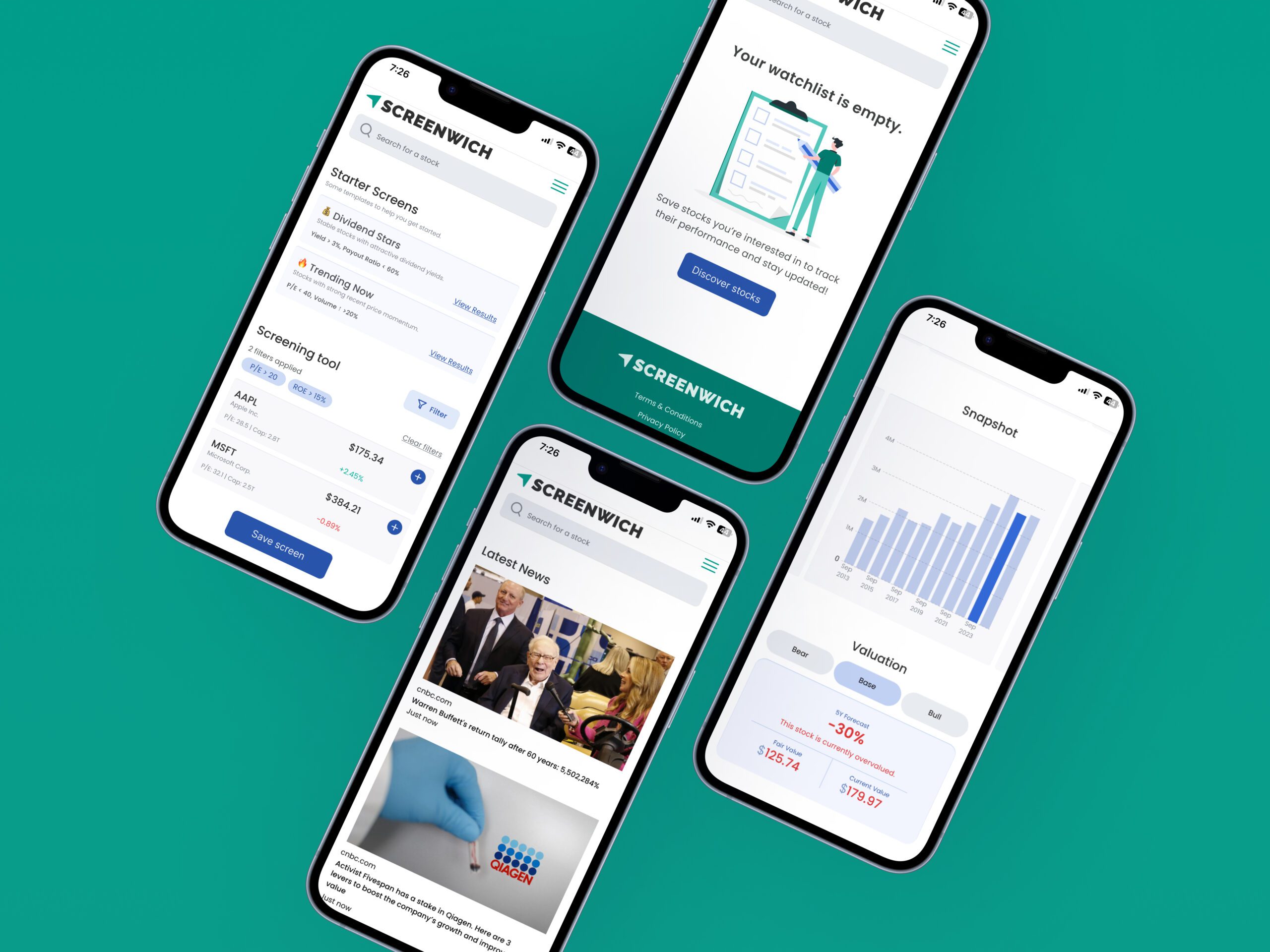
High Fidelity Screens

More Projects

Back